
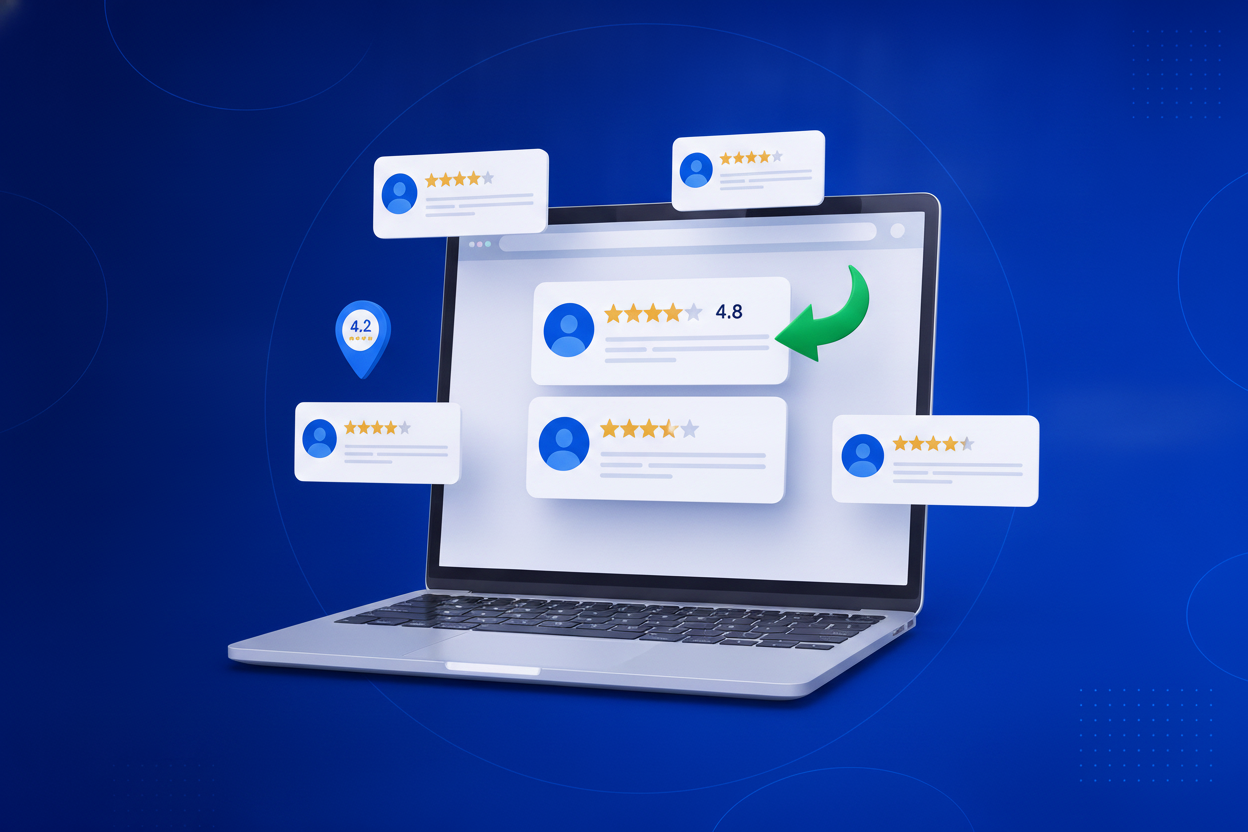
Your Google reviews are working hard — on Google. Meanwhile your website, where visitors actually decide to buy, book or call, shows none of that proof. Getting your reviews onto your site is one of the quickest conversion wins there is, and there are three ways to do it. Here’s how they compare, and how to set up the one that maintains itself.
They all “work.” They age very differently.
Free and fast — but frozen in time. The dates go stale, new reviews never appear, and visitors can’t tell the quotes are real. Fine for a one-off slide, weak on a website.
Google lets you embed your Maps listing, but it shows a map — not a clean, readable set of reviews — and you can’t filter, style or curate anything.
Paste your profile link once. Reviews are fetched with stars, names and avatars, refresh daily, and display as a wall, carousel or badge that matches your site. Set-and-forget.
Around five minutes from start to live — no developer needed.
Search for your business on Google Maps, open your profile and copy the share link (or your Maps URL). That public link is all you need — no API keys, no Google Cloud account, no developer.
Sign in to BrandBits, open Reviews and create a widget. Paste your Google link as a source — your reviews are fetched automatically within a minute or two, complete with star ratings, names and avatars.
Pick a review wall for a testimonials section, a carousel for busy pages, or a compact rating badge for headers and buy buttons. Set a minimum star rating (4-and-up is the sweet spot) and hide any review you’d rather not feature.
Copy the two-line snippet and paste it into your page — WordPress, Wix, Squarespace, Shopify or hand-built HTML, anywhere custom HTML is allowed. The widget loads asynchronously, so it never slows the page.
That’s it. Your reviews refresh automatically every day (or on demand with one click), so new five-star reviews show up on your site without you touching anything again.
Reviews persuade best at the moments visitors hesitate.
A review wall or carousel under the hero answers “can I trust these people?” before visitors scroll further.
Price is where doubt peaks. A rating badge or carousel beside the numbers reframes cost as a safe choice.
A compact star badge next to the call-to-action reassures at the exact click that matters.
Visitors from ads have never heard of you. Real reviews with names and dates back up every claim in the ad.

The BrandBits review widget fetches your Google reviews automatically and keeps them current — and it doesn’t stop at Google. Blend in Facebook, Trustpilot, Yelp and Tripadvisor reviews, collect new ones on your own site, and moderate everything before it shows.