
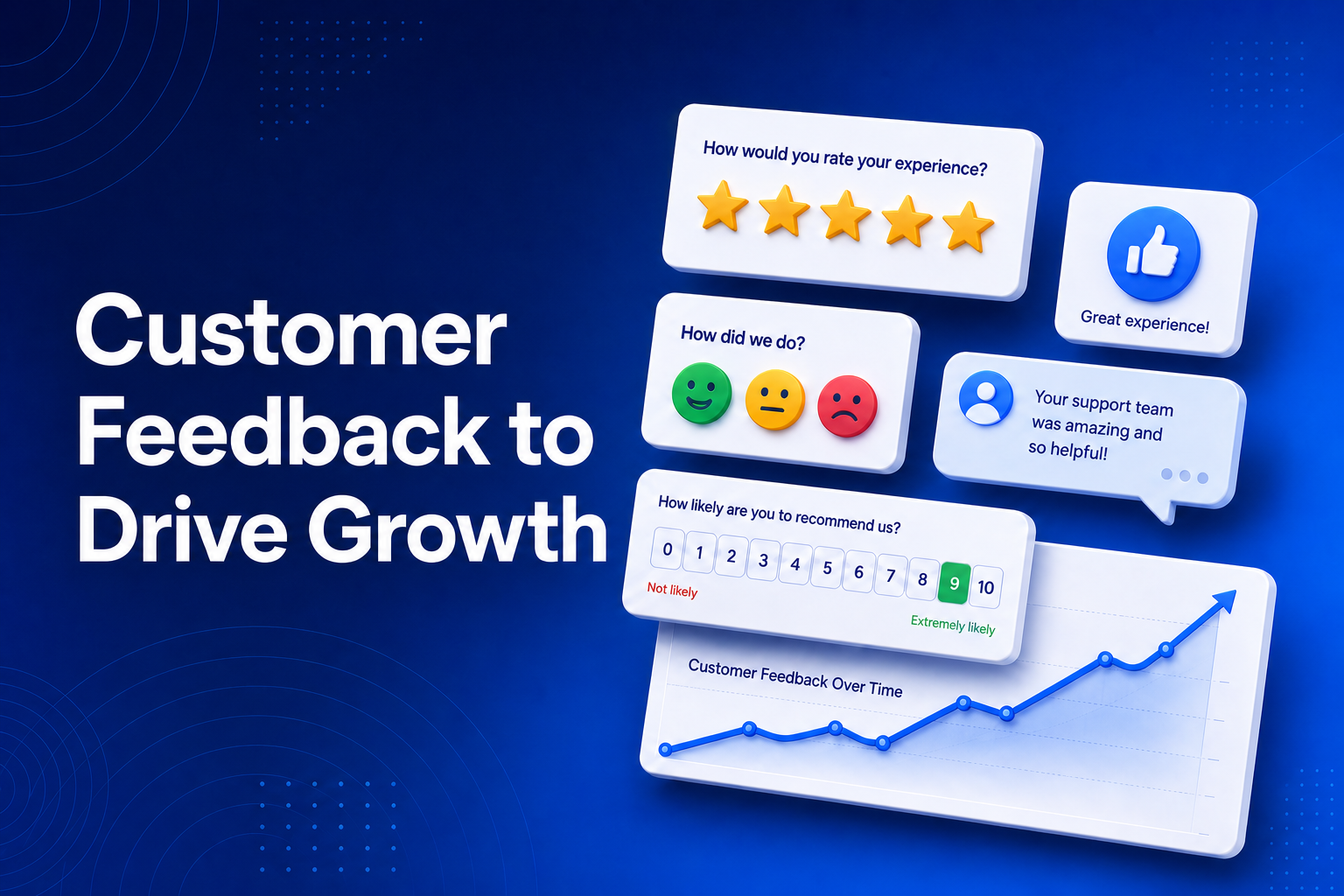
Your customers will tell you exactly how to grow - if you make it easy for them to speak. A single rating widget on a confirmation page, a thumbs-up after a download, or one NPS question in an email can surface the issues costing you sales and the strengths worth shouting about.
BrandBits Feedback lets you build those widgets in minutes, embed them anywhere, and read every response in one place - on one platform for a single monthly fee. Here is how each piece helps you grow.
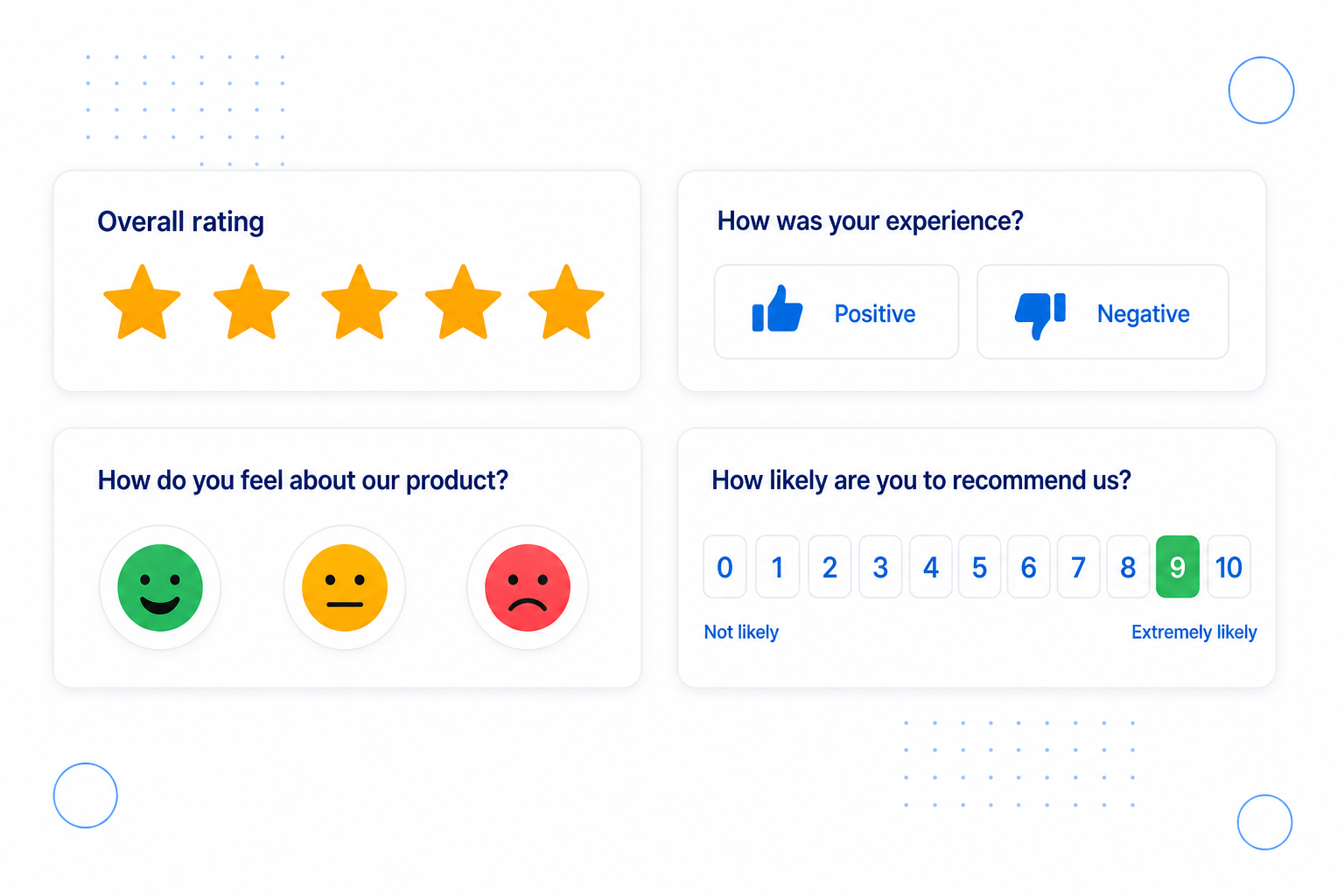
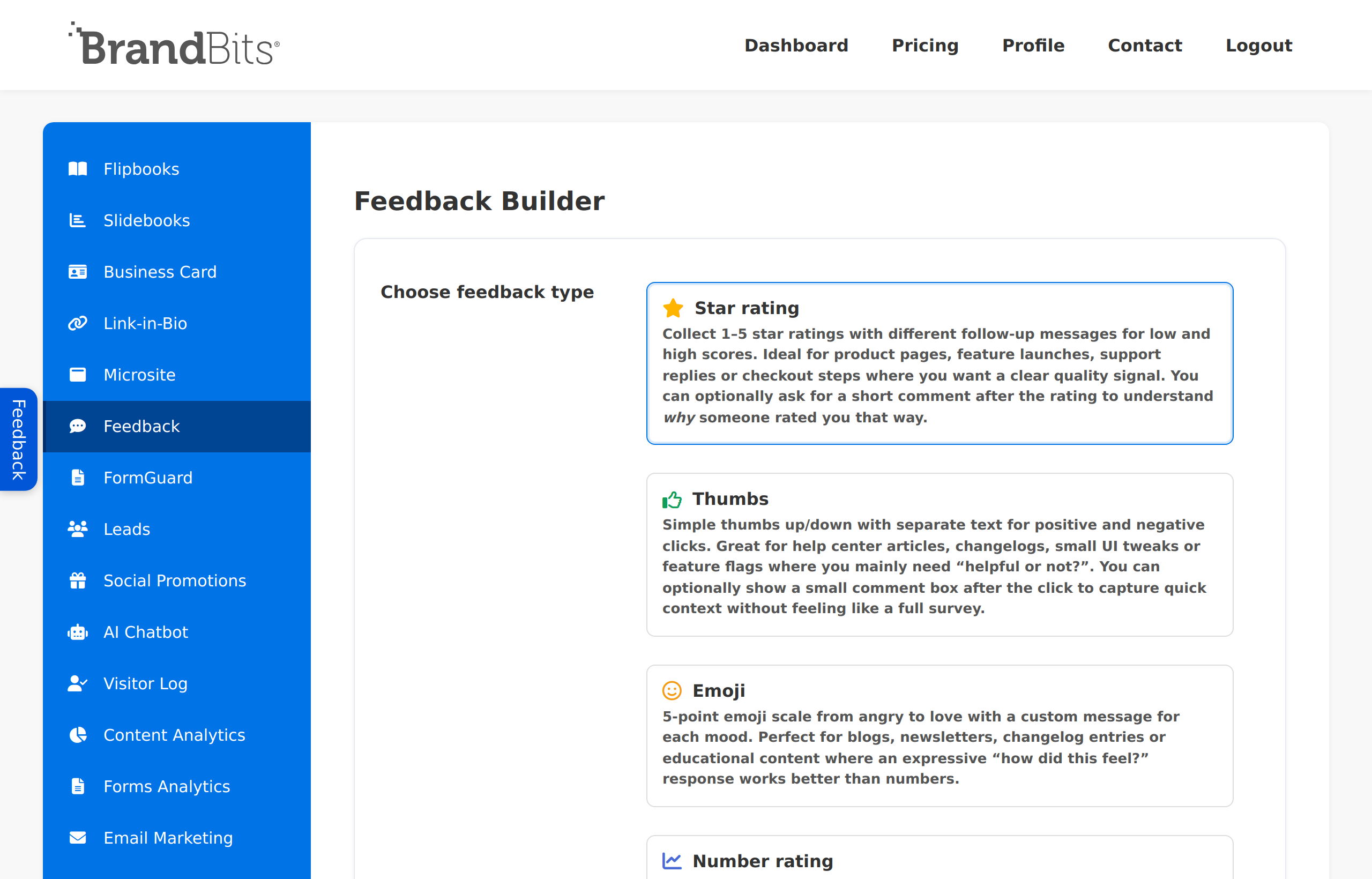
Different moments call for different questions. Feedback gives you four ready-made types so you can ask in the lightest way that still gets you the insight you need.
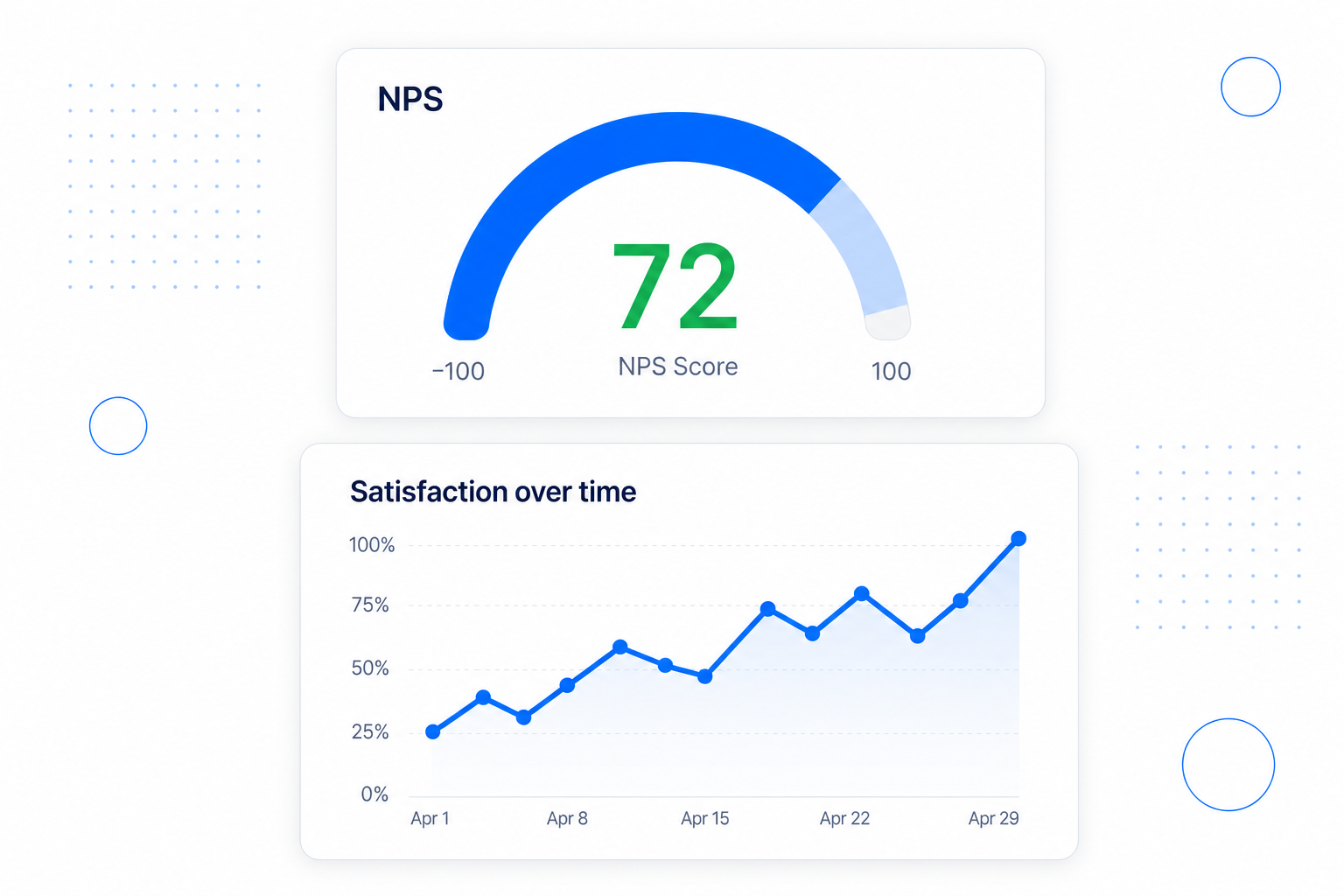
One response is an anecdote; a trend is a strategy. Because every submission is stored, you can watch your scores move as you ship changes - proof that your improvements are landing.
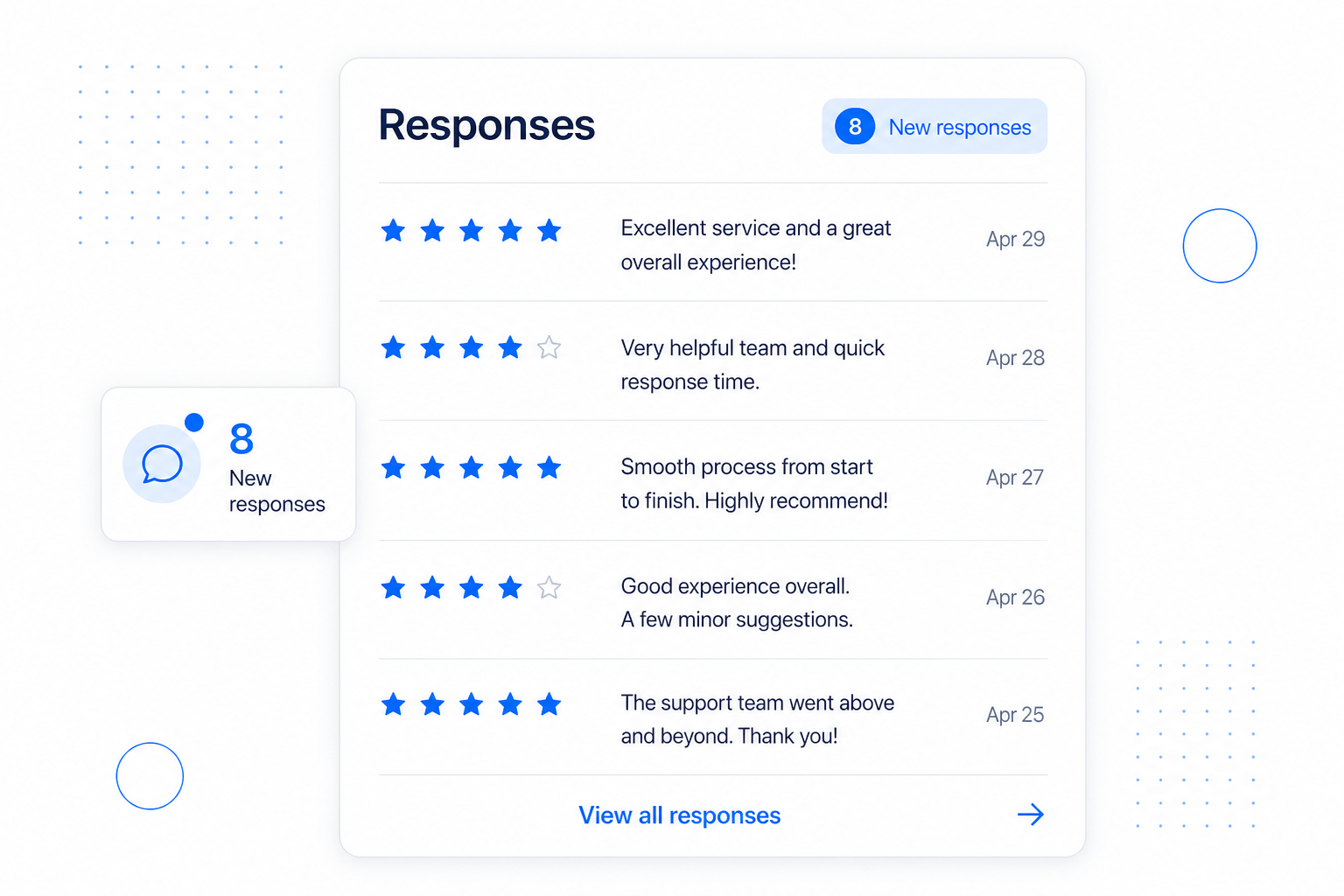
All your feedback lands in one tidy inbox. Skim the comments, spot the patterns, and you will quickly see the handful of things worth acting on first.
Feedback isn't just a thermometer - it is a growth engine. Use it to route your happiest customers toward reviews and referrals, and your critics toward a quick save.
You can have a feedback widget live in a few minutes. The flow is: pick a type, configure it, embed it where customers are, then read what comes back. Here is exactly how.
In the sidebar, open Feedback and click Create Feedback Element. Choose the type that fits the moment, then click Continue.
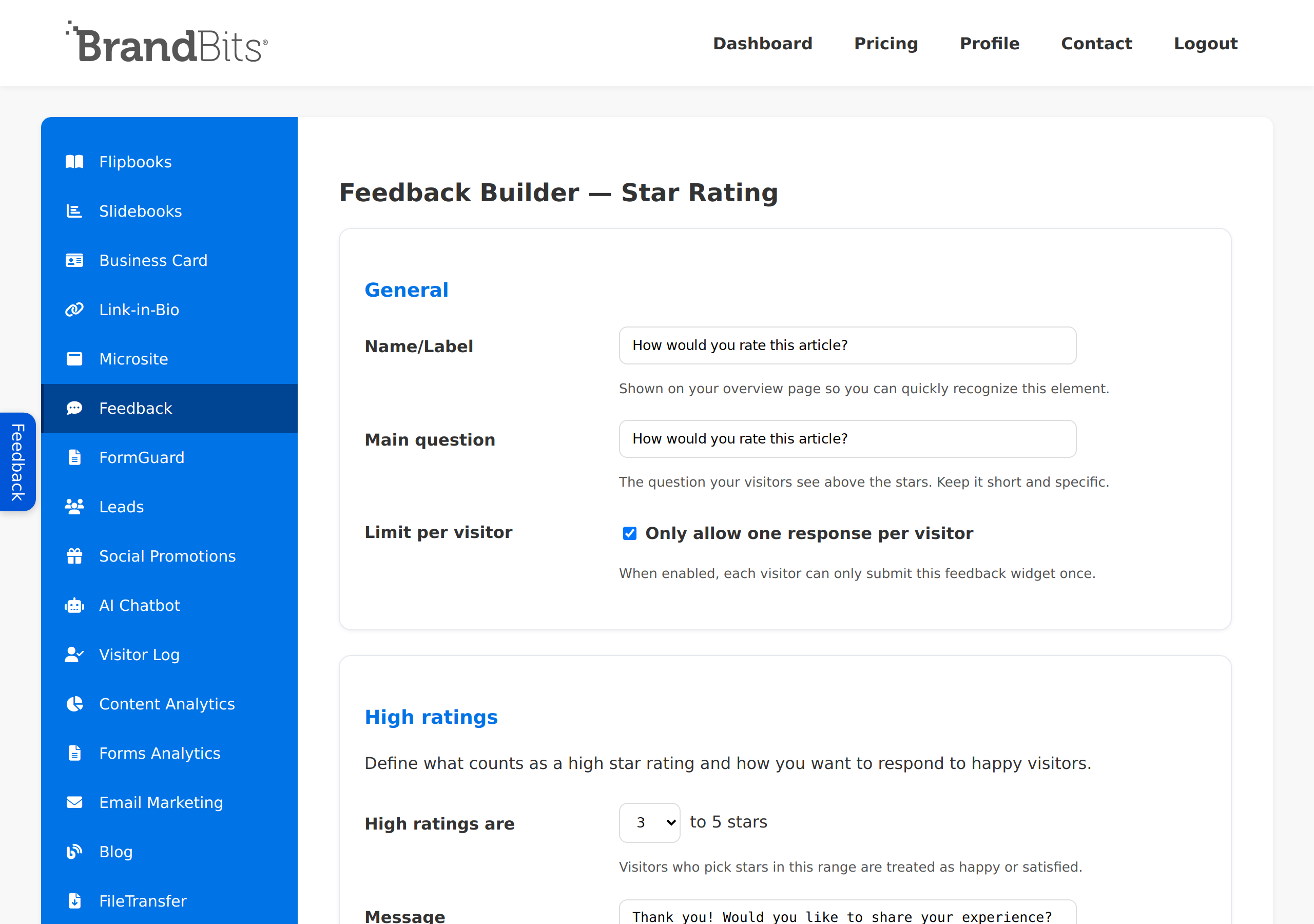
On the builder, set the wording and look so the widget feels native to your site. Keep the question short and specific.
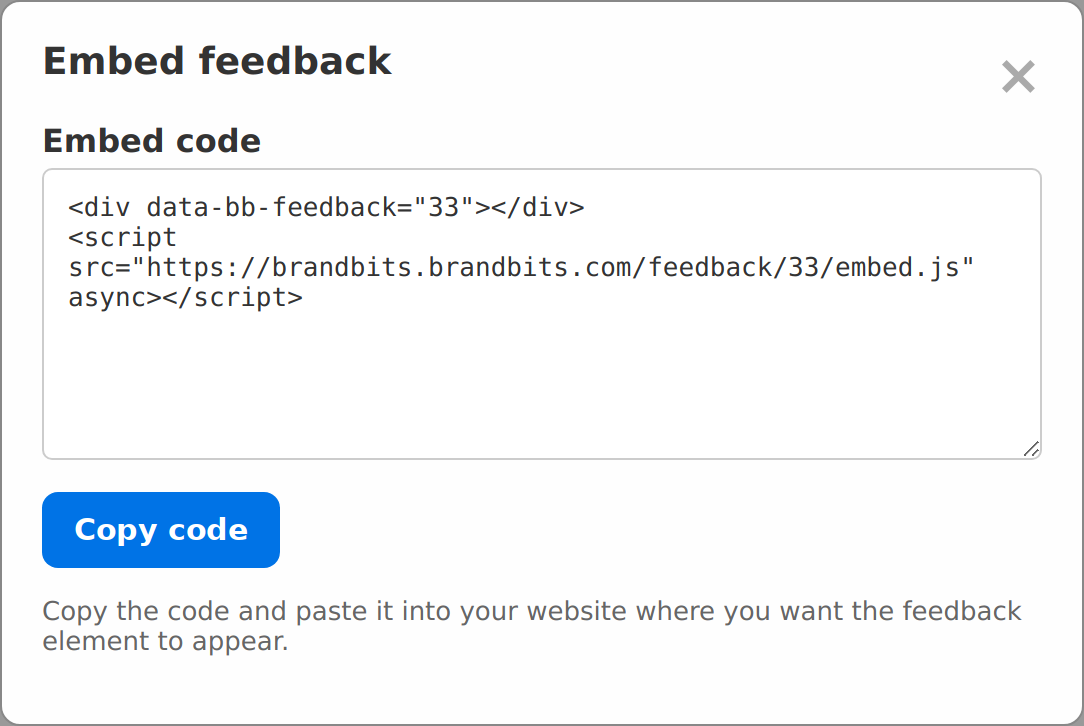
Back on the Feedback list, click the Embed code icon on your element. Copy the snippet and paste it into your site wherever you want the widget to appear - a product page, a thank-you page, a help article, or a blog post.
As feedback comes in, open Entries on your element to see every response. Now turn the insight into action.
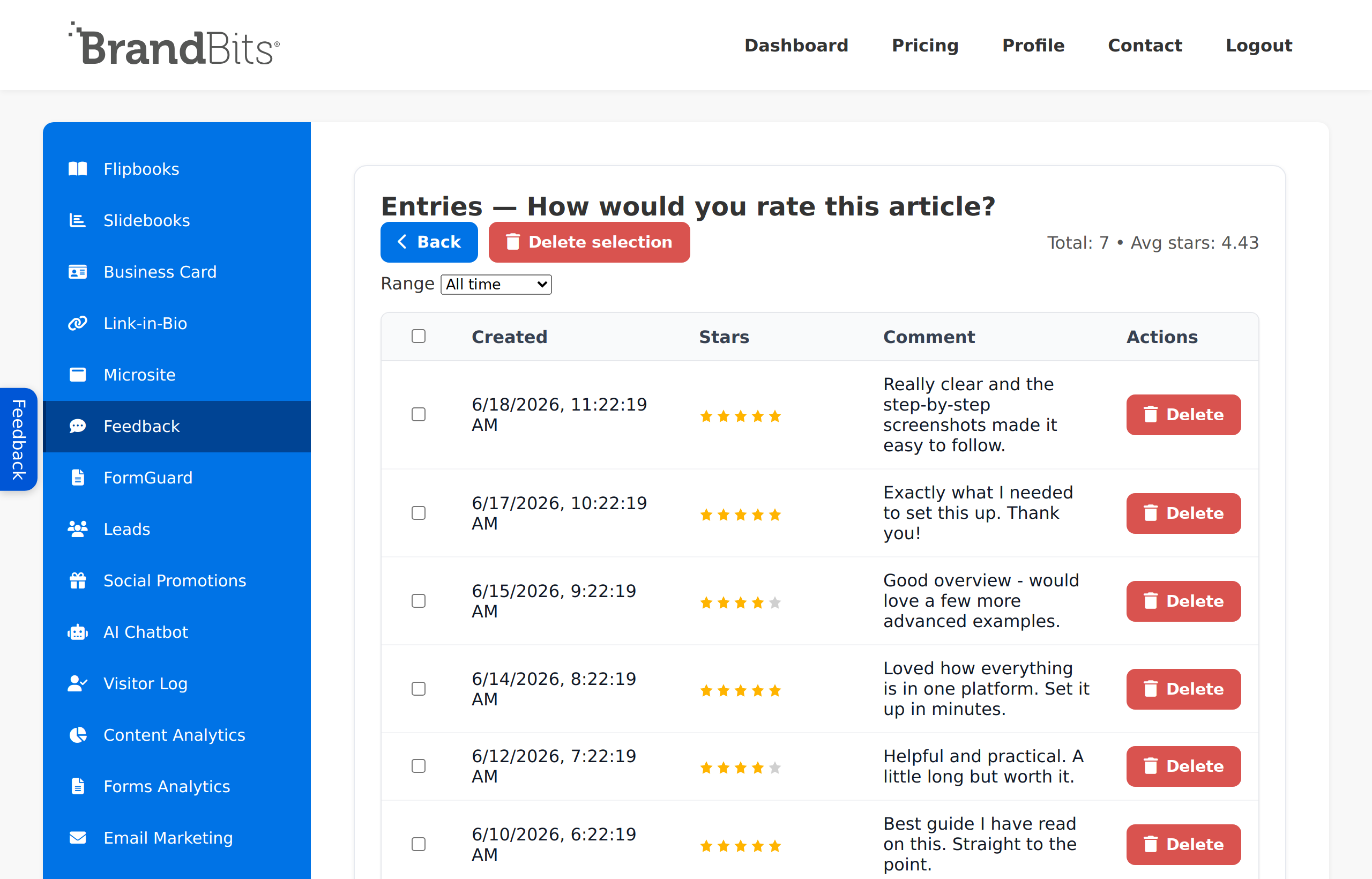
Rating an article is just one example. The most useful feedback is asked at the exact moment a customer forms an opinion. Here are proven places to ask - each one a small widget you set up exactly like the steps above.
"How was your order?" Catch problems with a product or your checkout while the experience is still fresh - and turn happy buyers into reviews.
Star rating"Did we solve your problem?" Score the quality of every support reply or help article so you know which answers actually help.
Thumbs"Was this resource useful?" See which lead magnets, guides and templates deliver real value - and which ones to retire.
Star rating"How likely are you to recommend us?" The classic loyalty question - track your score over time and find your promoters and detractors.
NPS"Was this page helpful?" Find the confusing or weak pages that quietly cost you conversions before visitors bounce.
Emoji"How was getting set up?" Reduce early churn by spotting the friction new customers hit in their first days.
Star rating"How was the session?" Improve future events, and surface attendees happy enough to give you a testimonial.
Star rating"What do you think of this?" Validate a launch and let real reactions help prioritise what you build next.
Emoji"Why are you leaving?" Capture the real reasons behind churn at the exact moment people decide to go - the most honest feedback you'll get.
Thumbs + commentAsk for feedback at the right moment with a lightweight widget, watch your scores over time, read the responses to learn what to fix and what to amplify, then channel happy customers into reviews and referrals. That loop turns everyday feedback into steady, compounding growth.
It is all part of BrandBits, and we keep adding tools over time based on customer feedback to make it even more valuable for you.