
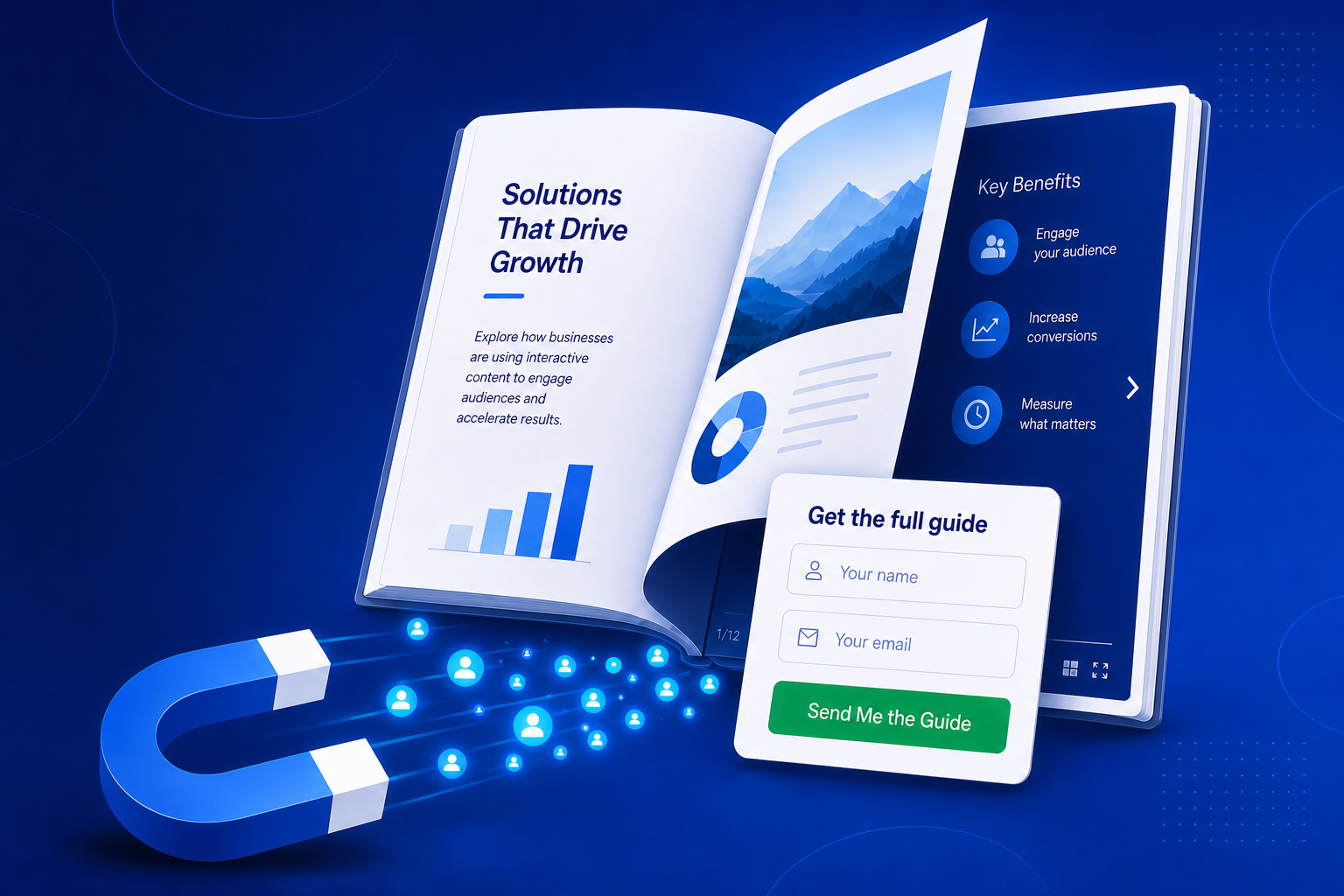
A flat PDF sitting behind a download button does almost nothing for your pipeline. Turn that same document into an interactive flipbook and it becomes something far more useful: a piece of content people want to read, a place to ask for an email in exchange for value, and a way to see exactly who is paying attention.
BrandBits connects the whole journey - from the flipbook a prospect opens, to the form they fill in, to the clean list you export for follow-up - in one fast platform for a single monthly fee. Here is how each tool plays its part.
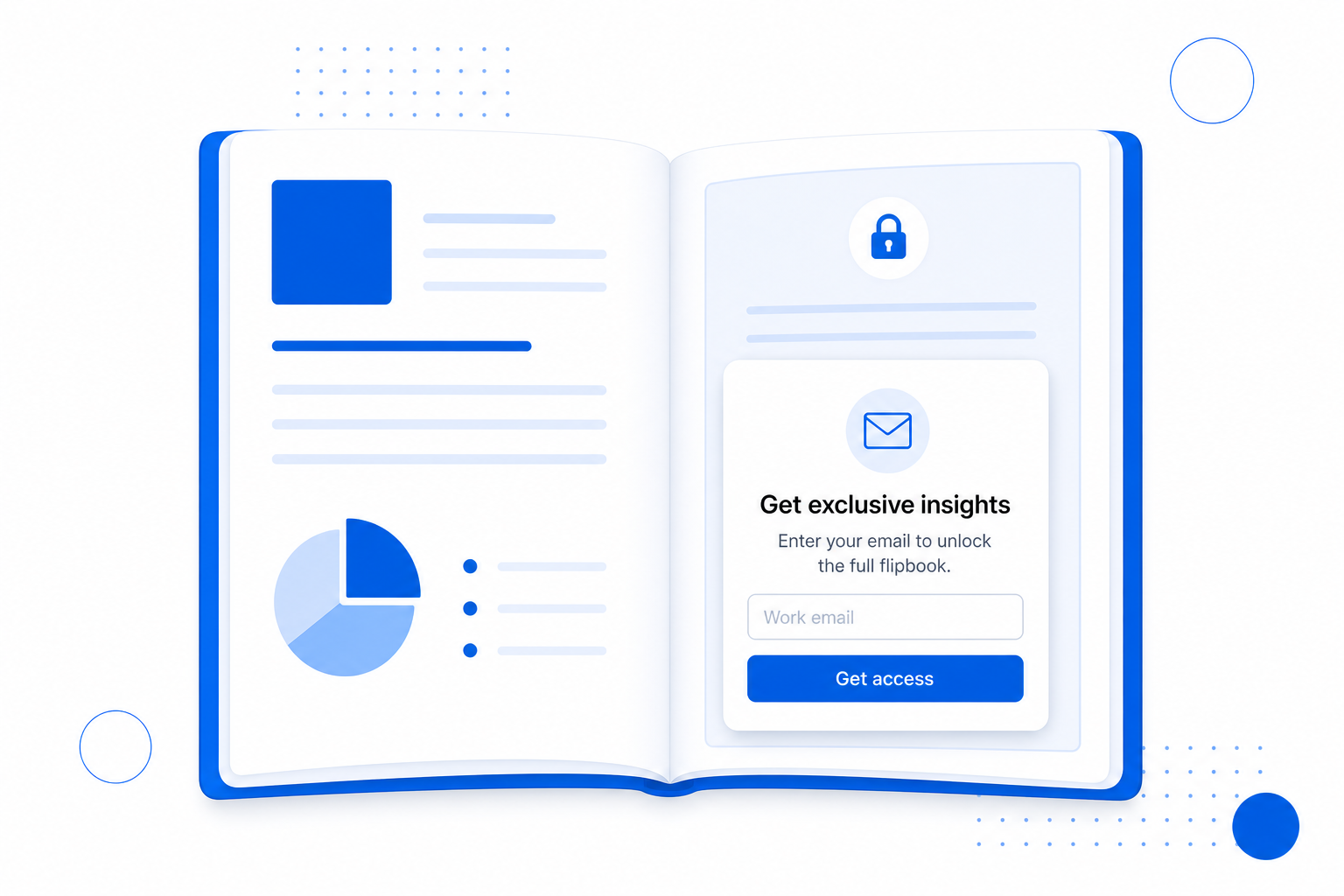
Reports, guides, look books and catalogs make excellent lead magnets - but only if they look the part. Flipbook turns any PDF into a polished, mobile-friendly publication with realistic page turns, then lets you gate it behind a sign-up so every reader is a potential lead.
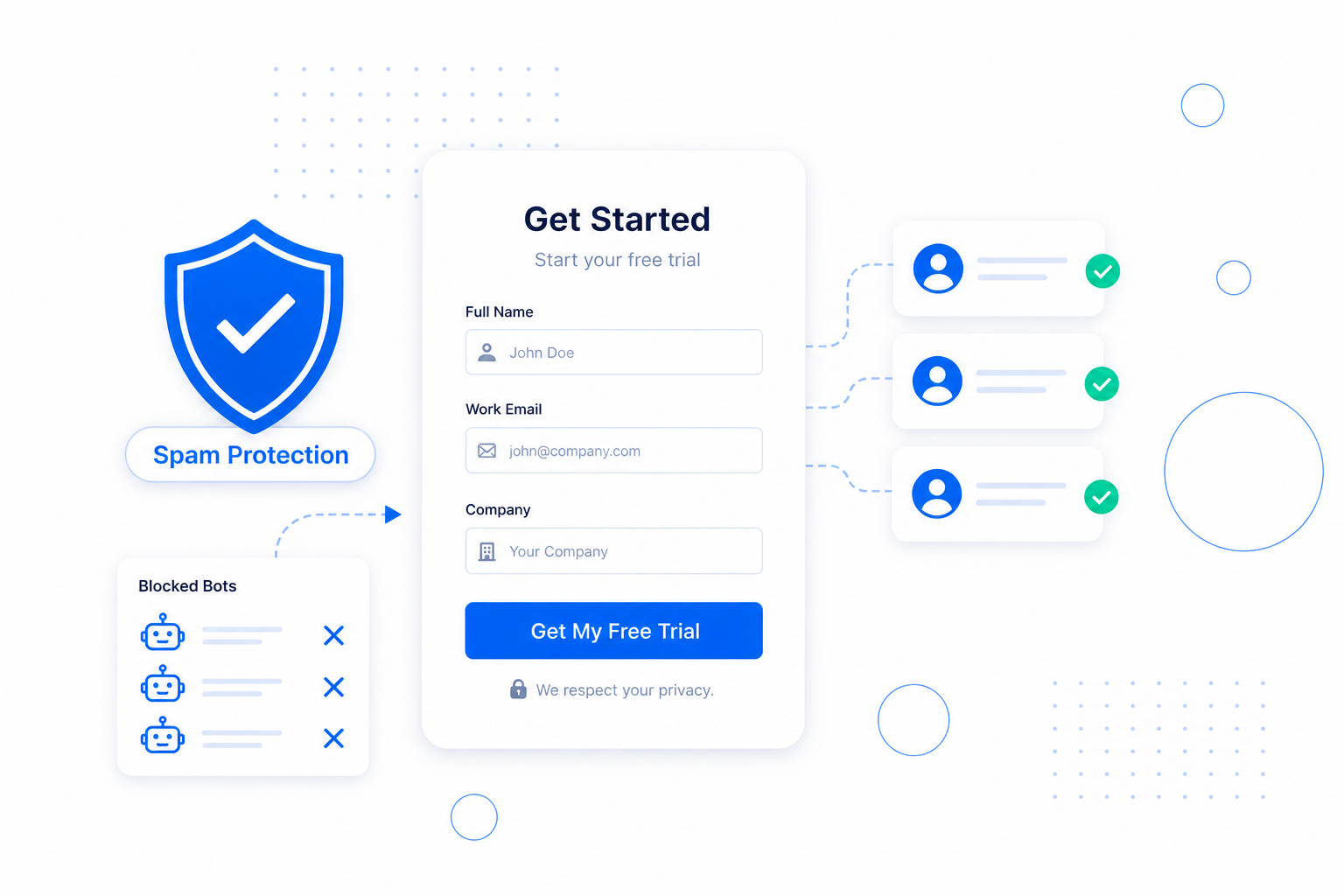
A lead magnet only pays off if the leads are real. FormGuard powers the capture forms on and around your flipbooks, checking every submission against known spam lists so bots and junk never reach your list.
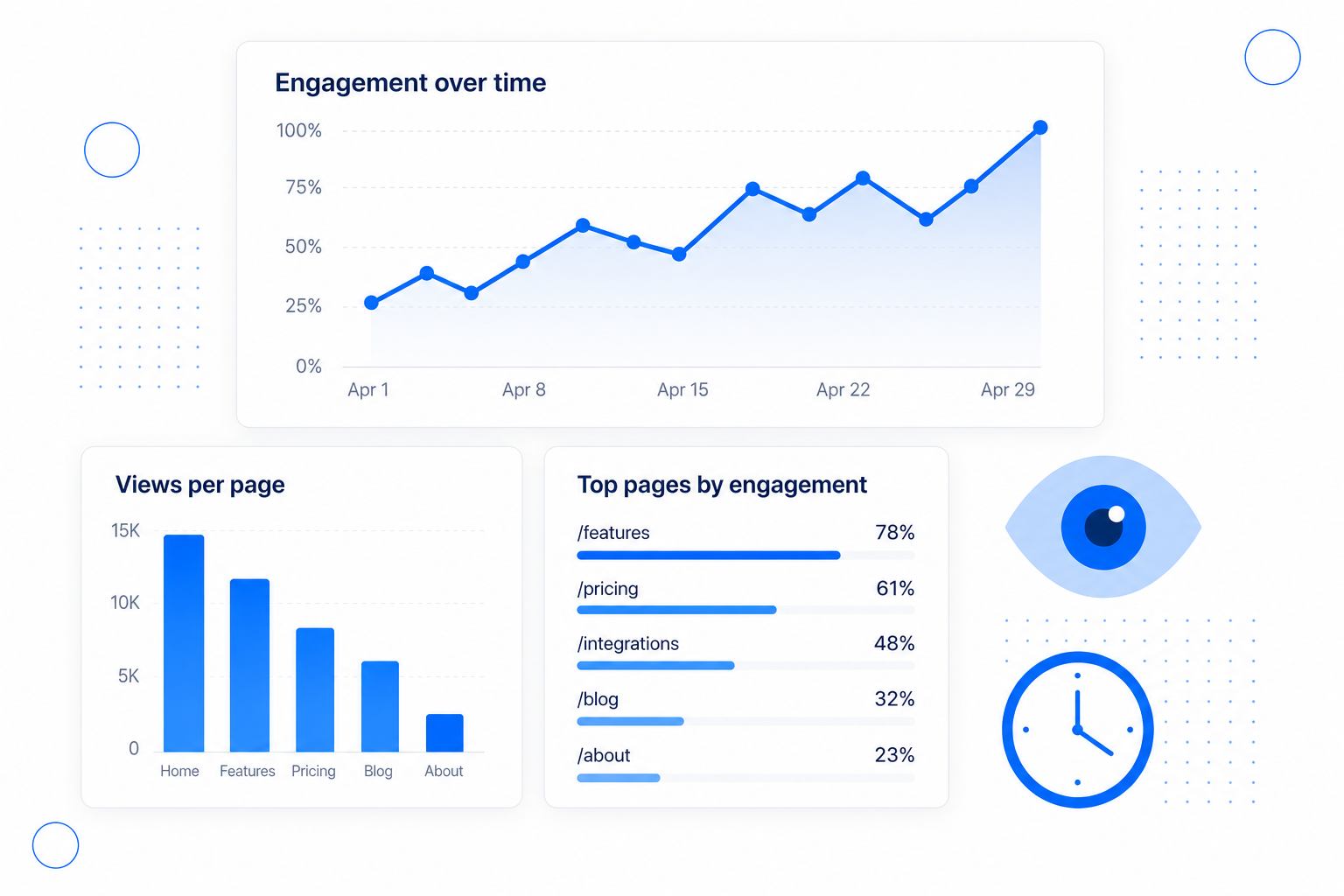
Not every lead is equally warm. Because every flipbook reports statistics for each individual page, you can tell who skimmed the cover and who read to the end - and prioritise the prospects showing real intent.
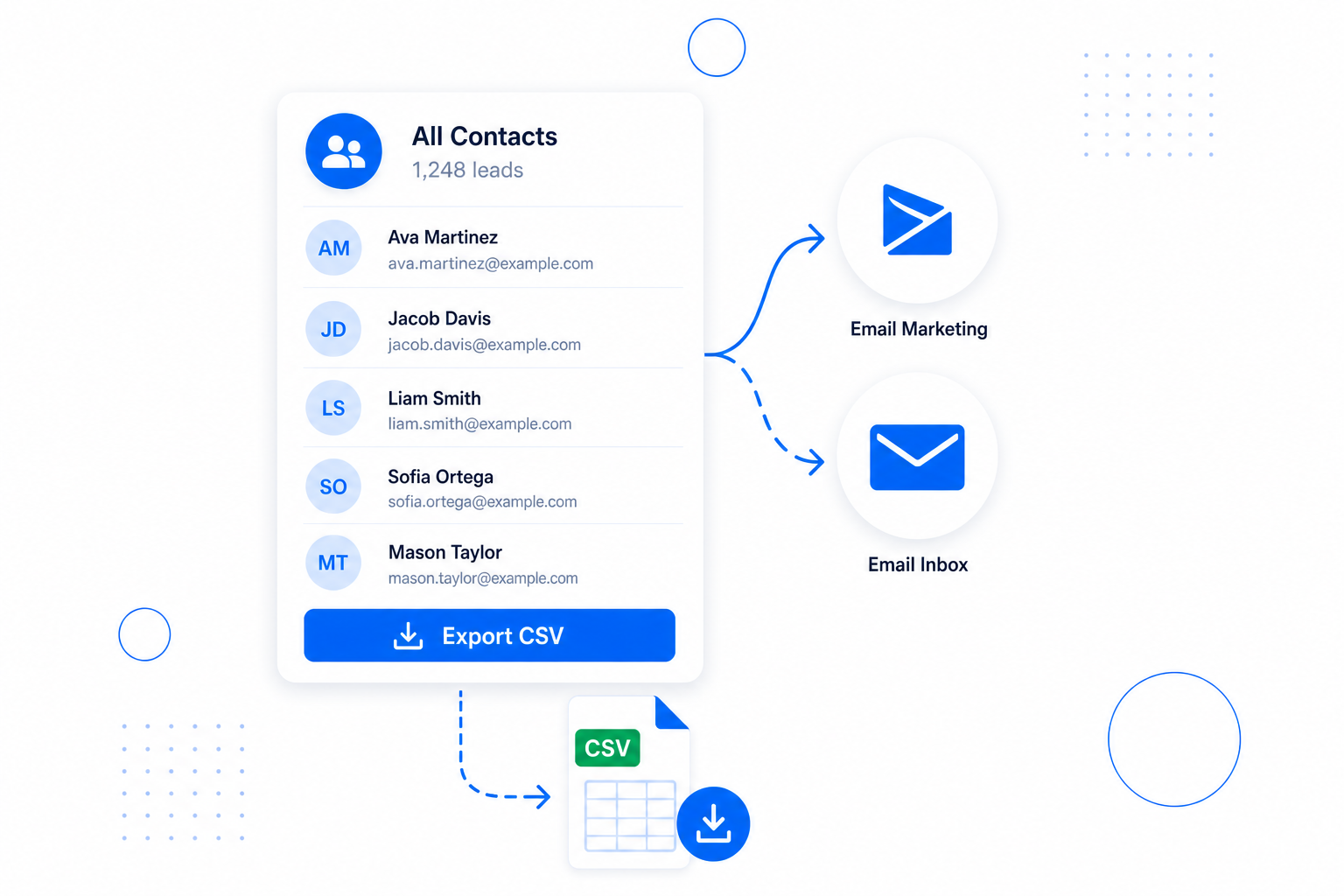
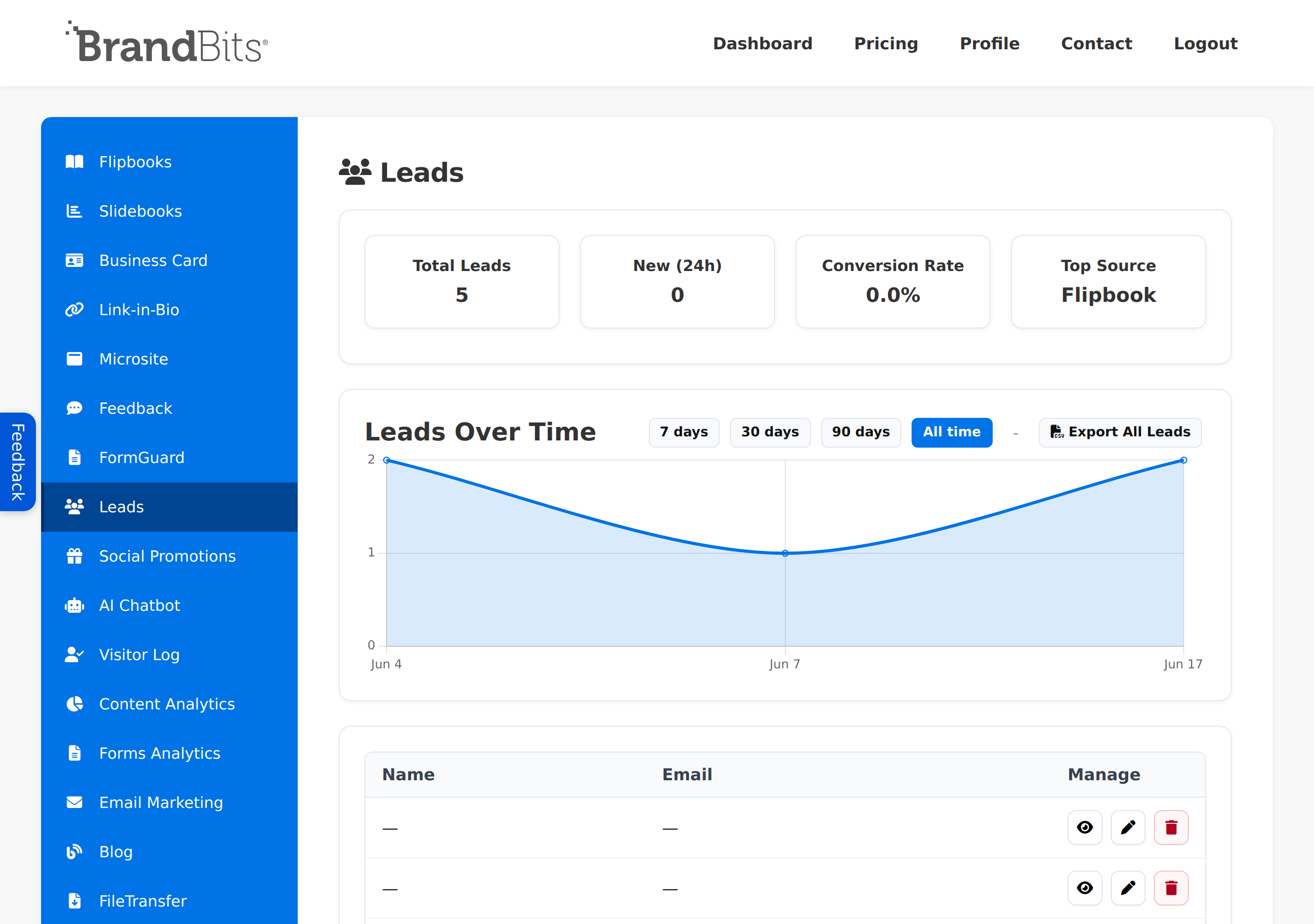
Once a reader opts in, their details land in one place, ready to work. Export your captured leads whenever you need them and pick up the conversation in the email marketing platform or inbox you already use - no lock-in, no learning a new sending tool.
You can have a lead-capturing flipbook live in a few minutes. The whole flow is: build a form, upload your PDF, then connect the two. Here is exactly how.
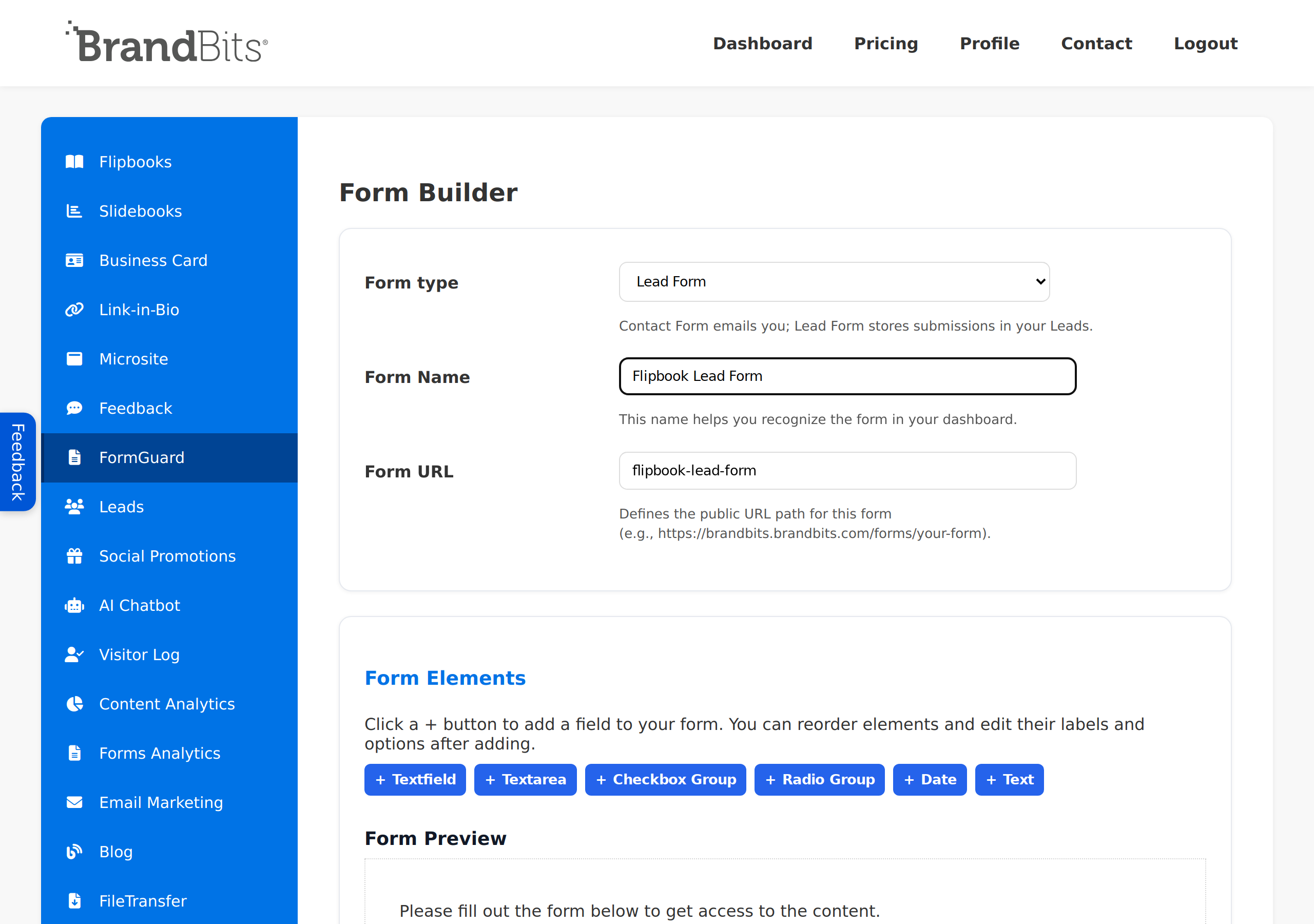
In the sidebar, open FormGuard and click Create New Form. FormGuard forms are spam-resistant out of the box, so you collect real contacts instead of bot junk - no CAPTCHAs required.
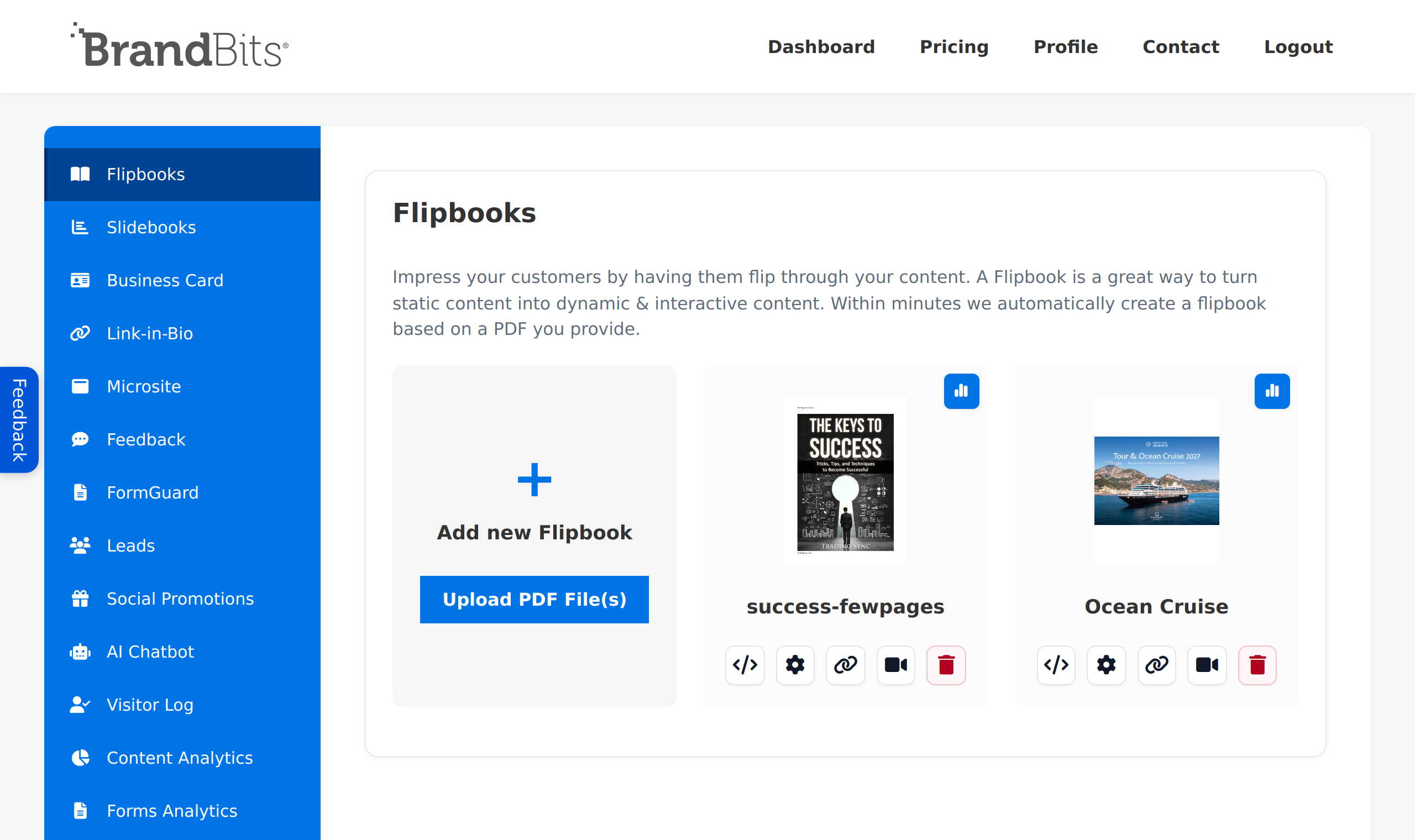
In the sidebar, open Flipbooks, click Add new Flipbook and then Upload PDF File(s). Pick the catalog, report, brochure or guide you want to turn into a lead magnet.
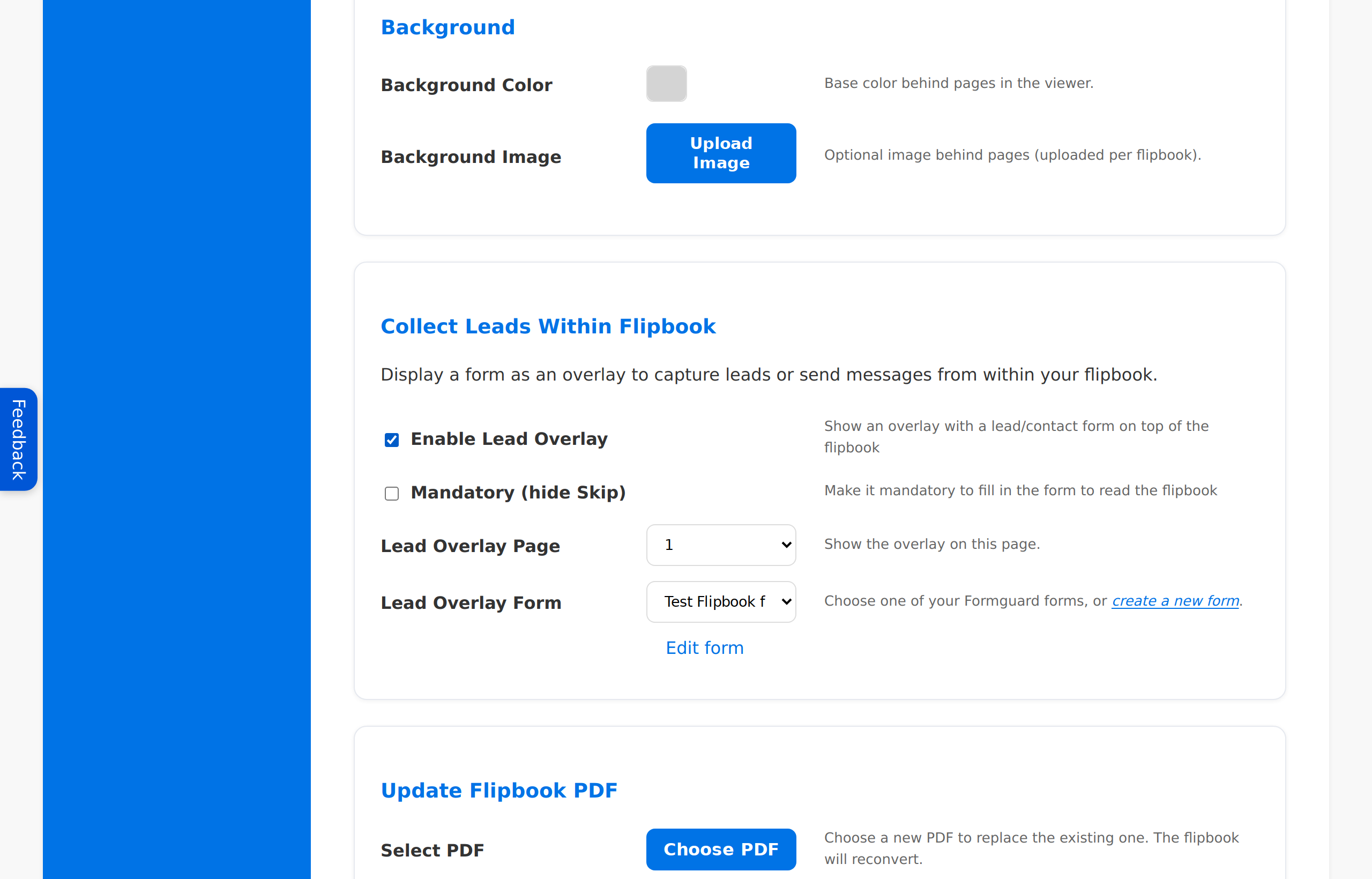
On the flipbook card, click the Settings (cog) icon and scroll to Collect Leads Within Flipbook. This is where the flipbook and your form come together.
The Mandatory (hide Skip) checkbox decides how hard the gate is:
That is it - your flipbook now captures leads. Every submission lands under Leads in the sidebar, tagged with the source Flipbook so you know where it came from. Export them to CSV whenever you want to follow up in your own email platform or inbox.
Package your best content as a Flipbook lead magnet, gate it with a FormGuard-protected form, watch page statistics to see who is genuinely interested, then export your leads to follow up however you like. One connected platform takes a reader from "just browsing" to a captured lead - without juggling five separate tools.
That is the whole idea behind BrandBits, and we keep adding tools over time based on customer feedback to make it even more valuable for you.