
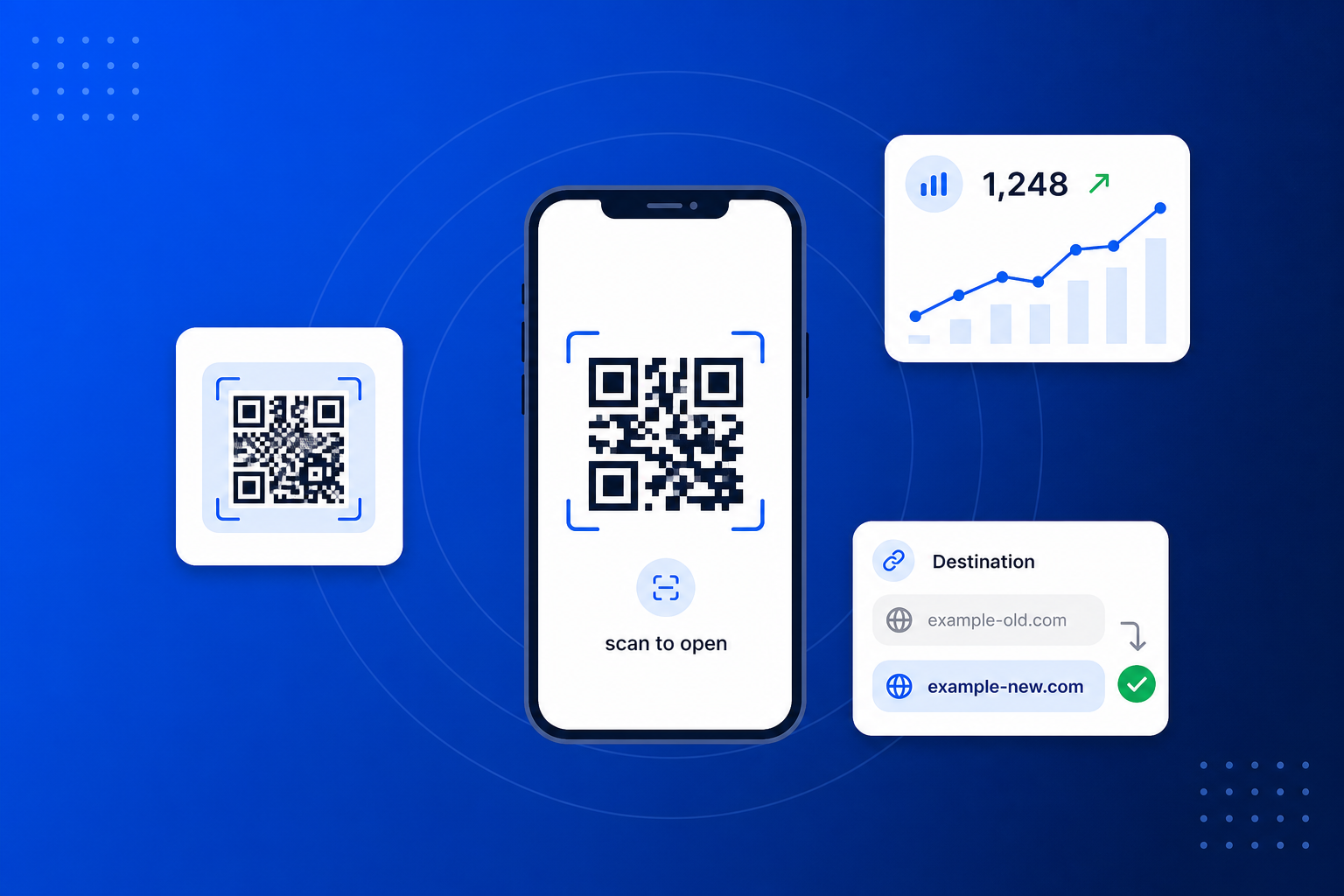
A dynamic QR code keeps a single, fixed short link printed in the code — but you decide where that link sends people, and you can change it whenever you like. So you can print it on a menu, a poster, a sign or product packaging today, and repoint it to somewhere completely different tomorrow without reprinting a thing. Because every scan passes through your link first, you also see exactly how often it is used.
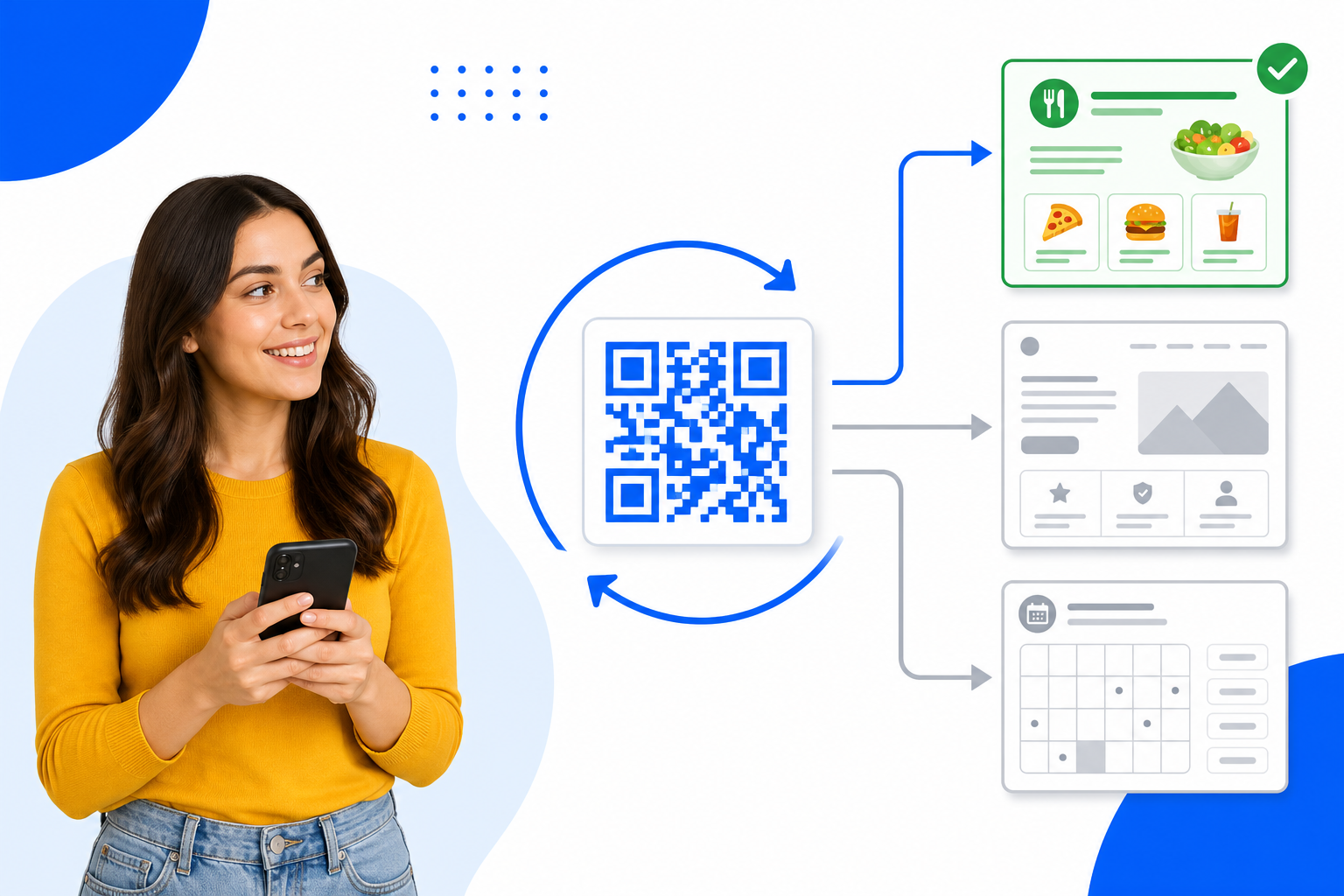
Create a trackable QR code in minutes — no design skills and no app to install.
Give your QR code a name and pick where it should send people — any web address, or one of your published BrandBits tools.
Choose your colours and size, then download a crisp SVG or PNG ready to print on anything — menus, signs, packaging or screens.
Watch the scans roll in, and change the destination anytime. The printed code keeps working — it just points somewhere new.
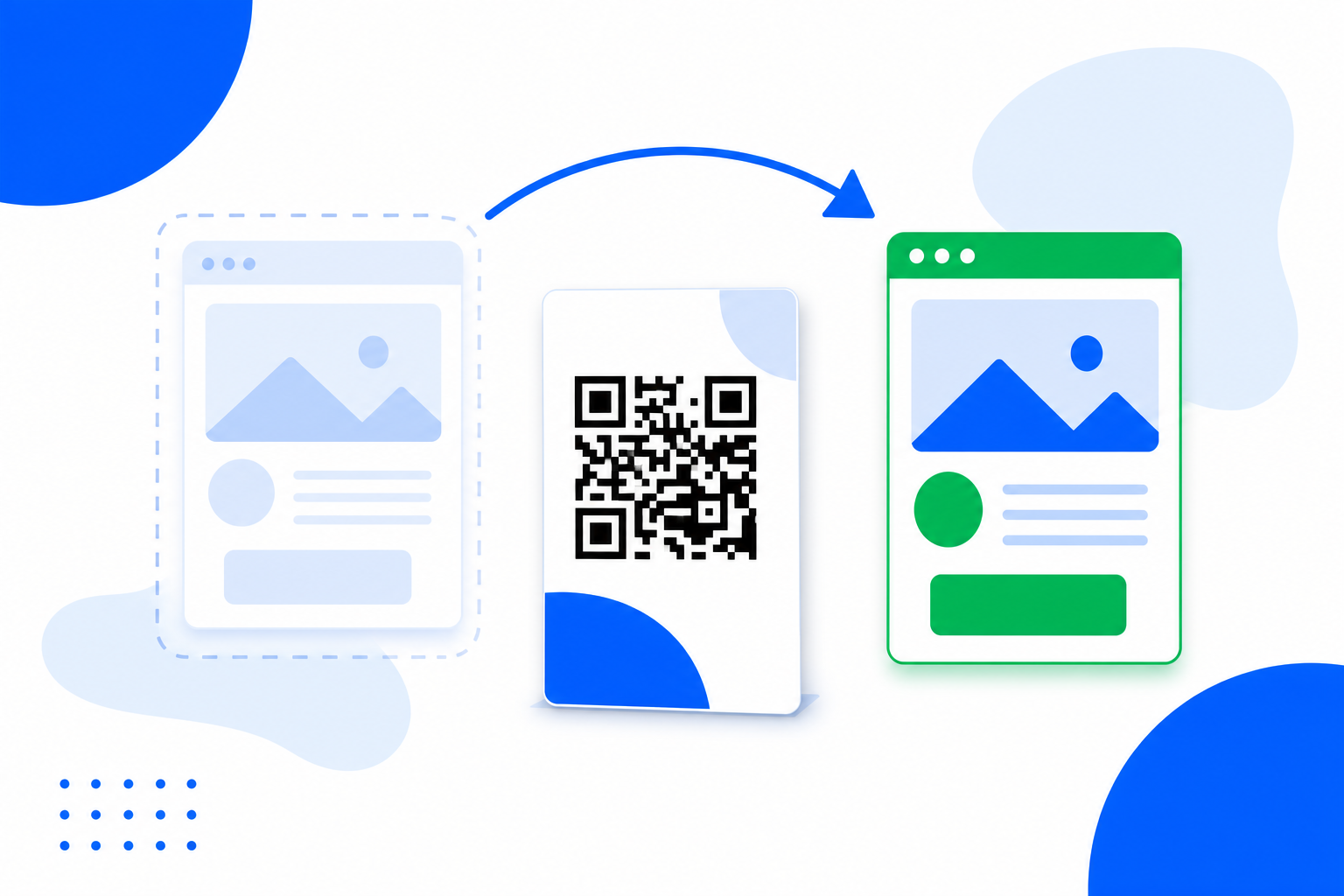
With a static QR code, a wrong link or a new offer means reprinting everything. A dynamic QR code fixes that: the code stays the same forever, while you swap the destination behind it whenever you need to — instantly.
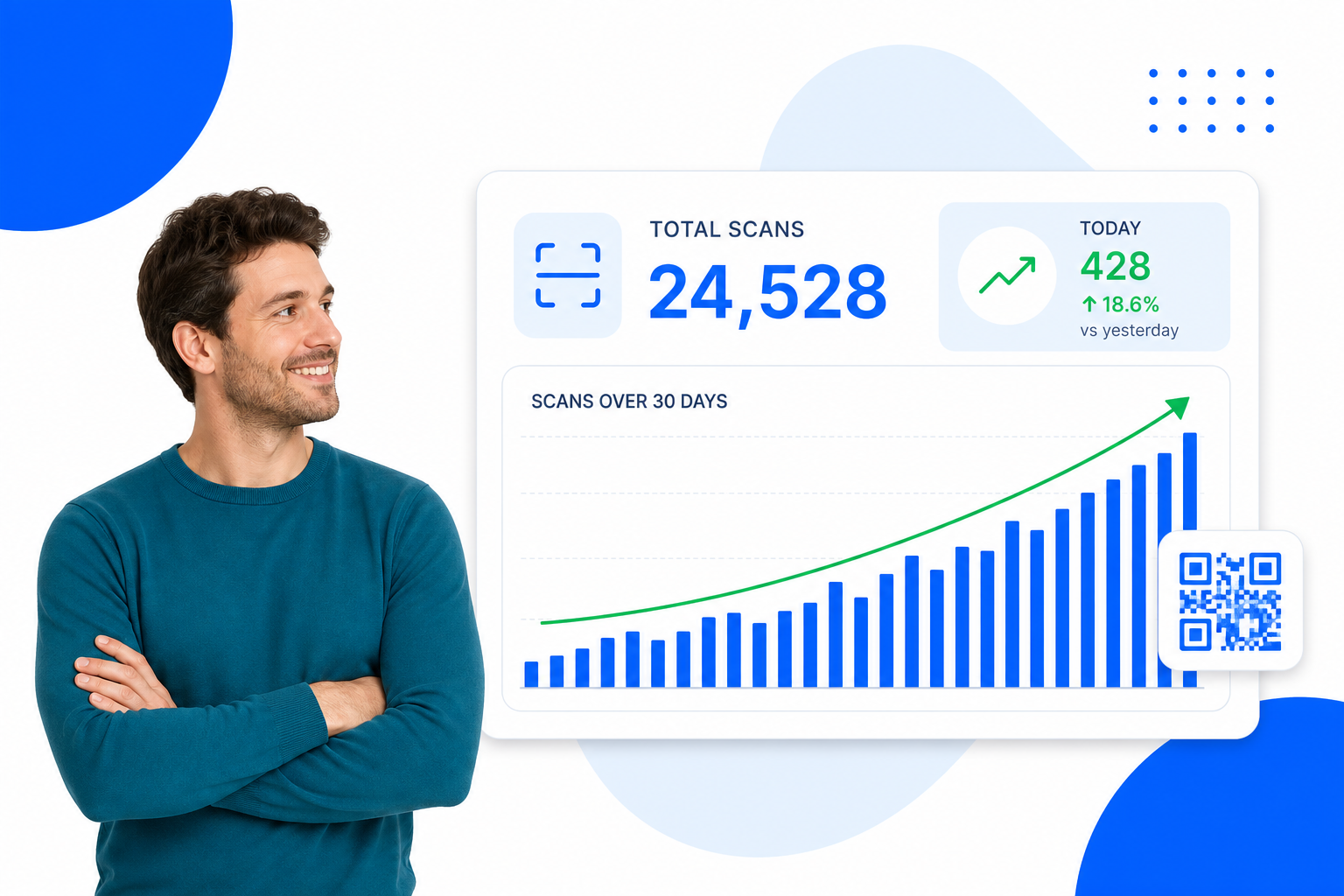
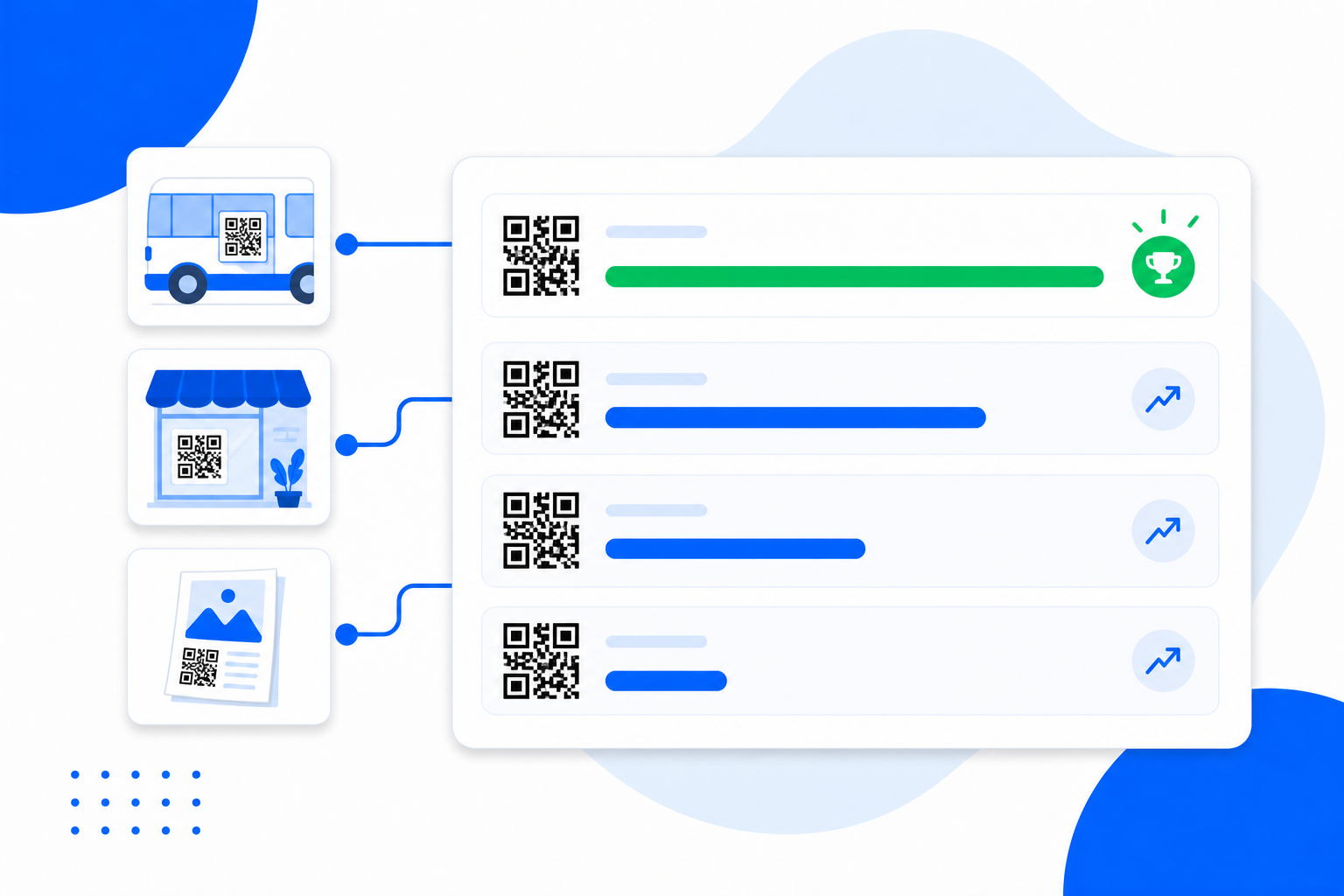
Paper and stickers tell you nothing. A BrandBits QR code counts every scan, so you can see whether that table tent, flyer or shop window is actually pulling people in — and which ones work best.
A QR code works on almost anything you can print or display — a shop window, a flyer, a van, your packaging, a table tent, even your receipts. Give each spot its own code and every placement becomes a channel you can measure — so you stop guessing and start seeing which ones actually bring people in.
One code on the window, one on your flyers, one on the van. Each can point to the same destination — but you’ll know exactly which placement earned the scan.
Compare scans across your codes to find the placements that pull people in. Maybe the table tent beats the poster — now you know where to put your effort.
Scans tell you the reach. Point a code at a BrandBits booking page, card or microsite and you can also see what people did next — that’s the quality behind the numbers.
Double down on the channels that perform and quietly drop the ones that don’t — instead of reprinting the same materials and hoping.
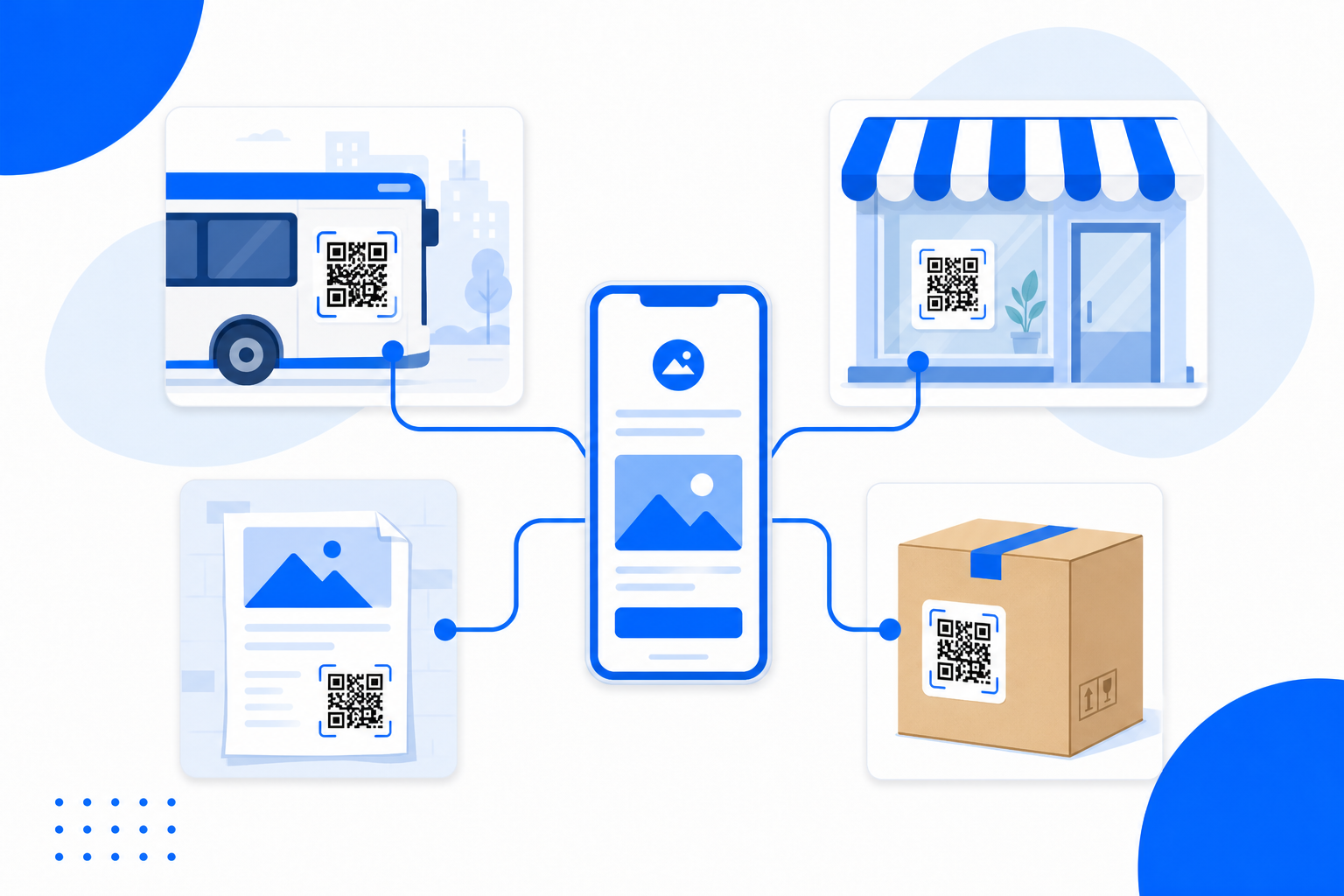
A QR code works on almost anything you can print or display. Put the same code on the side of a van, in your shop window, on a flyer and on your packaging — point them all at the same destination, and each placement becomes a separate channel you can measure.
When every spot is its own channel, the numbers tell you where to focus. Compare scans across your codes to find the placements that actually bring people in — and point a code at a BrandBits tool to see what they did next, not just that they scanned.
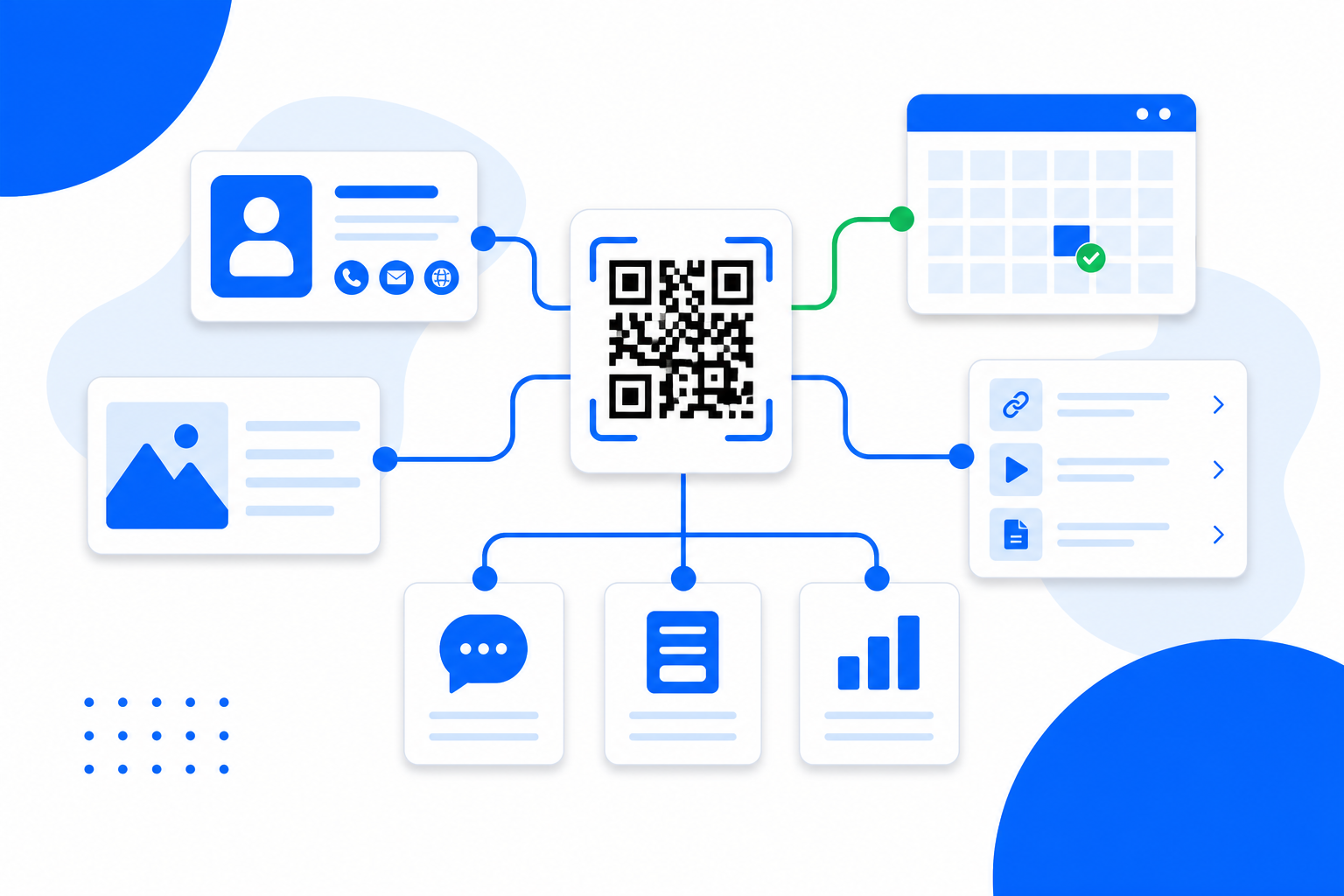
Point your QR code at any web address, or connect it straight to one of your other BrandBits tools with a single click — no copying and pasting links. It is the fast bridge between the real world and everything you build with BrandBits.
Working online rather than in print? Smart Links do the same job for anything you share as a link, short branded addresses on your own domain that you can repoint whenever the destination changes.
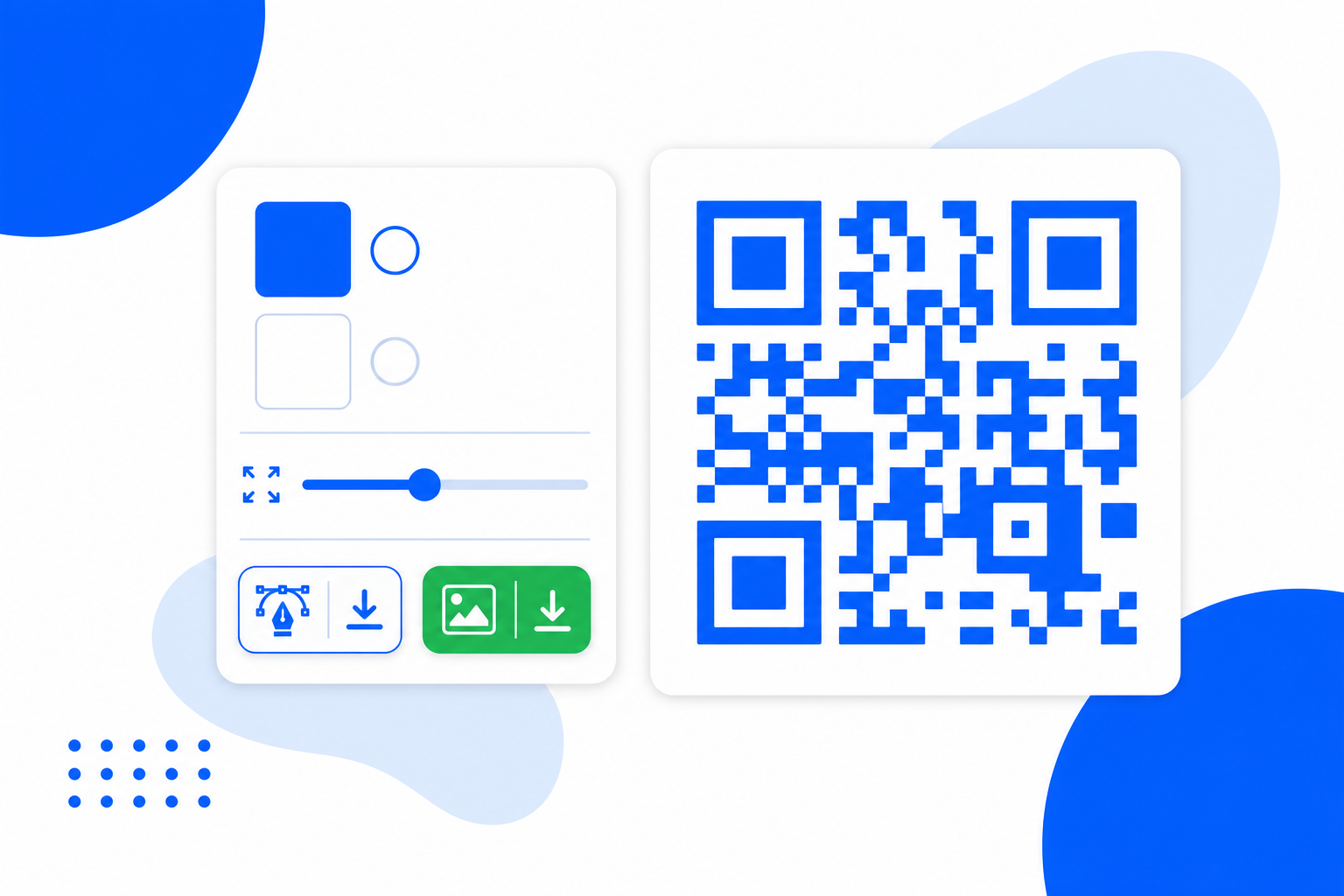
Make the code match your brand, then download it in the format you need. Vector files stay razor-sharp at any size, so your code scans cleanly whether it is on a business card or a billboard.
Change where your code goes anytime — the printed code never changes.
Count every scan with totals, today and a 30-day trend.
Point at any web address — a page, video, menu or form.
Connect to your card, booking page or hub in one click.
Match your brand with your own foreground and background.
Download sharp vector files for print, or PNG for the web.
Stays crisp at any size, from a business card to a billboard.
Opens in any modern phone camera — nothing to install.
Scans resolve instantly, cached worldwide for speed.
Run a new campaign on the same printed code anytime.
Create a separate code for each menu, sign or campaign.
Create your first QR code for free and go live in minutes.
A printed QR code is forever — so the smart move is to control where it goes after it is printed, not before.
Change the destination whenever you like. A new offer, a fixed typo or a fresh page — the printed code keeps working.
See how many people scan, and when. Static codes can never tell you whether your print and signage are landing.
One code, many campaigns. Repoint it season after season instead of printing new codes and new materials each time.
Bridge the physical world to your booking page, digital card or hub — and switch which one with a single click.
If you can print it, you can make it dynamic and trackable. Pick what you want your QR code to do to see a guide built for it.
From the networking event to the follow-up, one QR code keeps your card working for you.
QR Code for Business CardsWherever you network, make your LinkedIn one scan away.
QR Code for LinkedInTurn every customer touchpoint into a Facebook follower.
QR Code for FacebookFrom feedback surveys to sign-up sheets, get responses with a scan.
QR Code for Google FormsMake paying you as easy as pointing a phone.
QR Code for PaymentsTurn happy customers into a steady stream of reviews.
QR Code for Google ReviewsGet paid with PayPal wherever you are.
QR Code for PayPalHand over your details cleanly, every time.
QR Code for vCardShare any document with a single scan.
QR Code for PDFRun your whole front-of-house from one printed code.
QR Code for RestaurantsKeep your menu fresh without a single reprint.
QR Code for MenusGive attendees their tickets and details with one scan.
QR Code for TicketsRun your event’s info from one scannable code.
QR Code for EventsCapture passing buyers the moment they are interested.
QR Code for Real EstateMake your location effortless to find.
QR Code for Google MapsTurn anything printed into a play button.
QR Code for YouTubePut your sound one scan away.
QR Code for SpotifyTurn every touchpoint into a new follower.
QR Code for InstagramTurn anything printed into a TikTok view.
QR Code for TikTokAdd a video to anything, anywhere.
QR Code for VideoMake starting a conversation effortless.
QR Code for WhatsAppA dynamic QR code stores a fixed short link in the printed code, but lets you change where that link sends people at any time. Because every scan passes through that link, you can also count scans — something a plain static QR code can't do.
You create a code in BrandBits, choose a destination, and download it to print. The code encodes a stable BrandBits short link; when someone scans it, they are redirected to your current destination — which you can edit anytime without making a new code.
Yes. That's the whole point of a dynamic code. Edit the destination in BrandBits and every future scan goes to the new page instantly — the printed code never has to change.
Yes. Each code shows your total scans, today's scans and a 30-day trend, so you can see how a menu, poster, sign or package is performing and compare codes against each other.
Any web address — a website, menu, video, payment link or form — or one of your published BrandBits tools such as your digital business card, a booking page, a Link-in-Bio or a Microsite, which you can connect with a single click.
You can download a crisp SVG, which stays sharp at any size for print, or a PNG for use on screens and the web. You can also set your own colours before downloading.
You can create and download a QR code for free. Paid plans unlock more across the wider BrandBits suite of tools.
Your subscription includes a full toolkit. Here are a few:
Turn PDFs into interactive, shareable flipbooks.
Create clean, engaging slide presentations online.
Shoppable, shareable photo galleries that sort themselves by interest.
Collect ratings and feedback with simple, embeddable widgets.
See traffic and conversions in one simple view.
Let visitors book appointments straight into your calendar.
Branded short links you can repoint anytime, with click stats.
Capture emails with popups, floating bars and slide-ins.
Show your Instagram, TikTok and Facebook posts on your site.
Answer visitor questions 24/7 and hand over real leads.
Run promotions where visitors act to win and spread the word.
Send newsletters and simple automations to your leads.
Publish articles with built‑in testing and engagement tracking.