

Good newsletter design is not about looking fancy — it’s about being easy to read on a phone in five seconds and making the next step obvious. You don’t need a designer or a complicated builder. You need a few rules and the discipline to keep things simple.
You don’t need a designer — you need these seven rules and the discipline to keep things simple.
Multi-column layouts break on phones, where most email is read. A single column reads cleanly everywhere.
Decide the single action you want — click, reply, buy — and point everything at it. Competing buttons kill conversion.
A bold headline, short paragraphs, and plenty of white space. Make it skimmable — nobody reads email like a book.
Your main CTA should be a real, thumb-tappable button — above the fold and repeated at the end.
One strong hero beats a collage. Always add alt text, and never put critical words inside an image.
Your logo, two or three colours, one or two fonts. Consistency makes you recognisable in a crowded inbox.
Big tap targets, 16px+ text, short lines. If it works on a phone, it works everywhere.
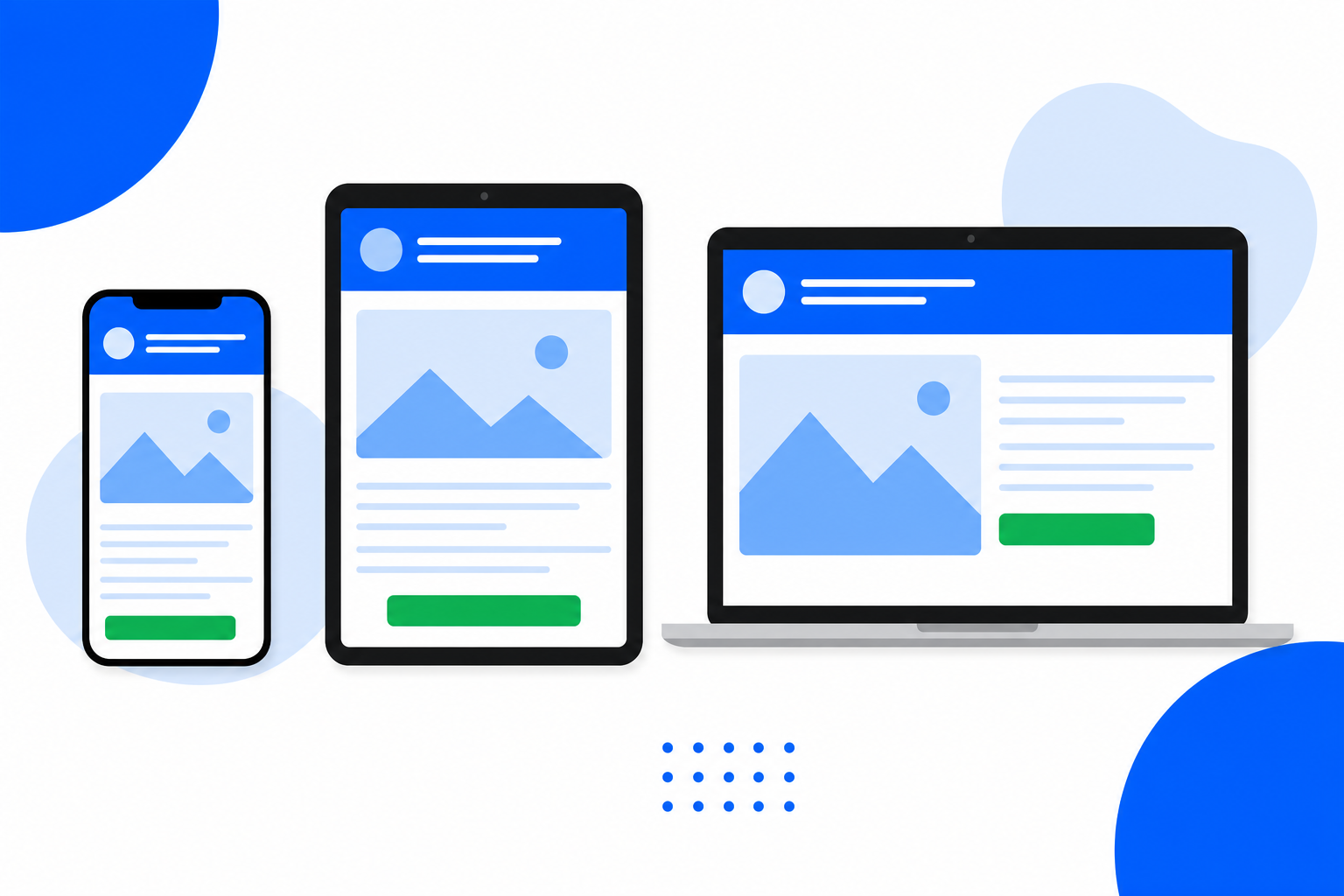
BrandBits emails follow these rules by default. Add your logo and colours, write your message, and every send is clean, single-column and mobile-ready — in Gmail, Outlook, Apple Mail and the rest — without you touching a line of code.