

A drip campaign is a series of emails sent automatically on a schedule or in response to what someone does. Set it up once and it works every new contact — welcoming them, walking them to a purchase, or winning them back — without you sending a thing. It’s the closest email gets to passive income.
Each does one job for one moment in the journey. Pick the one that matches your goal and adapt it.
3–5 emails over the first week: welcome + deliver what they signed up for, then your best story, then a soft invitation to buy, book or reply. See the welcome email.
For SaaS and apps: each email walks the user to one key action until they hit the “aha” moment. Triggered by sign-up, paced over the trial.
For slow-burn leads (coaching, real estate, B2B): a long, gentle sequence sharing value every week or two until they’re ready to act.
1h: “You left something.” 24h: reminder + reviews. 48h: a nudge or small incentive. See the full cart sequence.
For quiet subscribers: “We miss you” → one reason to return → “last chance”. Cleans your list and revives dormant contacts.
The setup is the same whatever the drip. Work these in order and your first sequence can be live today.
One outcome per drip — activate, sell, or re-engage. A focused drip beats a do-everything one.
Write each one to do a single job, ending in one clear next step. Lean on strong copy.
Decide what starts the drip (a sign-up, a purchase, inactivity) and how far apart the emails send.
Let it run, then check opens and clicks and tune the weakest email. Small fixes compound over every contact.
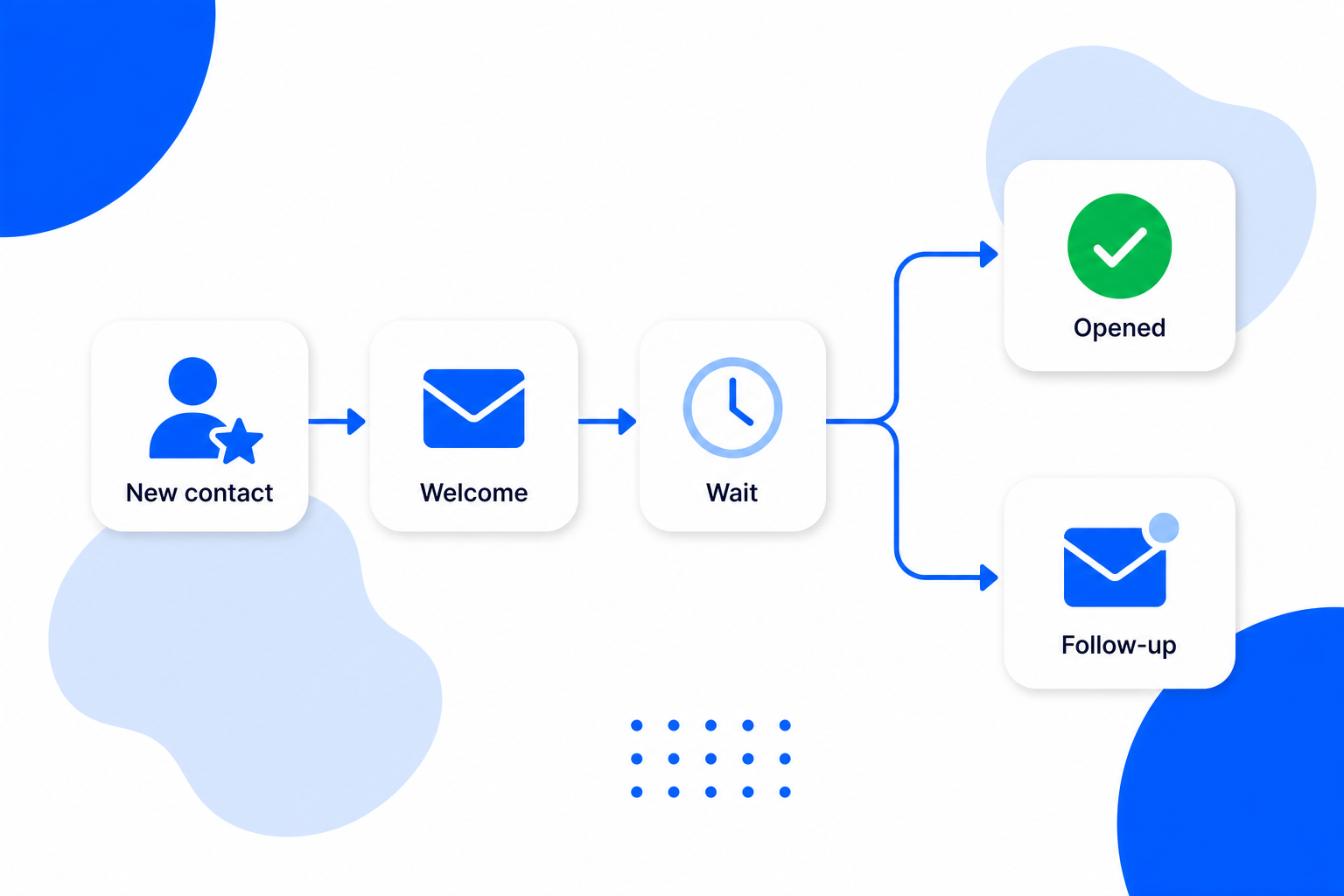
BrandBits lets you build any of these drips as an automated sequence: choose the trigger, set the wait between emails, and let it run for every new contact. Start a free account and you can load a drip swipe file as your starting point and have your first sequence live the same day.