

Email automation means the right email sends itself when something happens — someone joins your list, abandons a cart, or goes quiet. You build it once; it runs forever. It’s how a small team sends perfectly-timed, personal-feeling email at scale.
Understand these three and you can build any sequence — they string together into email that responds to each contact individually.
What starts it — a sign-up, a purchase, a date, or inactivity. The trigger is what makes each send perfectly timed.
One or more messages, each focused on a single action. Together they tell a story that moves the contact forward.
The waits between emails — immediately, after a few days, or on a schedule. Timing turns emails into a sequence.
You don’t need dozens. These five do the heavy lifting for almost every business — build them in this order.
Triggered on sign-up. Introduces you and walks new contacts to a first action. The single best automation to build first — see the welcome email guide.
Sends the freebie instantly, then nurtures toward an offer over a few days.
Triggered when a checkout isn’t finished. Recovers sales you’d otherwise lose — see the cart sequence.
Helps customers get value, reduces refunds, and sets up the next sale.
Triggered by inactivity. Wins back quiet subscribers and keeps your list healthy.
Small, compounding wins beat a giant flow you never finish. Here’s the loop.
Build one automation first — the welcome sequence — and get it live before adding anything else.
One action per email. A clear next step beats a crowded message every time.
After a few weeks, fix the email with the weakest open or click rate, then add the next automation from the list.
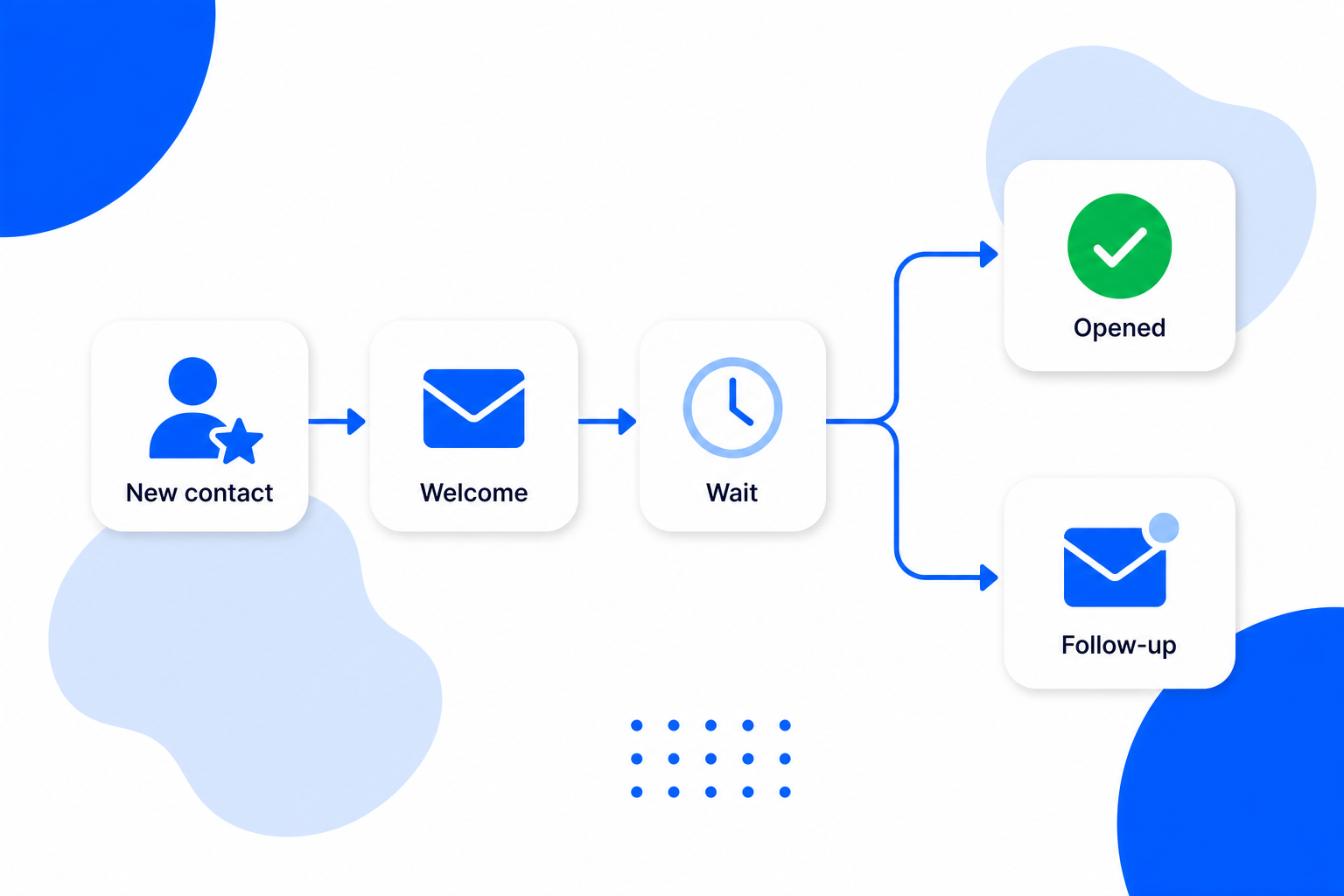
BrandBits builds these automations from your own contacts: pick a trigger, add your emails, set the waits, and switch it on. It runs for every contact automatically, and you can watch opens and clicks to keep improving it.