
You already paid for your traffic, in money or in years of work. Almost all of it leaves without a trace: no name, no email, no way to ever speak to those people again. Lead capture software is the layer that changes that. It watches for the moment a visitor shows interest or starts to leave, makes one well judged offer, and keeps whatever they give you somewhere you can act on it. Done badly it is the reason people mute websites. Done properly it is the highest return work available to a small marketing team, because the audience is already there and already curious.

One builder, one snippet, and nothing to install or maintain afterwards.
Pick a popup, a floating bar or a slide-in. Write the message, choose the fields, add a coupon if you want one, and match the colours and fonts to your site.
Exit intent, a scroll percentage, a delay or page load. Limit it to certain pages, to mobile or desktop, or to first-time visitors only.
Add the embed to your site once. Every campaign you create afterwards appears through it, and every lead arrives in your inbox.
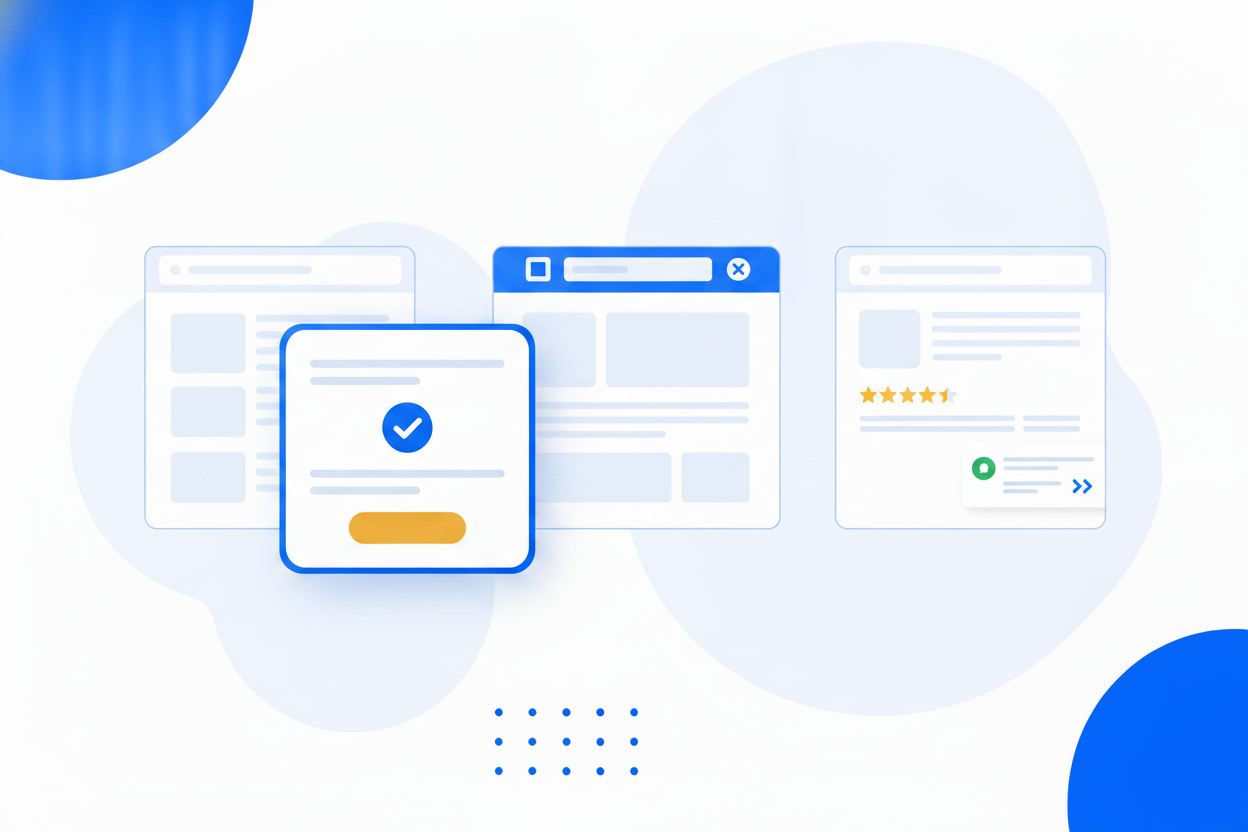
The shape of the message should match the size of the ask. A modal popup dims the page and gets a decision, which is what you want for a real offer. A floating bar pins one line to the top or bottom and never covers anything, so nobody has to close it. A slide-in appears quietly in the corner for readers who are already engaged. And a spin-to-win wheel turns the signup itself into a game, which is why it is the highest-converting format in the category. All four are built in the same place, seeded from ready-made templates, and published through the same snippet — and every one of them can carry a picture. Upload your own, or describe the image you want and the builder generates it with AI, hosts it and drops it straight into the campaign.
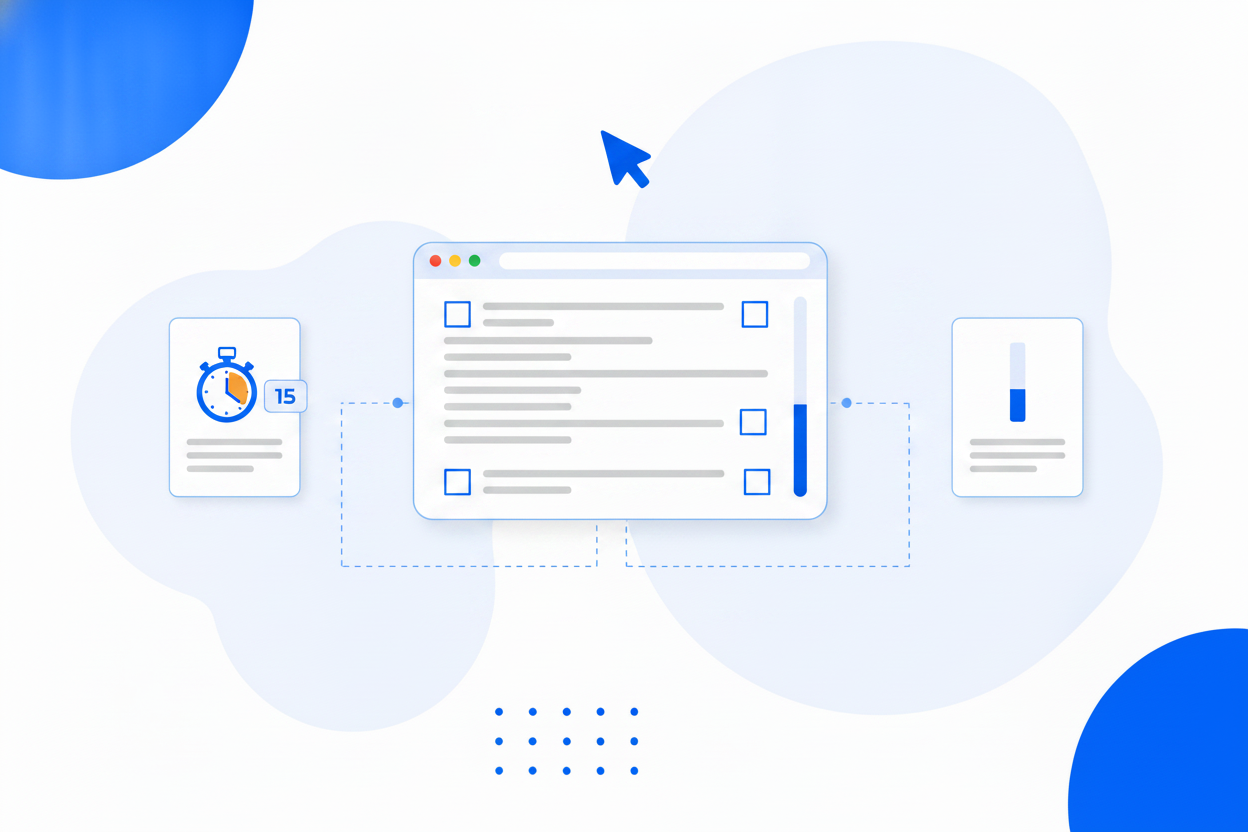
Nearly every complaint about popups is really a complaint about timing. A dialog that opens the second a stranger arrives interrupts a decision they have not begun to make. The same dialog shown as they move to leave, once they have read most of a page, or the moment they click a “get my discount” link, arrives when the offer is a sensible next step. You get five triggers, two-step yes/no flows, countdown timers and frequency rules underneath them so nobody is asked twice in a week. And a dismissal does not have to be the end: an optional teaser tab stays quietly at the edge of the screen so the visitor can reopen the offer when they are ready.
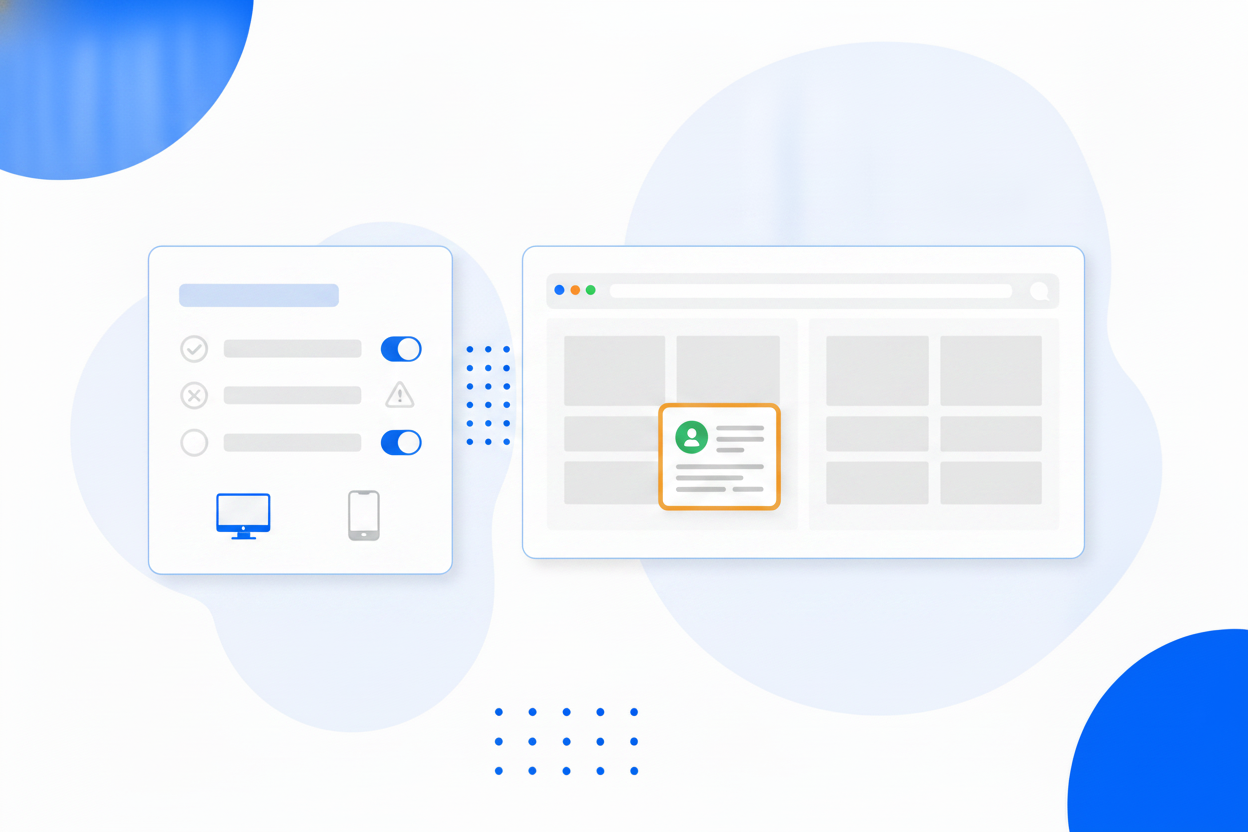
A discount belongs on product pages, not on your careers page. A newsletter invitation makes sense to a blog reader and not to somebody halfway through a checkout. Targeting rules keep each campaign in its place, and frequency rules keep it welcome: choose how many days before a visitor sees it again, and stop showing it entirely to anyone who has already converted.
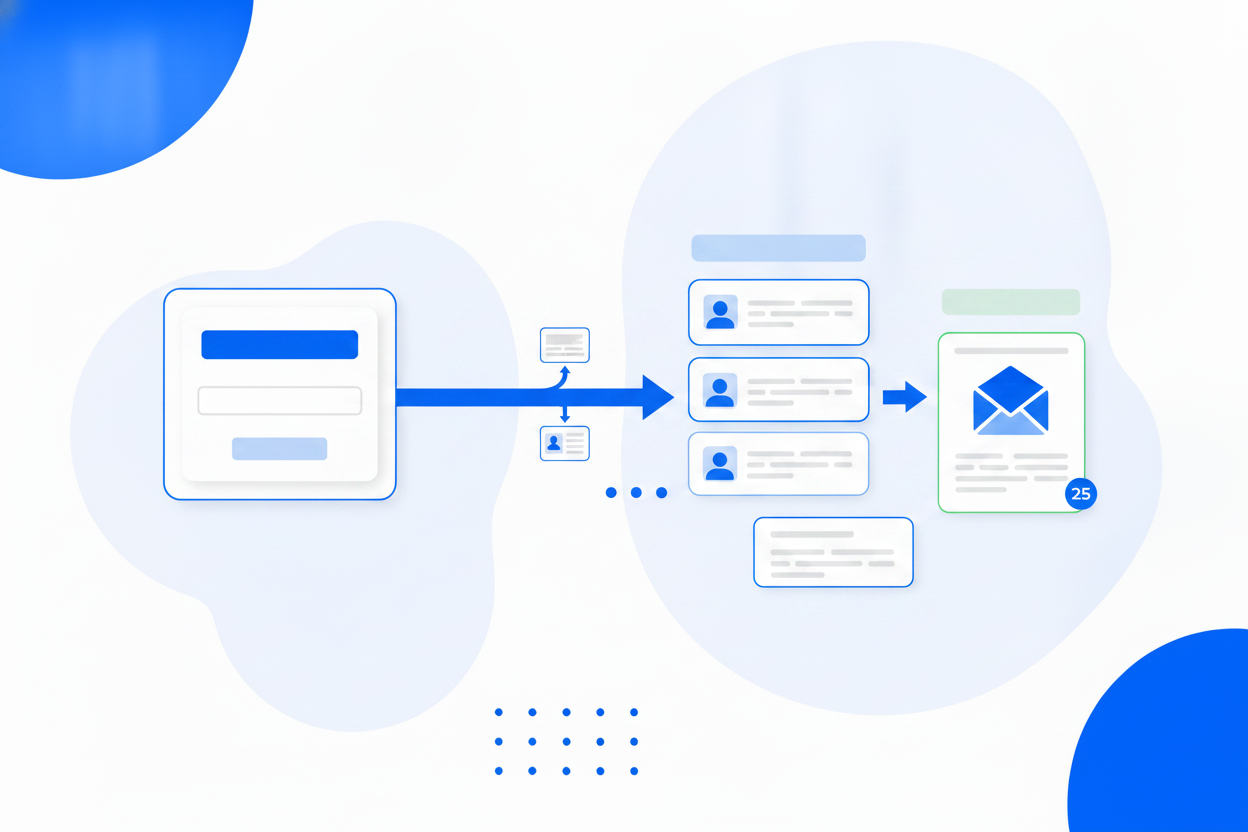
A captured email that sits in a notification inbox is not a lead, it is a chore. Every popup submission goes straight into Lead Management, tagged with the campaign that captured it, next to the leads from your forms, bookings, business card saves and file transfers. From there they are immediately available to Email Marketing, so a welcome message, a discount code or a promised download can be sent automatically.
More on this: lead capture popups and opt-in forms.
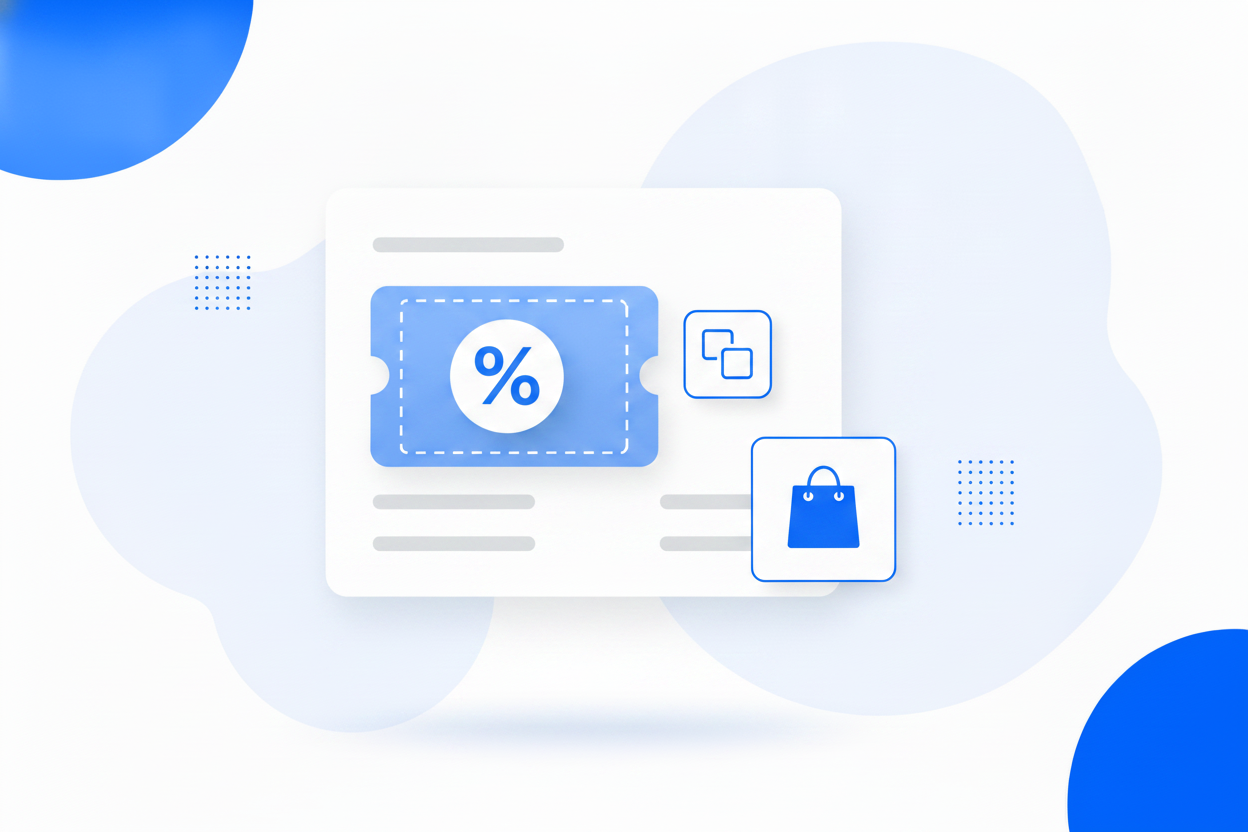
The oldest trade in ecommerce still works: a code in exchange for an email address. The important detail is that the code appears the moment the form is submitted, rather than telling a shopper to go and check their inbox, which sends them away from your checkout at exactly the wrong second. The email can still follow as a backup.
More on this: discount popups.
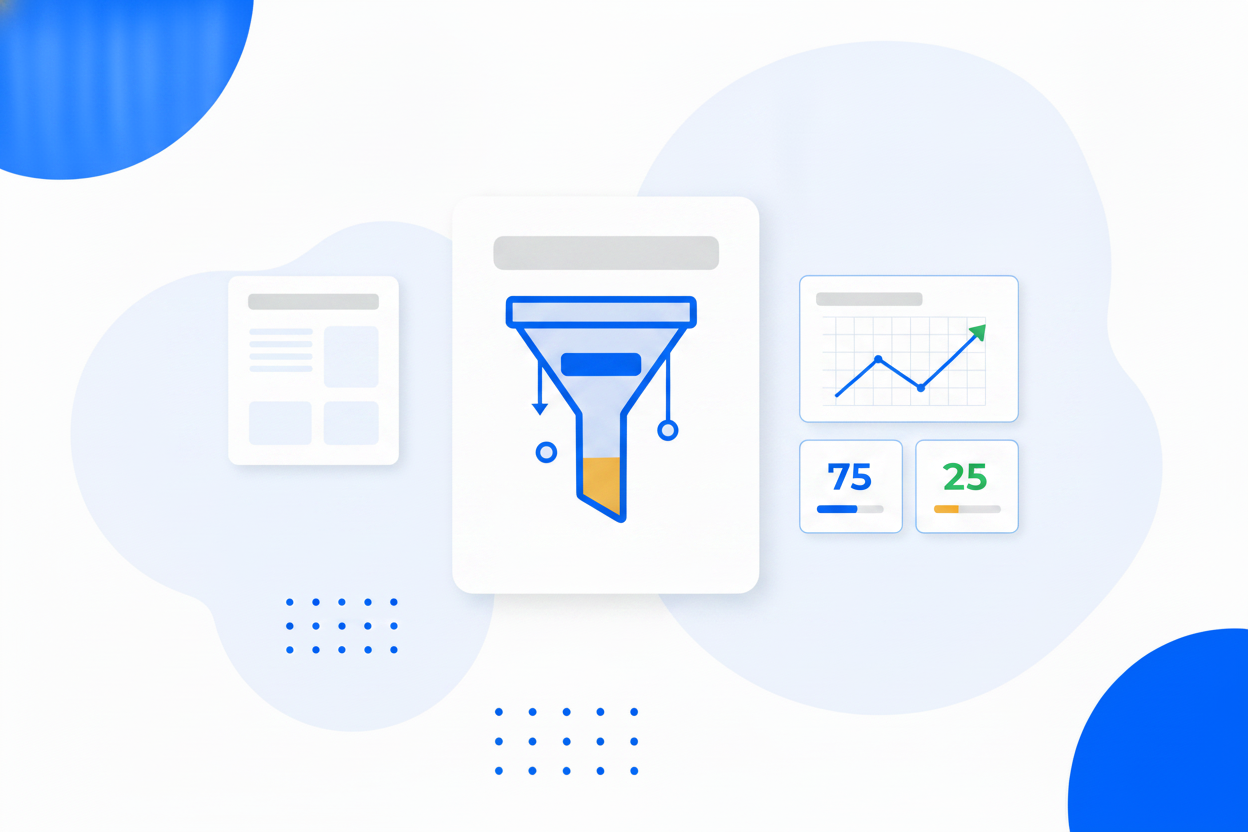
Every campaign records what actually happened: how many people saw it, how many converted, how many clicked its button and how many closed it. When opinions differ, A/B testing settles it: duplicate a campaign as a variant, split the traffic, and promote the winner in one click. Dismissals are worth as much as conversions, because a campaign with a high close rate is telling you the timing or the offer is wrong, which is something you can fix rather than something you have to argue about.
Modal popups, floating bars, corner slide-ins and a spin-to-win prize wheel from the same builder.
Start from a ready-made template, add your own pictures, choose layouts, animations and placements.
No photo at hand? Describe the image you want and it is generated, hosted and dropped into your campaign in seconds.
Catch visitors on the way out, or open a campaign the moment they click one of your links.
Ask a yes/no question first. People who click yes convert far more often.
Fixed deadlines or a per-visitor timer that starts when they first see the offer.
Show a live signup count under the form, and leave a small reopen tab behind when someone closes the campaign.
Run two versions of a campaign against each other and promote the winner in one click.
Bottom sheets and slim banners on phones keep you within Google's popup guidelines.
Submissions land in Lead Management and are ready for Email Marketing, with impressions, conversions and dismissals all measured.
Same builder, same snippet. Pick the shape that fits what you are asking for.
A centred dialog that focuses the whole page on one message and one action.
Modal PopupCatch visitors in the second before they leave, when you have nothing left to lose.
Exit-Intent PopupA clean, consent-friendly signup form you can place anywhere on your site.
Opt-In FormAdd popups to any website with one snippet, no plugin and no developer.
Website PopupTurn anonymous traffic into a mailing list you own and can email whenever you like.
Email PopupCollect enquiries from visitors who would otherwise have left without a word.
Lead Capture PopupTrade a discount code for an email address, and hand it over instantly.
Discount PopupA prize wheel that trades a spin for an email address, and makes signing up feel like winning.
Spin-to-Win PopupRun two versions of a campaign against each other and let the numbers pick the winner.
Popup A/B TestingSame builder, same snippet. A bar is simply a popup that never interrupts.
A slim sticky bar that stays visible while people scroll, without ever blocking the page.
Floating BarTell every visitor the one thing they need to know, the moment they arrive.
Notification BarLaunches, sales and deadlines announced across your whole site in one line.
Announcement BarPopups & Bars is one of more than a dozen tools in a single BrandBits subscription, and capturing a lead is only the first half of the job.
Every popup submission lands in the same inbox as the rest of your leads.
Lead ManagementWelcome new subscribers automatically and keep selling to them afterwards.
Email MarketingShow an existing spam-protected form inside a popup instead of rebuilding it.
FormGuardSee campaign performance beside the rest of your visitor data.
AnalyticsLead capture software collects contact details from the people already visiting your website, usually through a popup, a bar or an inline form, and stores them somewhere you can follow up. Without it, the overwhelming majority of your traffic leaves anonymously and cannot be contacted again.
They are the same campaign in three shapes. A popup is a centred dialog that dims the page and demands a decision. A floating bar is a slim strip pinned to the top or bottom that never covers the content. A slide-in appears quietly in a corner. Popups convert hardest, bars annoy least, and slide-ins sit in between.
Almost never on arrival. Exit intent, when the cursor heads for the tab bar, and scroll depth, once someone has read a good part of the page, both wait until the visitor has shown interest. That single change is the difference between a popup that works and one people complain about.
Every submission lands in Lead Management, tagged with the campaign that captured it, alongside leads from your forms, bookings, business cards and file transfers. They are immediately available to Email Marketing audiences and automations.
No. You paste one small embed snippet into your site once, and every campaign you build afterwards appears through it. It works on WordPress, Wix, Squarespace, Shopify, Webflow and hand-built sites.
Yes. Upload your own pictures, or describe the image you want and the builder generates it with AI, hosts it and places it in the campaign. Images can sit above, beside or behind the message, and you control how they behave on phones.
By default the frequency rules decide when they see it again. You can also enable a teaser tab: a small pill that stays at the edge of the screen after a dismissal, so the visitor can reopen the offer whenever they are ready.
Yes. You set how many days pass before a visitor sees a campaign again, and campaigns stop showing to anyone who has already converted.
No. The runtime loads asynchronously from a cache spread across more than 100 datacentres, and each campaign is published as a static file, so nothing blocks your page from rendering.
You can build and publish campaigns on the free plan without a credit card. Paid plans include Popups & Bars along with every other BrandBits tool rather than charging for it separately.
Your subscription includes a full toolkit. Here are a few:
Turn PDFs into interactive, shareable flipbooks.
Create clean, engaging slide presentations online.
Shoppable, shareable photo galleries that sort themselves by interest.
Collect ratings and feedback with simple, embeddable widgets.
See traffic and conversions in one simple view.
Let visitors book appointments straight into your calendar.
Branded short links you can repoint anytime, with click stats.
Capture emails with popups, floating bars and slide-ins.
Show your Instagram, TikTok and Facebook posts on your site.
Answer visitor questions 24/7 and hand over real leads.
Run promotions where visitors act to win and spread the word.
Send newsletters and simple automations to your leads.
Publish articles with built‑in testing and engagement tracking.