

Most businesses run two marketing efforts that never meet. One is social, where you post several times a week and the work disappears within days. The other is the website, which was written once and has barely moved since, and which is where people actually decide whether to trust you. A social media feed joins them. It puts your real, dated posts on the page, so the site proves it belongs to a business that is currently doing things, and it does so without adding a single item to anybody’s to-do list.

Point it at your profiles once, and the widget looks after itself from then on.
Paste the public profile addresses you want to pull from. Add as many as you like across Instagram, TikTok, YouTube and Facebook. No tokens, no developer account.
Choose a grid, masonry or carousel layout, set how many posts to show, hide anything off message and tidy up a caption if you want to.
Drop the embed into your page. The feed is served as a static, globally cached file, so it is fast and keeps working on its own.
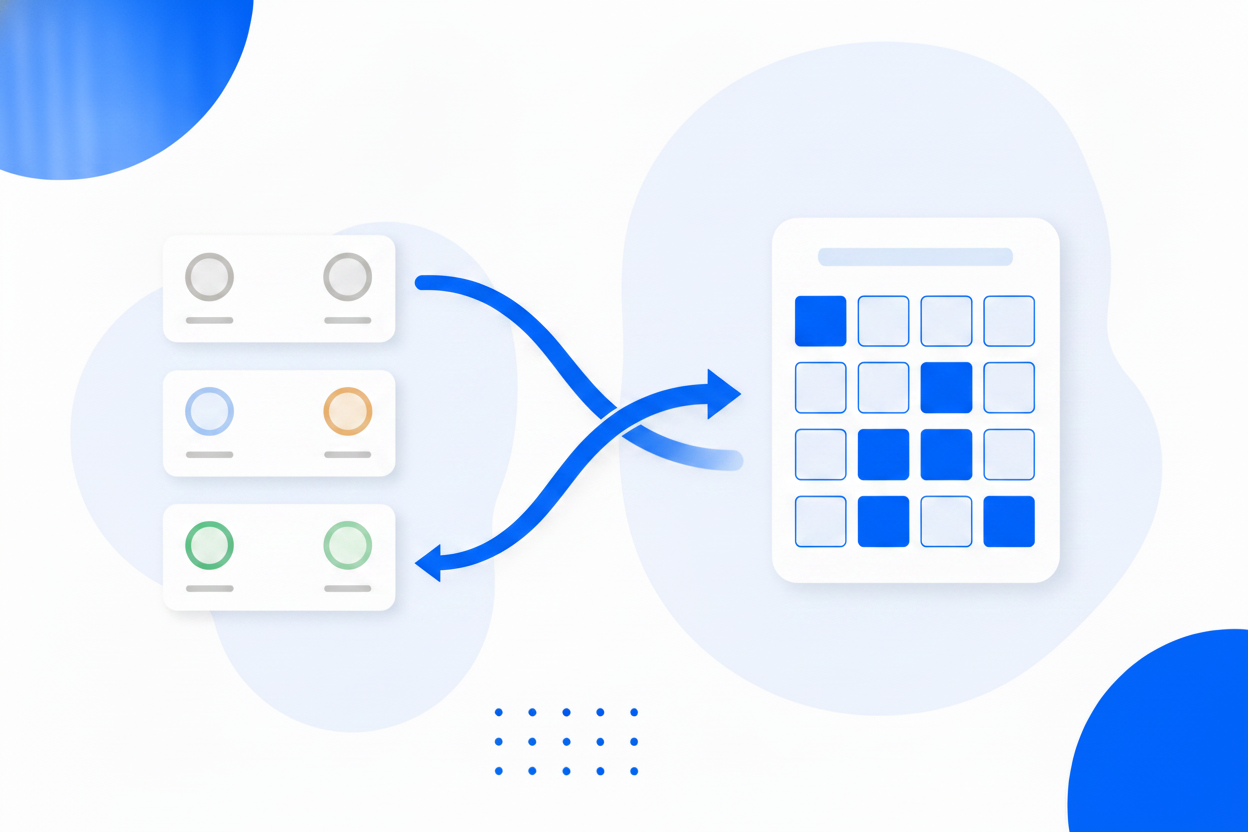
Your audience is split across platforms and so is your content: photographs in one place, short video in another, longer video somewhere else, announcements on a page. Add all of them and the widget merges everything into one stream, in date order, so your website shows the whole picture rather than whichever platform you happened to embed.
Different pages need different shapes. A tidy square grid suits a homepage strip. A masonry social wall suits a dedicated page where the volume itself is the message. A carousel fits a narrow column without pushing everything else down the page. Choose the layout, choose how many posts to show, decide whether captions appear, and switch later without changing the embed code.


An automatic feed with no editorial control is a liability, because sooner or later something posted for a social audience turns up next to your pricing. Hide any post and it stays hidden through every future refresh. Reword a caption that made sense on the platform but reads oddly on your website, and the edit survives too. Your curation is never quietly undone by an update.
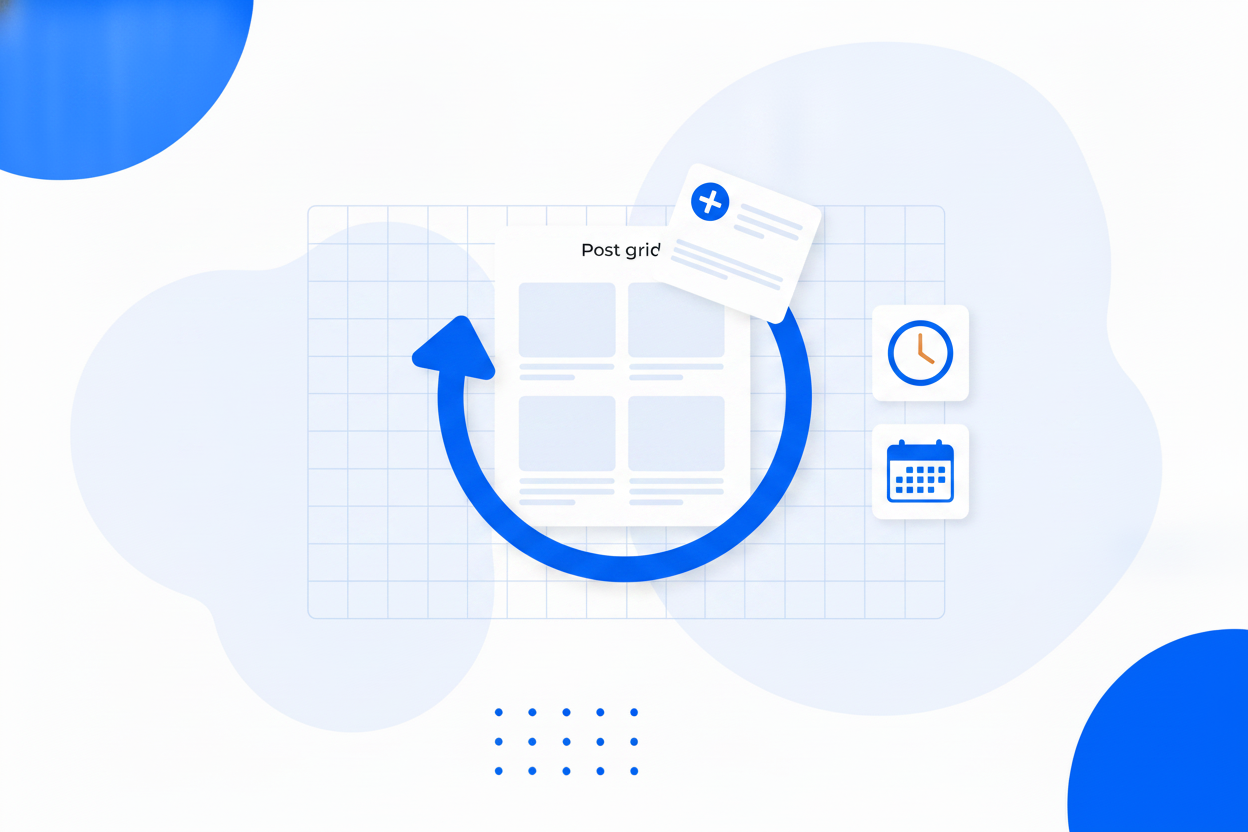
New posts are collected automatically on a schedule, and you can trigger a refresh yourself the moment you post something you want on the site immediately. There is one detail worth knowing, because it is the thing that breaks most social widgets: platforms serve post images from signed links that expire after a while. BrandBits copies each thumbnail into your published widget, so your wall keeps rendering long after the original links have died.
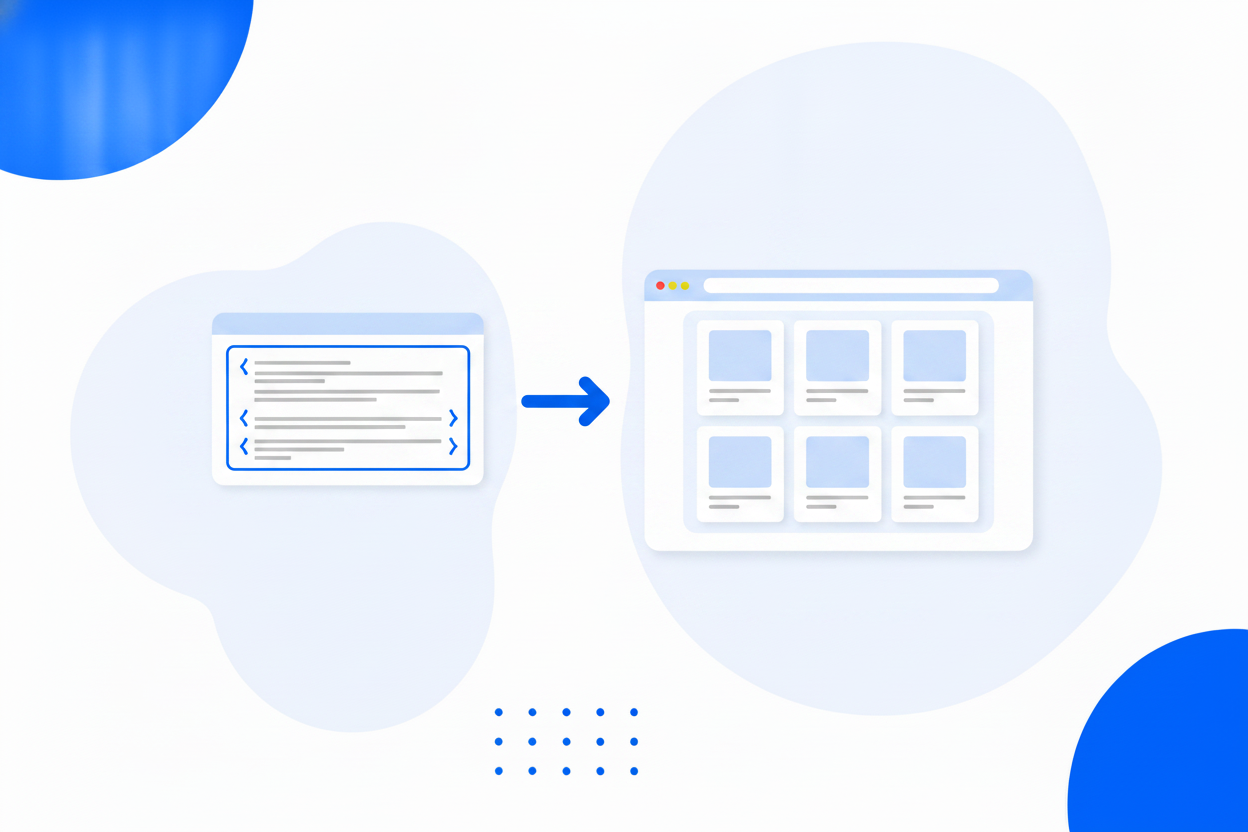
The widget is a small HTML embed. Paste it into WordPress, Wix, Squarespace, Shopify, Webflow or a hand-built site and the feed appears. There is no plugin to install, nothing to keep updated, and no developer account to register. Because the published feed is a static file served from a global cache rather than a live API call, your page never waits on a social platform to respond.
More on this: embedding an Instagram feed.
Instagram, TikTok, YouTube and Facebook posts in a single widget.
A square grid, a masonry wall or a swipeable carousel.
Keep the wall on brand. Hidden posts stay hidden through every refresh.
Reword a caption for your website audience without touching the original post.
Thumbnails are copied and served by us, so expiring platform links never break your wall.
New posts are pulled in automatically, and you can refresh on demand any time.
Captions on or off, post count, and a look that matches the rest of your page.
Published as a static file cached across 100+ datacentres, with no API calls at page load.
Same widget, same embed snippet. Pick the one that matches what you are trying to show.
Put your Instagram posts on your website with one snippet, no plugin required.
Embed Instagram FeedShow visitors that your business is alive, with fresh posts on the page.
Instagram Feed on WebsiteOne wall of everything you post, across every platform, on your own page.
Social WallAdd as many profiles as you like and blend them into one wall.
Social Feed is one of more than a dozen tools in a single BrandBits subscription, and social proof works best in company.
Pair your posts with real customer reviews, built on the same publishing pipeline.
Review WidgetCurated galleries for the work that deserves more than a social tile.
Image GalleryTurn the visitors your content attracts into contacts you can follow up.
Popups & BarsSee how the pages carrying your feed actually perform.
AnalyticsIt is a section of your own website that displays your latest social posts automatically. Instead of a static gallery somebody has to update, the page shows what you have actually been posting, so it stays current as a side effect of work you were doing anyway.
Instagram, TikTok, YouTube and Facebook. You can add several profiles across all four and blend them into a single wall, or keep them as separate widgets on different pages.
No. You paste the address of your public profile and that is the whole setup. There is nothing to register, nothing to authorise and no access token that can expire without warning.
New posts are pulled in automatically on a schedule, and you can trigger a refresh yourself whenever you want, which is handy right after posting something you would like on the website immediately.
Yes. Hide any individual post and it stays hidden through every future refresh. You can also reword a caption for your website audience without touching the original post.
No. Social platforms serve images from signed links that expire, so BrandBits copies each thumbnail when your feed is published and serves it from your own address. Your wall keeps rendering long after the original links have gone.
No. The feed is published as a static file cached across more than 100 datacentres and loads asynchronously, so your page never waits on a social platform to answer.
You can build and embed a feed on the free plan without a credit card. Paid plans include Social Feed along with every other BrandBits tool.
Your subscription includes a full toolkit. Here are a few:
Turn PDFs into interactive, shareable flipbooks.
Create clean, engaging slide presentations online.
Shoppable, shareable photo galleries that sort themselves by interest.
Collect ratings and feedback with simple, embeddable widgets.
See traffic and conversions in one simple view.
Let visitors book appointments straight into your calendar.
Branded short links you can repoint anytime, with click stats.
Capture emails with popups, floating bars and slide-ins.
Show your Instagram, TikTok and Facebook posts on your site.
Answer visitor questions 24/7 and hand over real leads.
Run promotions where visitors act to win and spread the word.
Send newsletters and simple automations to your leads.
Publish articles with built‑in testing and engagement tracking.