
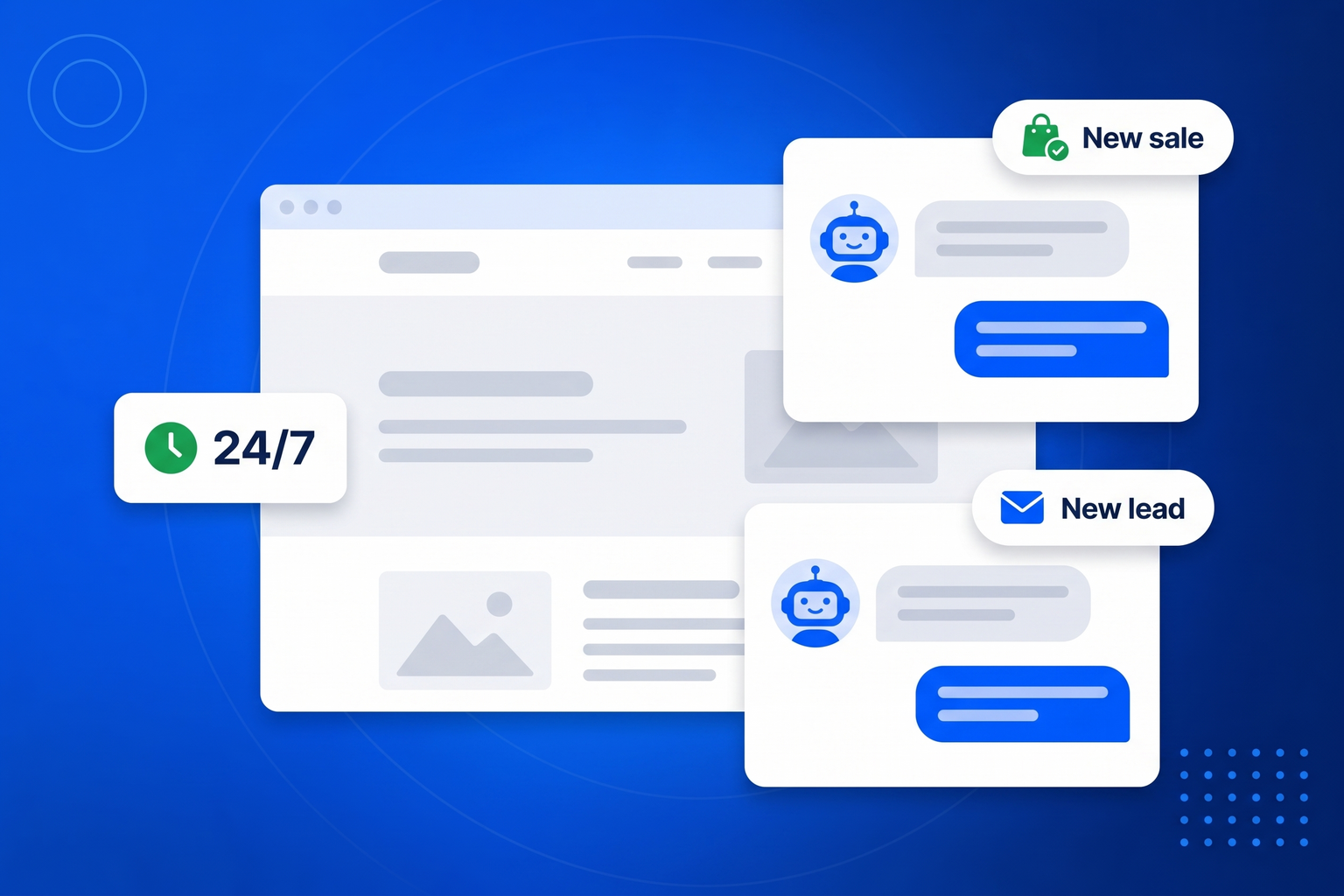
Most questions asked on a business website are the same twenty questions, and most of them arrive when nobody is available to answer. That is the gap this fills. A chatbot trained on your own knowledge answers instantly, in your tone, at three in the morning, in whatever language the visitor used. What it is not good for is pretending. The single biggest failure of business chatbots is confidently inventing a price, a policy or a delivery date, which turns a helpful tool into an expensive one. This bot is built the other way round: when it reaches the edge of what you taught it, it says so, collects a name and an email, and hands the conversation to you.
Most people have a bot answering real questions on the same afternoon they start.
Generate a starting knowledge base from your website, then edit it into shape. Add your FAQ, your useful links and anything else the bot should know.
Choose the greeting, the tone of voice and the person conversations should be handed to. The bot is instructed never to guess at anything you have not told it.
Drop one snippet into your site. The widget appears, answers around the clock, and emails you whenever a conversation needs a human.
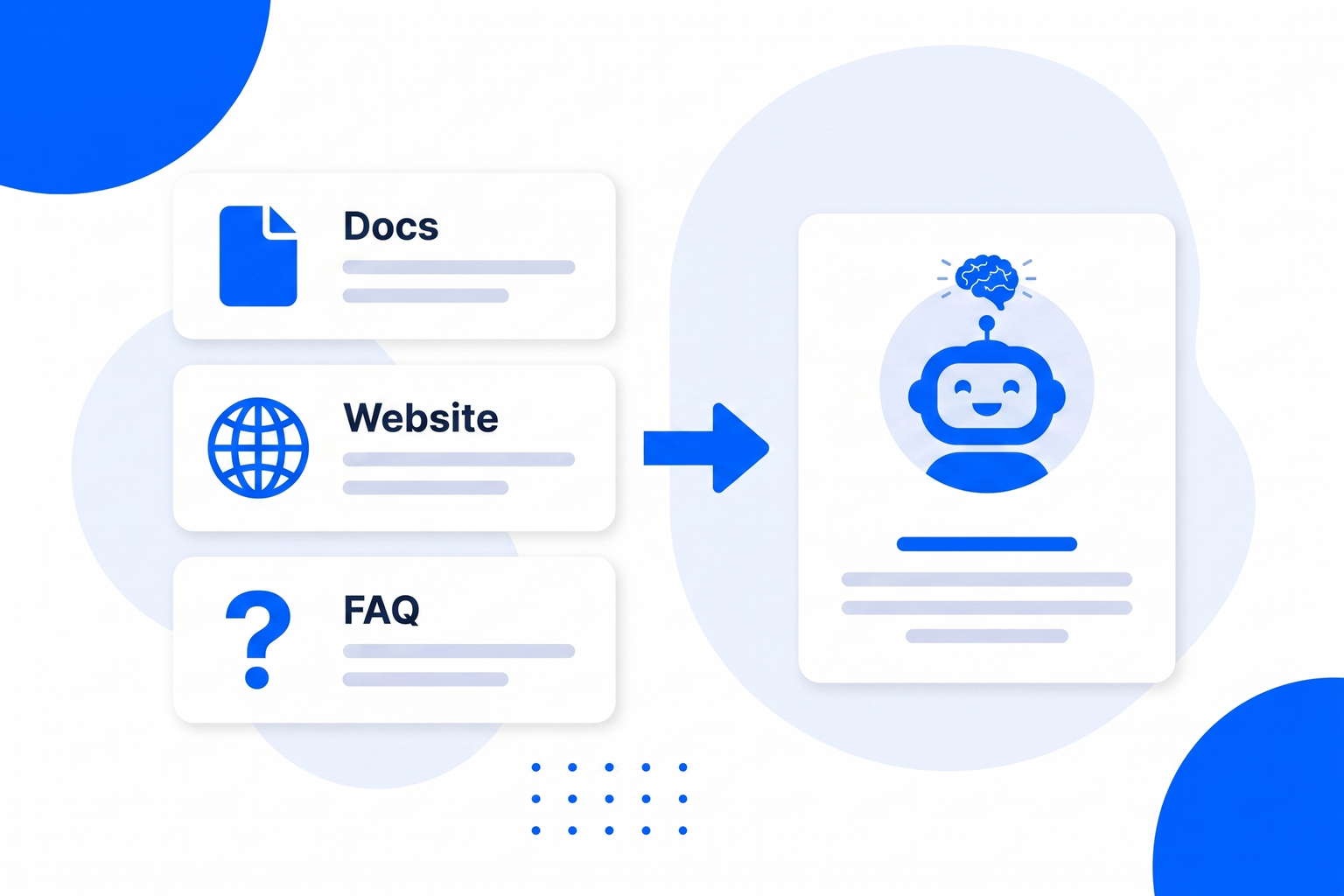
A general purpose assistant knows a great deal about the world and nothing about you, which is exactly backwards for a business chat widget. Yours starts by reading your website to draft a knowledge base, which you then correct and expand. Add your FAQ, the links you always end up sending people, and any extra instructions you would give a new member of staff on their first morning.
More on this: FAQ chatbot and support chatbot.
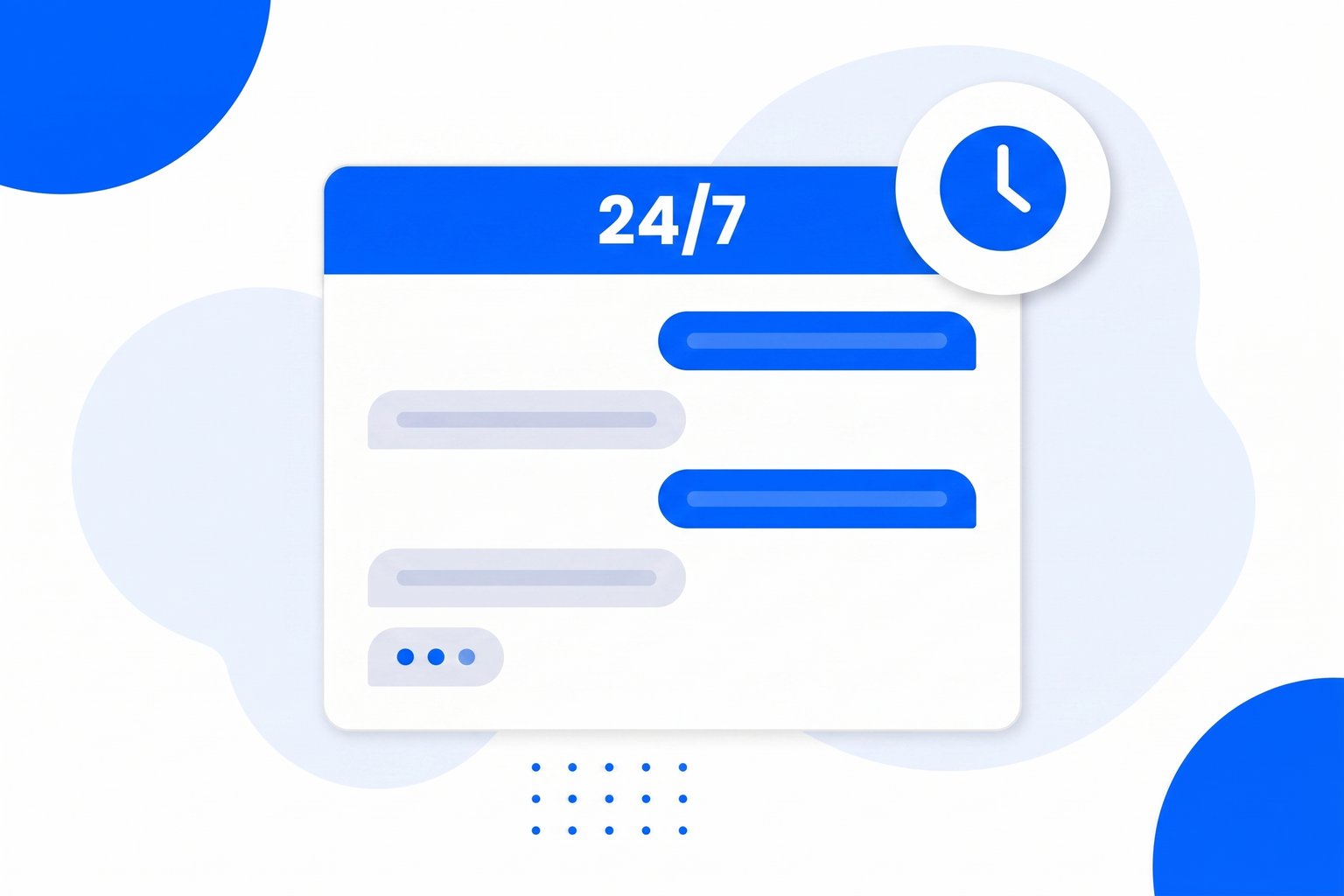
You write the tone of voice, so the bot can be warm and chatty or brisk and precise. It keeps replies short, asks at most one question at a time, and answers in whatever language the visitor wrote in, which quietly widens who you can serve. And it works the hours that matter: most website visits happen in the evening and at weekends, when your competitors reply on Monday.
More on this: customer service chatbot.
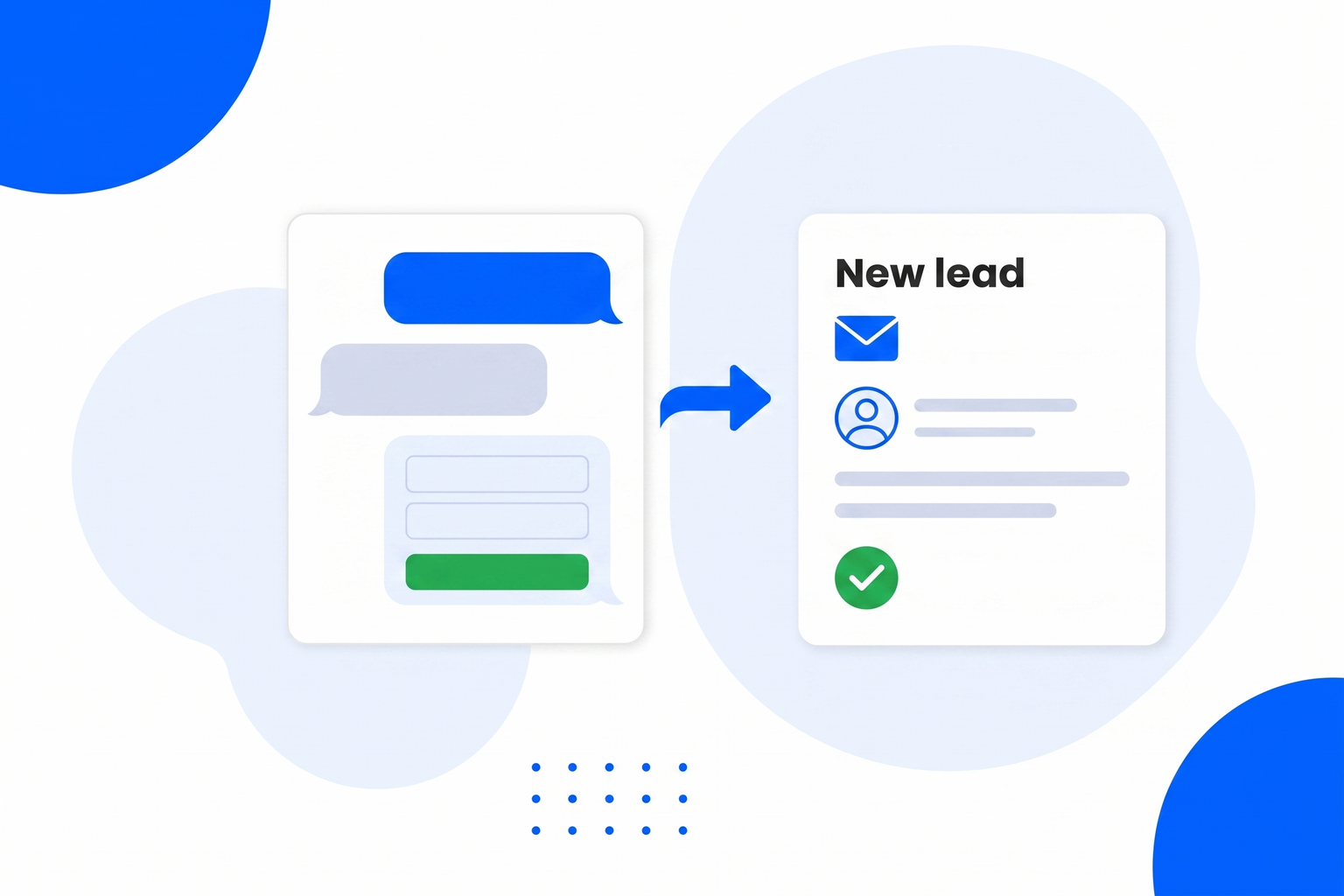
This is the part that pays for itself. When the bot cannot answer, or the visitor asks for a person, it does not bluff. It asks for a name and an email and then emails you the whole thing: who they are, the page they were on, a summary of what they need and a link to the full transcript. The conversation is flagged as a handoff in your dashboard so nothing gets lost in a busy inbox. A question you could not answer becomes a person you can call back.
More on this: lead generation chatbot and AI sales agent.
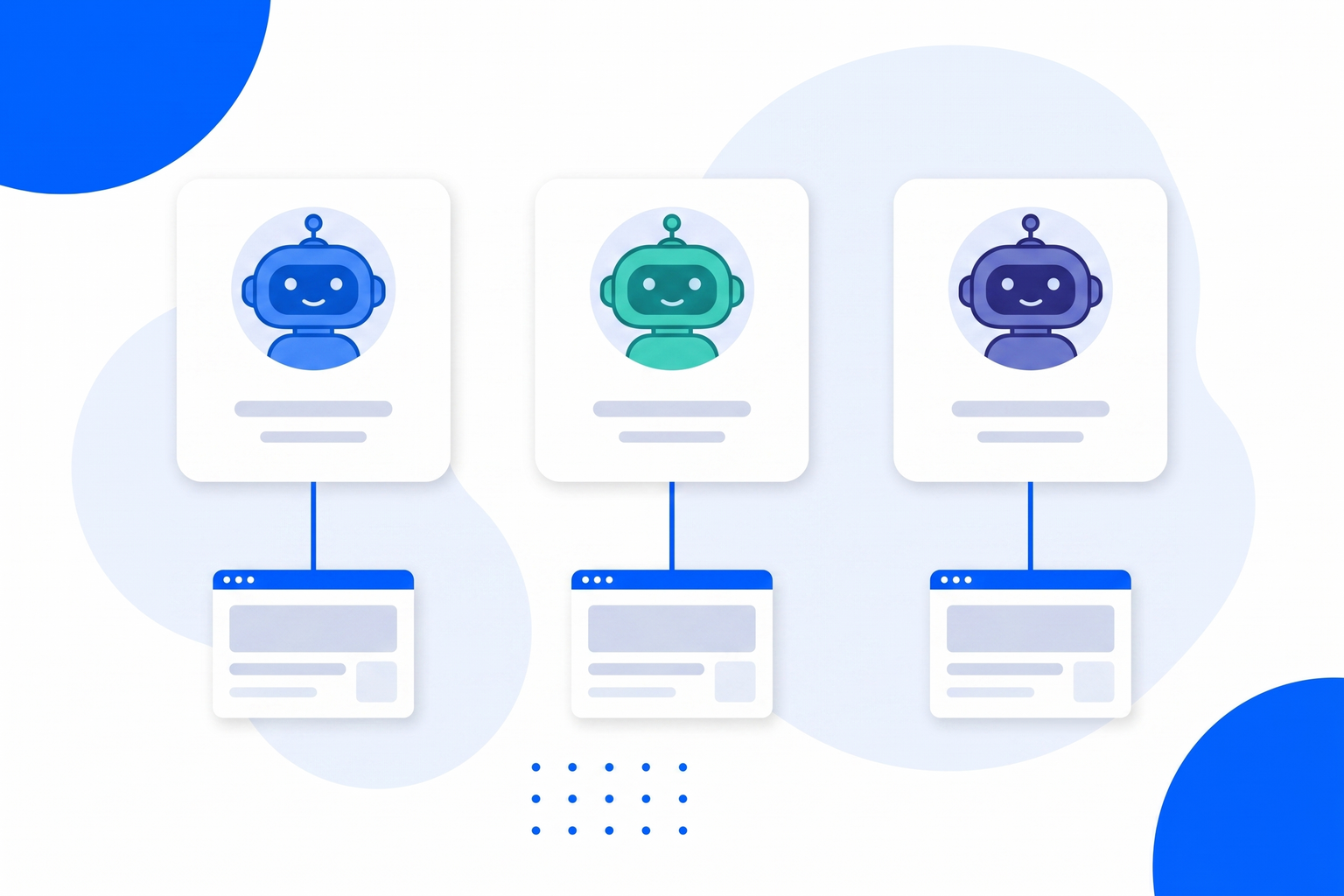
Agencies, multi-brand businesses and anyone running more than one website can create separate bots, each with its own knowledge, its own look, its own contact person and its own embed code. Nothing is shared between them, including the coaching notes, so a correction made on one client’s bot never changes another’s answers.
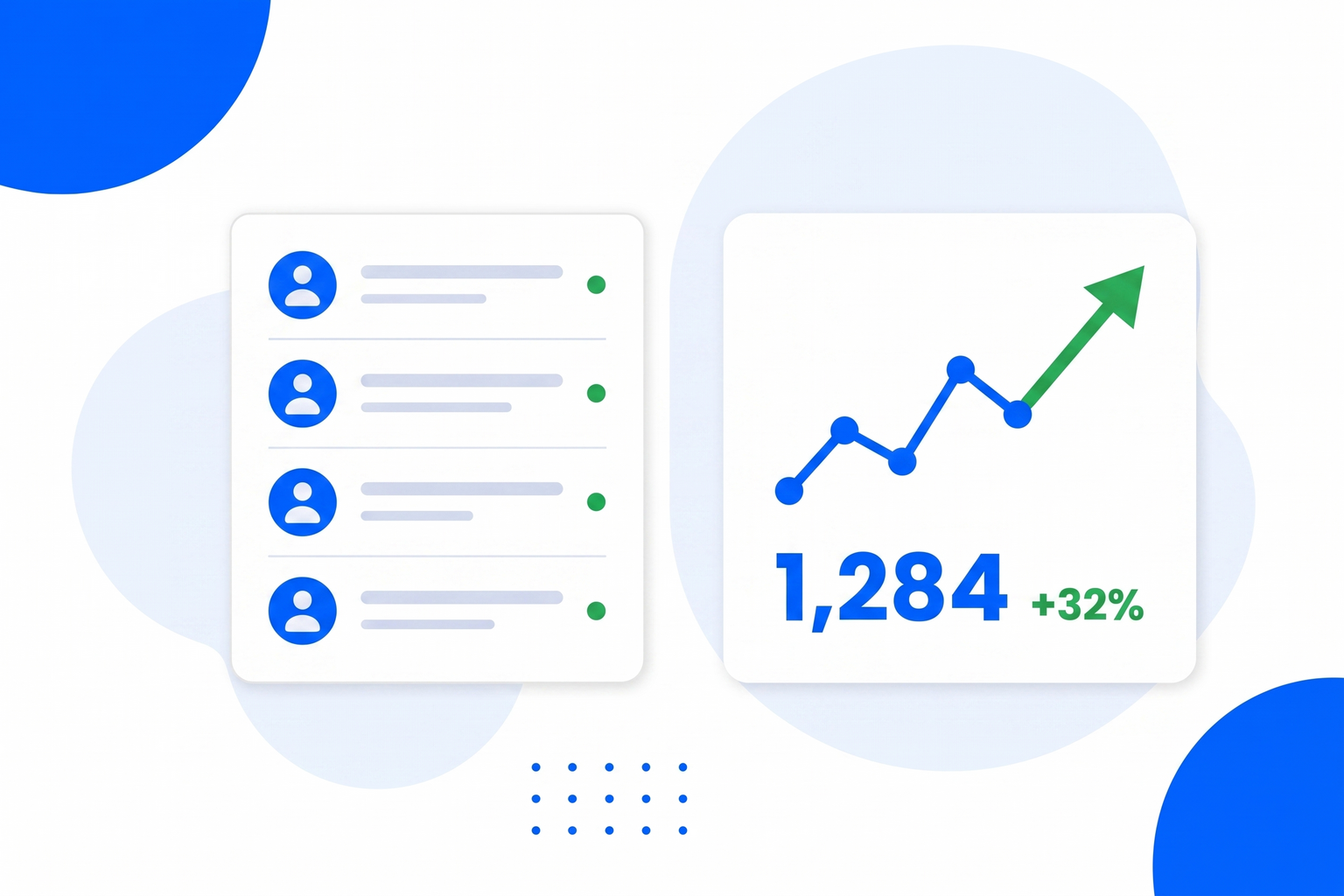
Every conversation is stored and readable, which turns out to be one of the more valuable things here. It is the most honest customer research you will get: the real questions, in real words, from people with no reason to be polite about your website. Read a week of it and you will find copy you need to rewrite and pages you need to add. When an answer was wrong, mark it, and the correction becomes a coaching note for that bot.
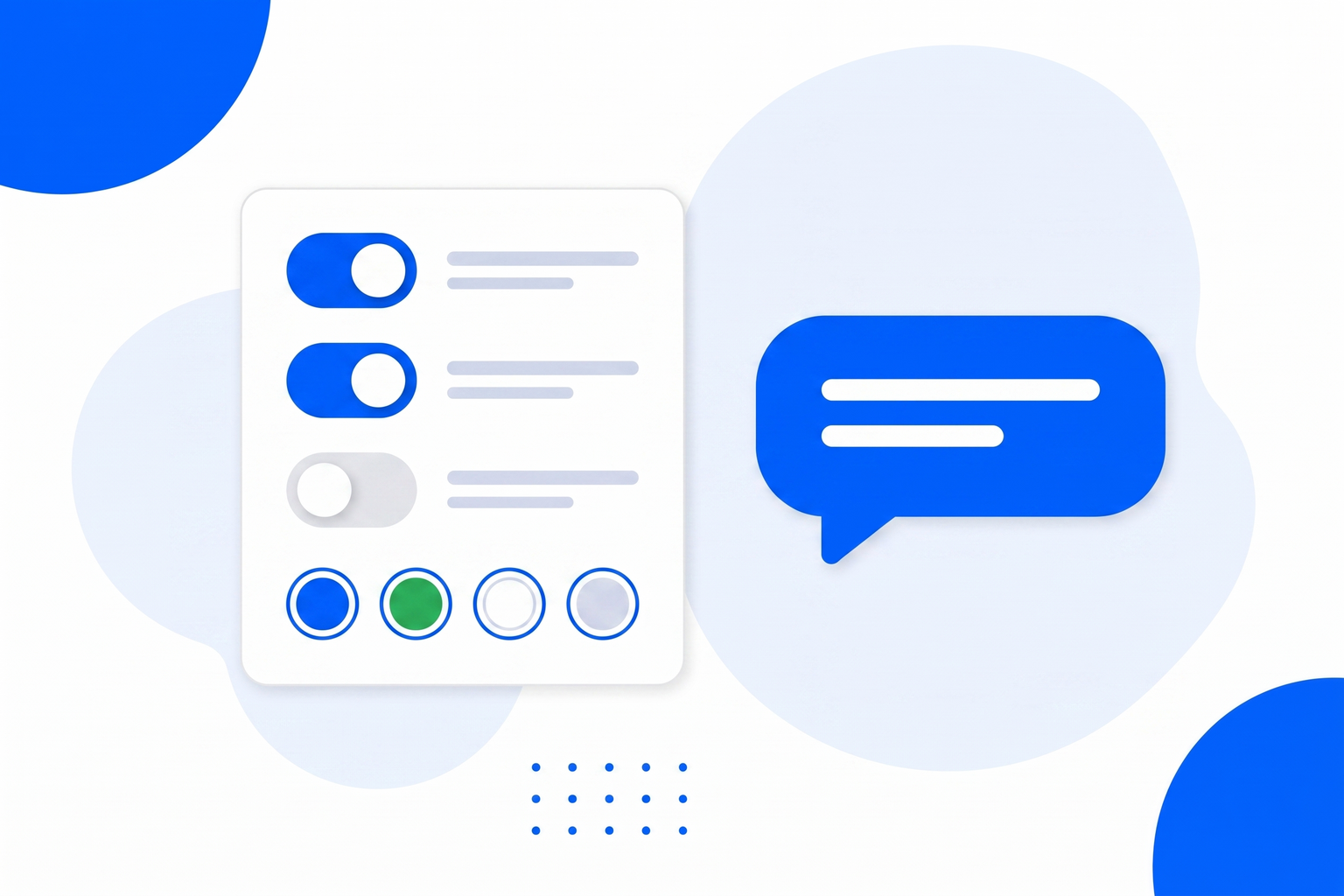
Set the widget title, the subtitle and the opening greeting, and match the colours to your brand so the chat looks like part of the page rather than a bolt-on from another company. Behind it sit the practical protections you would want on anything public facing: rate limiting, abusive-IP blocking and message caps, so a bored visitor cannot run up your usage.
Knowledge base, FAQ and links you control, generated from your site to start.
Evenings, weekends and holidays, when your competitors reply on Monday.
When it cannot answer, it takes contact details and emails you a summary.
It is instructed to say it does not know rather than guess at a price or a feature.
Visitors get answers in the language they wrote in.
A separate bot, knowledge and embed code for each website or client.
Read every chat, see what people actually ask, spot the gaps.
Correct a bad answer once and that bot takes the correction on board.
Same chatbot, same setup. These pages cover the jobs businesses hire it for most.
Answer the same twenty questions instantly, at any hour, without hiring anyone.
Customer Service ChatbotA tireless first responder that qualifies interest and hands you the good ones.
AI Sales AgentTurn the help articles nobody reads into answers people actually get.
Support ChatbotTurn anonymous browsers into named conversations you can follow up.
Lead Generation ChatbotAnswer the questions that stand between a browser and a decision.
Sales ChatbotA FAQ page nobody reads, turned into answers people actually receive.
FAQ ChatbotWhat changes between industries is the knowledge you give it and the questions it gets.
Answer sizing, stock and delivery questions before the basket is abandoned.
Chatbot for EcommerceAnswer property questions and capture viewing interest while you are at a showing.
Chatbot for Real EstateThe always-available colleague a small business could never afford to hire.
Chatbot for Small BusinessThe AI Chatbot is one of more than a dozen tools in a single BrandBits subscription, and conversations are only worth having if something happens next.
Keep the contacts your other tools capture in one inbox worth following up.
Lead ManagementCatch the visitors who never open the chat with a well timed offer.
Popups & BarsPoint the people who are ready to talk straight at your booking page.
AppointmentsStay in touch with everyone who reached out but was not ready yet.
Email MarketingIt is a chat widget on your website that answers visitor questions automatically, using knowledge about your specific business rather than general internet knowledge. The useful ones know their limits and pass anything they cannot answer to a human.
Your own material. You can generate a starting knowledge base from your website and then edit it, add your FAQ, add useful links, and write the tone of voice you want. Nothing is hardcoded and nothing is shared with other accounts.
It is explicitly instructed not to. When a question falls outside what you have told it, it says it does not have that answer and offers to pass the question to a human. A bot that invents a price or a policy costs far more than it saves, so this one is built to hand over instead.
It asks for the visitor’s name and email, then emails you their details, the page they were on, a summary of the conversation and a link to the full transcript in your dashboard. The conversation is flagged as a handoff so nothing gets lost.
Yes. It replies in whatever language the visitor writes in, even if your knowledge base is written in one language only.
Yes. Each bot has its own knowledge, its own look, its own contact person and its own embed code, which makes it practical to run separate bots for separate websites, brands or clients.
Paste one small embed snippet into your site. It works on WordPress, Wix, Squarespace, Shopify, Webflow and hand-built sites, and needs no plugin.
You can build a bot and put it on your site on the free plan without a credit card. Paid plans include the AI Chatbot along with every other BrandBits tool.
Your subscription includes a full toolkit. Here are a few:
Turn PDFs into interactive, shareable flipbooks.
Create clean, engaging slide presentations online.
Shoppable, shareable photo galleries that sort themselves by interest.
Collect ratings and feedback with simple, embeddable widgets.
See traffic and conversions in one simple view.
Let visitors book appointments straight into your calendar.
Branded short links you can repoint anytime, with click stats.
Capture emails with popups, floating bars and slide-ins.
Show your Instagram, TikTok and Facebook posts on your site.
Answer visitor questions 24/7 and hand over real leads.
Run promotions where visitors act to win and spread the word.
Send newsletters and simple automations to your leads.
Publish articles with built‑in testing and engagement tracking.