
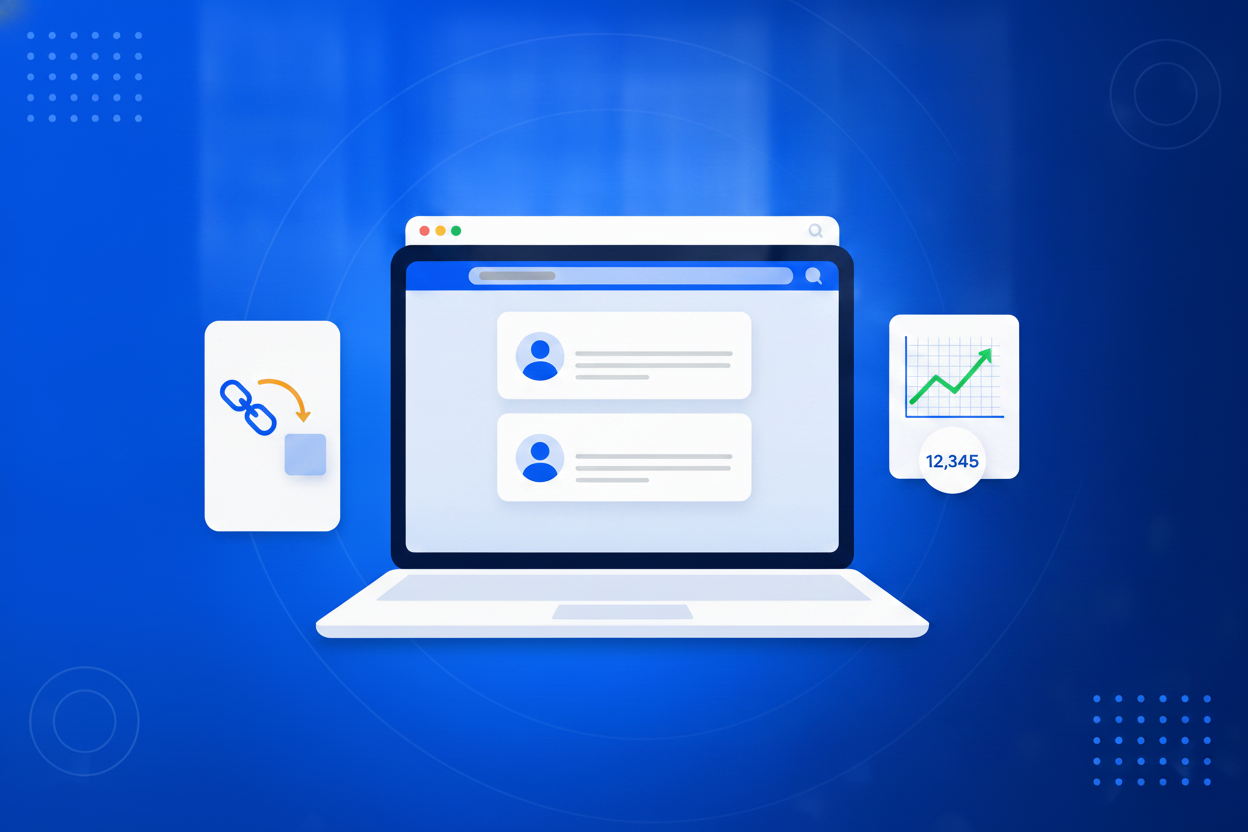
A smart link is a short web address that stays under your control after you have shared it. Ordinary links are permanent decisions: the moment one is printed on a flyer, pinned to a profile or sent to a thousand inboxes, whatever it points at is what it points at forever, and if that page moves or the offer ends, everyone who follows it lands on a dead end. A smart link separates the address from the destination. The address is short, readable and permanent. The destination is a setting you can edit in seconds, as often as you want, for as long as the link exists.

A working link takes about thirty seconds to make, and you never have to make it again.
Drop in the long address you want to shorten. A landing page, a booking form, a PDF, a video or another BrandBits tool all work the same way.
Type the ending you want, such as /spring or /menu. The link lives on your own BrandBits address, so it carries your brand rather than a stranger’s.
Put it in an email, a post, a flyer or a QR code. Clicks start counting immediately, and the destination stays yours to change.
Anonymous shortened links have a trust problem, and it is not their fault: the same few public domains carry both real newsletters and a decade of phishing. Your smart links run on your own BrandBits web address, so your business name is part of the link, and you choose an ending that describes where it goes. People can read the link and decide it is safe before they click, which is the whole battle.
More on this: branded short links and vanity URLs.
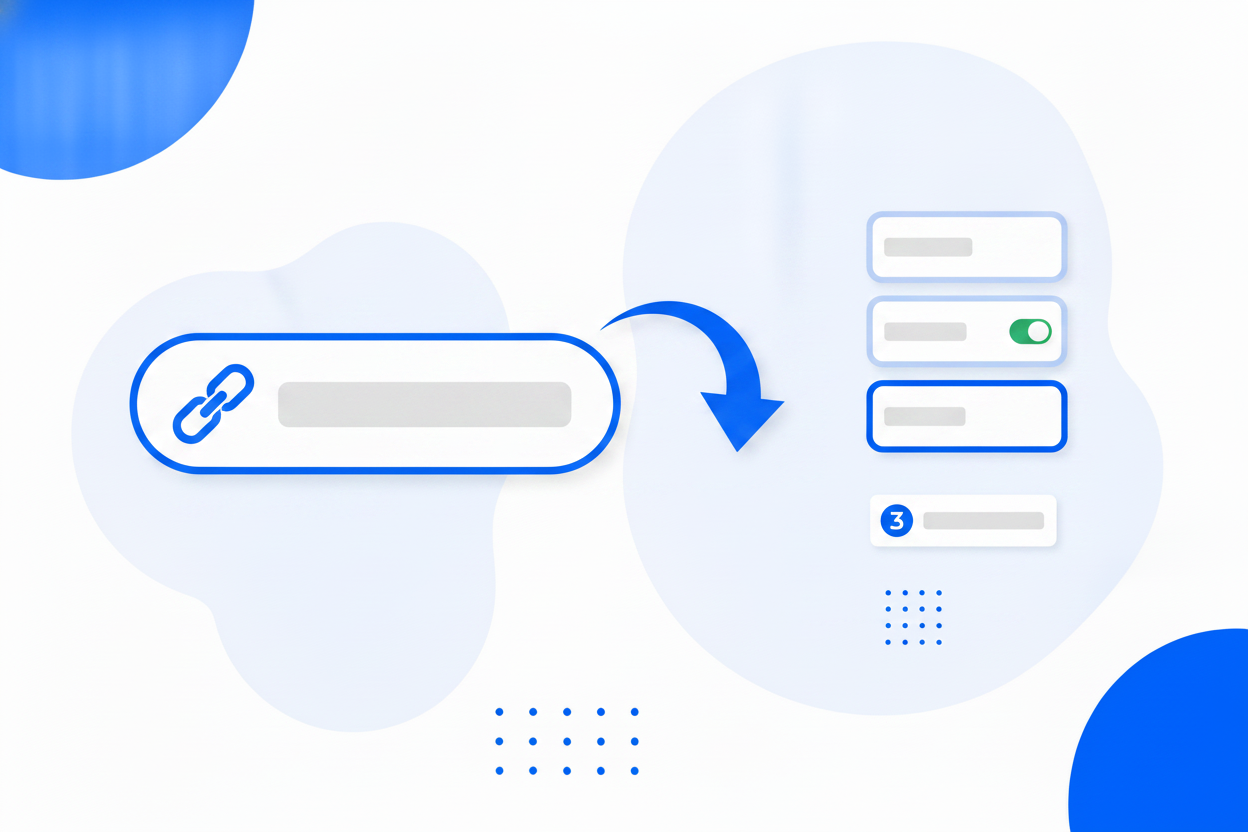
This is the part that changes how you work. Because the address and the destination are separate, anything you have already shared becomes editable again. The seasonal offer ends, so the flyer from last month now leads to the new one. You rebuild your website and a page moves, so you update one setting instead of hunting down every place the old address was posted. A link goes out in an email with a mistake in the destination, and you fix it after the email was sent.
More on this: dynamic links.
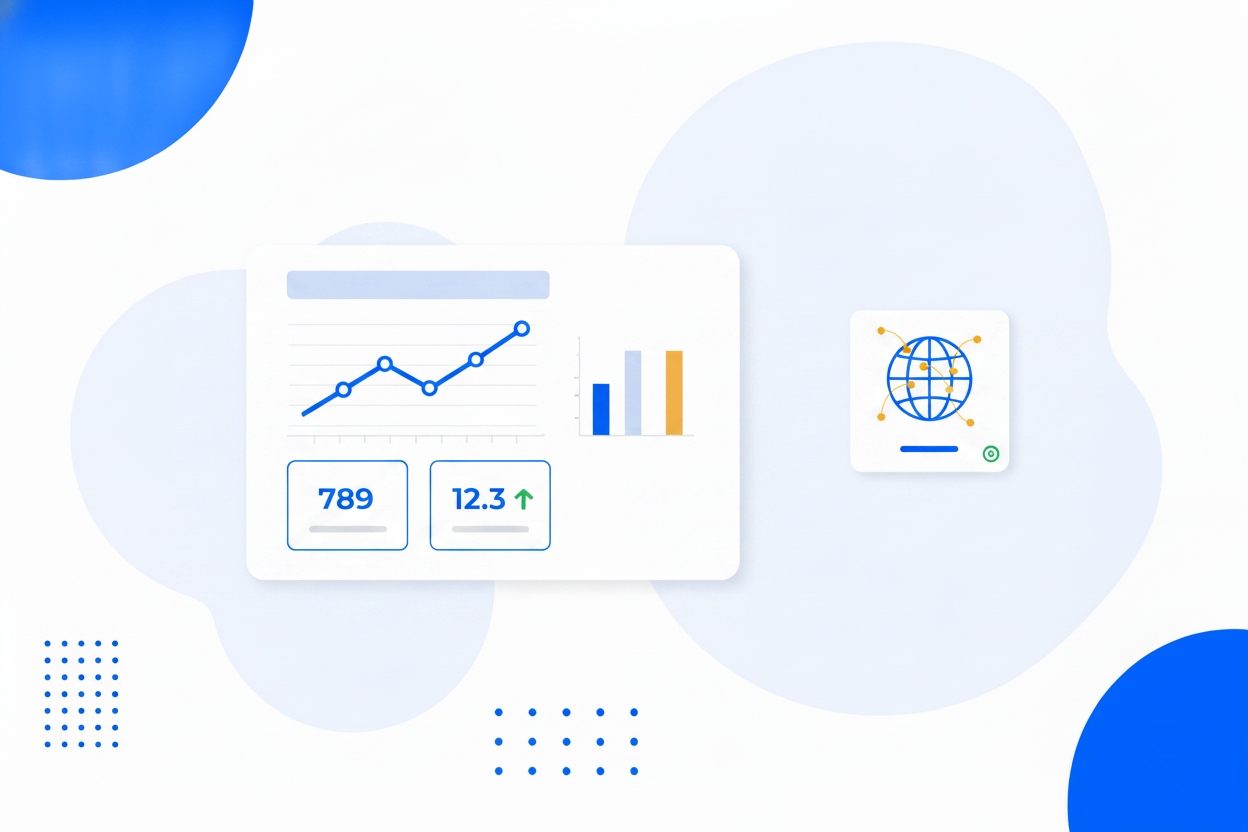
Because a click passes through your link before it reaches the destination, the link can count it. That means you can measure things website analytics never sees: a poster in a shop window, a mention in someone else’s newsletter, an address you read out on a podcast, a link sent in a private message. Give each channel its own link and within a week you will know which ones are worth your time.
More on this: link tracking.
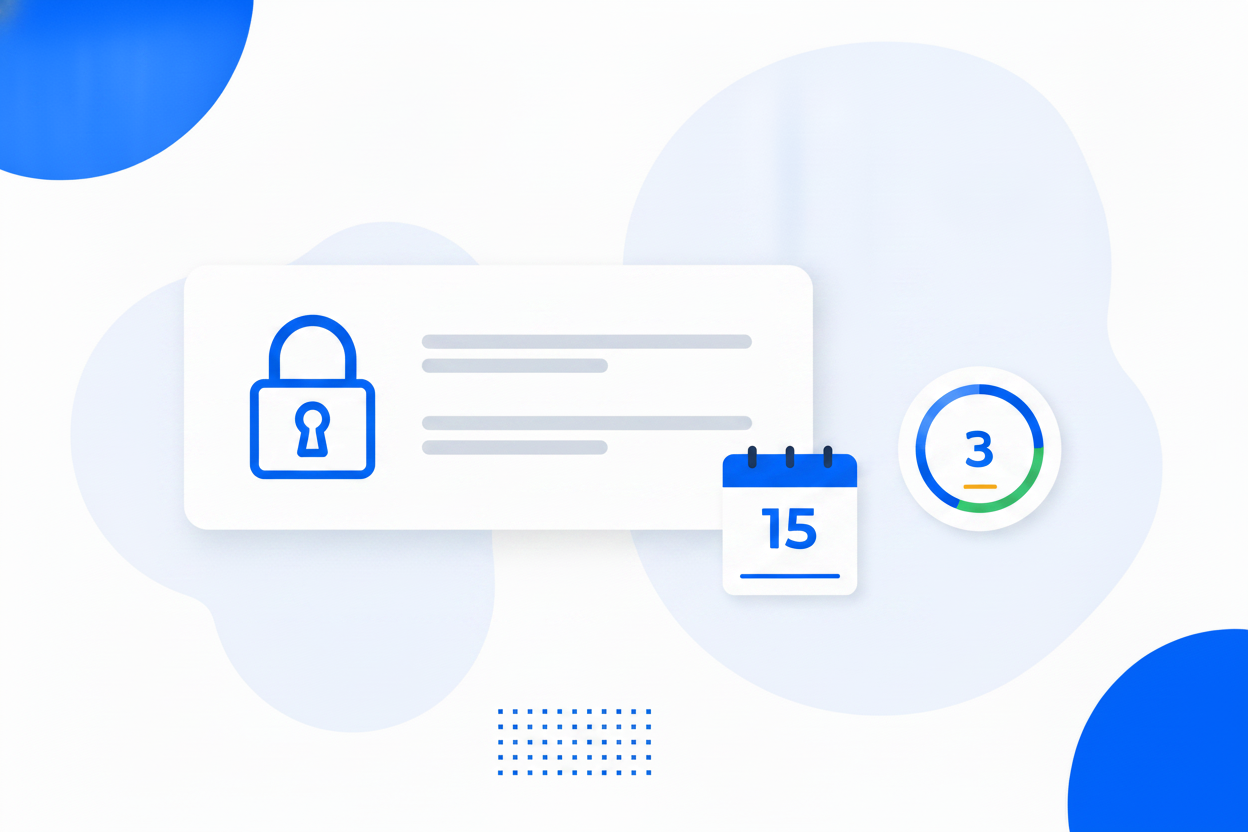
Not everything should be open to the whole internet. Put a password on a link and the destination only opens for the people you gave it to, so a forwarded link on its own is worthless. Add an expiry date and the link retires itself on schedule. Add a click limit and it closes after a set number of opens. Protected links keep their destination in private storage outside the public web root, so it cannot be read out of the link’s public settings.
More on this: password-protected links.
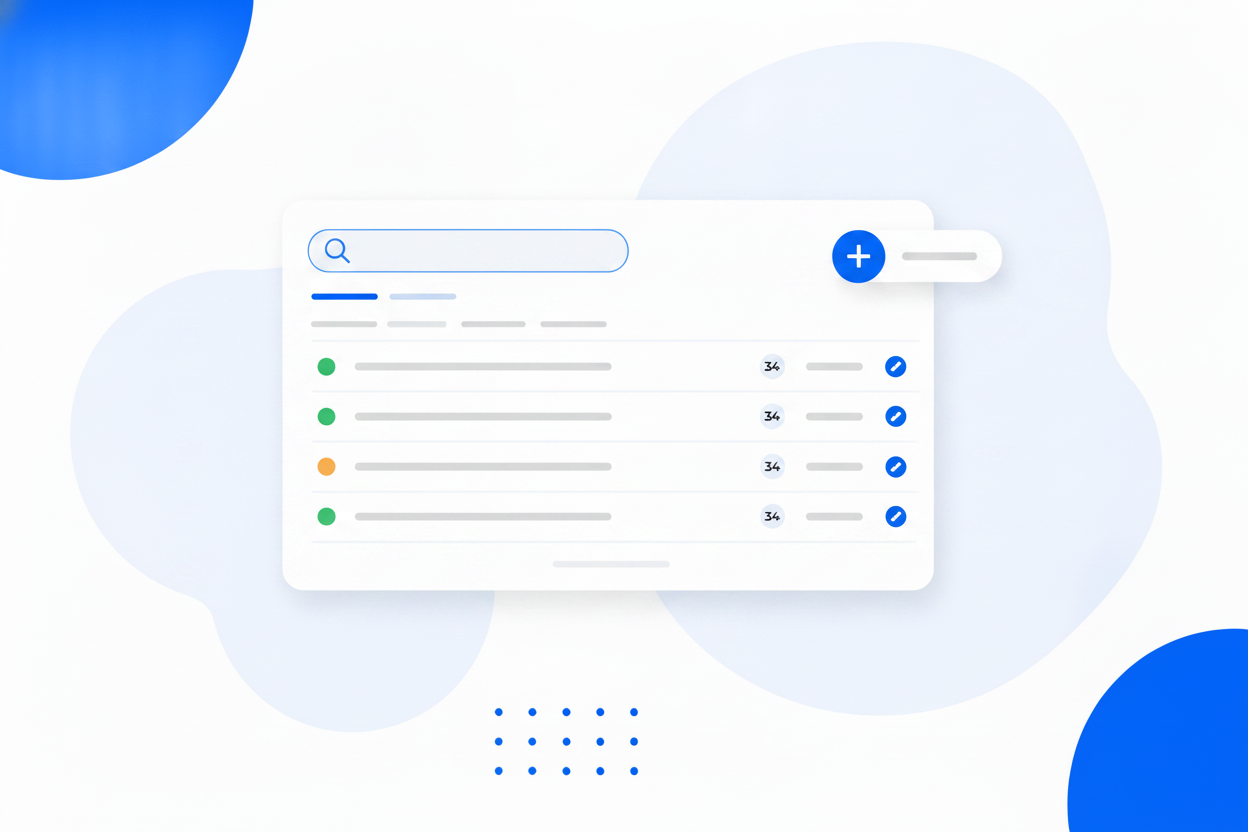
Links accumulate quietly. A campaign here, a QR code on some packaging, a bio link somebody set up two years ago. Keeping them in one list is what stops that pile from rotting: you can see what each one points at, how many clicks it has earned, and whether it still deserves to exist. When you rebuild your site, you do not have to remember everywhere an old address went out, because the links you own are already in front of you.
More on this: link management software.
Choose the ending yourself so the link reads like your brand, not random characters.
Change the destination whenever you want. The short address never changes.
See how many people clicked, and when, in your BrandBits analytics.
Put a password on a link so only the people you tell can reach the destination.
Set a date after which the link politely stops working.
Cap a link at a number of clicks, ideal for limited offers and private files.
Redirects are cached across 100+ datacentres, so they resolve almost instantly anywhere.
Point a dynamic QR code at a smart link and you can change the destination twice over.
Every capability below is part of the same tool and included in every plan.
A short, memorable web address people can actually read out loud and type in.
Vanity URLOne fixed address, a destination you can change whenever the campaign changes.
Dynamic LinksCount every click without adding a single tracking script to your website.
Link TrackingShort links that carry your name instead of a shortening service nobody trusts.
Branded Short LinksShare something with the people who should see it and nobody else.
Password-Protected LinksEvery link your business shares, in one place, still under your control.
Link Management SoftwareSmart Links is one of more than a dozen tools in a single BrandBits subscription, and it is most useful next to the others.
Print a QR code that points at a smart link, so both the code and the link stay editable.
Dynamic QR CodesUse branded short links in campaigns and see exactly which ones earned the clicks.
Email MarketingOne short address on the printed card, pointing at a card you can update forever.
Digital Business CardLink clicks land in the same dashboard as the rest of your visitor data.
AnalyticsA smart link is a short, branded web address that you control after you have shared it. You choose the short name, you can change where it points at any time, and every click on it is counted. That combination is what separates it from an ordinary shortened link, which is fixed forever the moment you send it.
Free shorteners give you an anonymous address you cannot edit and cannot really measure. A smart link carries your own business name, lets you pick a readable ending, can be repointed whenever your campaign changes, counts its own clicks, and can be locked with a password or an expiry date.
Yes, as often as you like. The short address stays exactly the same while the destination behind it changes, which is what makes it safe to print a link on packaging, posters or business cards.
Yes. Every link runs on your own BrandBits web address, which already contains your business name, and the Small Business and Business plans let you run everything on your own domain instead.
Yes. You can require a password before the destination is revealed, and you can add an expiry date or a maximum number of clicks. Protected links keep their destination in private storage, so it cannot be read out of the public link settings.
No. Redirects are served from a cache spread across more than 100 datacentres worldwide, so the redirect resolves almost instantly wherever the visitor is.
You can create smart links on the free plan without a credit card. Every paid plan includes the tool along with everything else in the BrandBits suite, rather than charging for it separately.
Your subscription includes a full toolkit. Here are a few:
Turn PDFs into interactive, shareable flipbooks.
Create clean, engaging slide presentations online.
Shoppable, shareable photo galleries that sort themselves by interest.
Collect ratings and feedback with simple, embeddable widgets.
See traffic and conversions in one simple view.
Let visitors book appointments straight into your calendar.
Branded short links you can repoint anytime, with click stats.
Capture emails with popups, floating bars and slide-ins.
Show your Instagram, TikTok and Facebook posts on your site.
Answer visitor questions 24/7 and hand over real leads.
Run promotions where visitors act to win and spread the word.
Send newsletters and simple automations to your leads.
Publish articles with built‑in testing and engagement tracking.