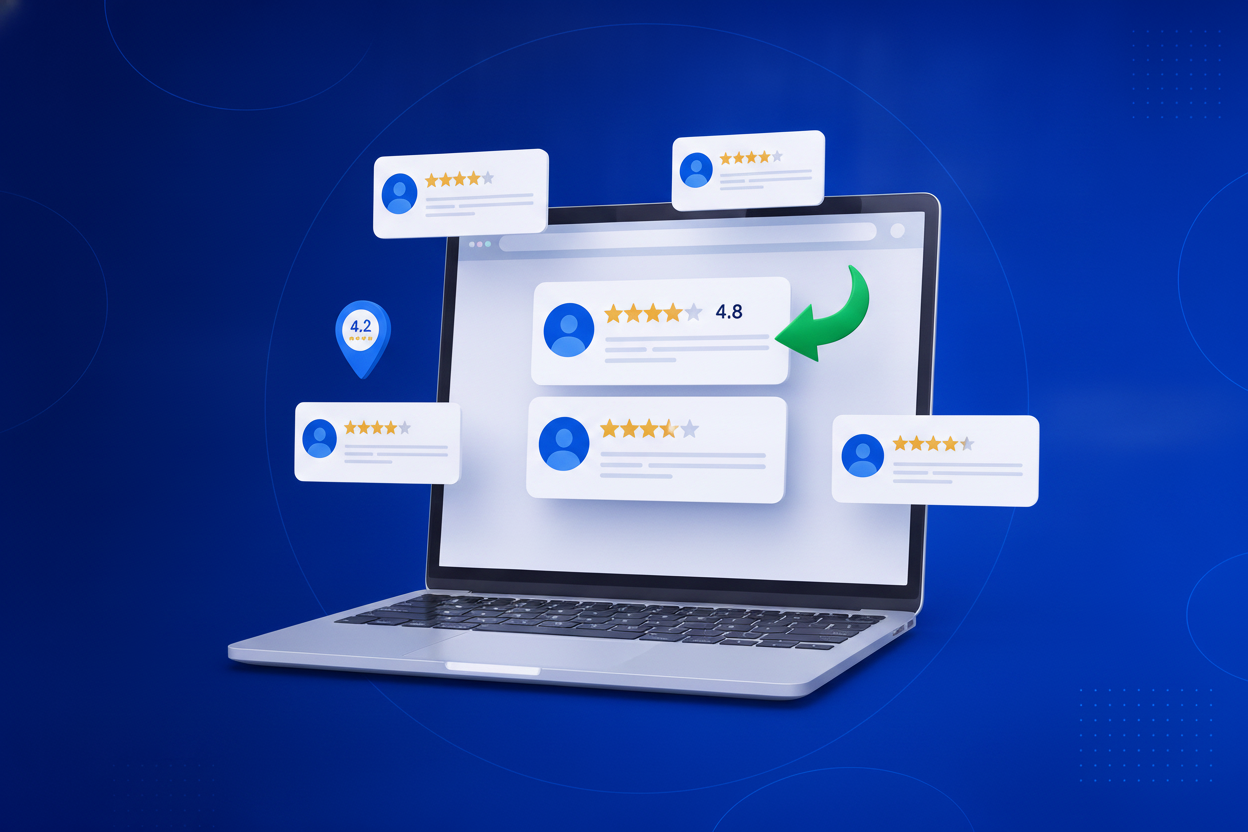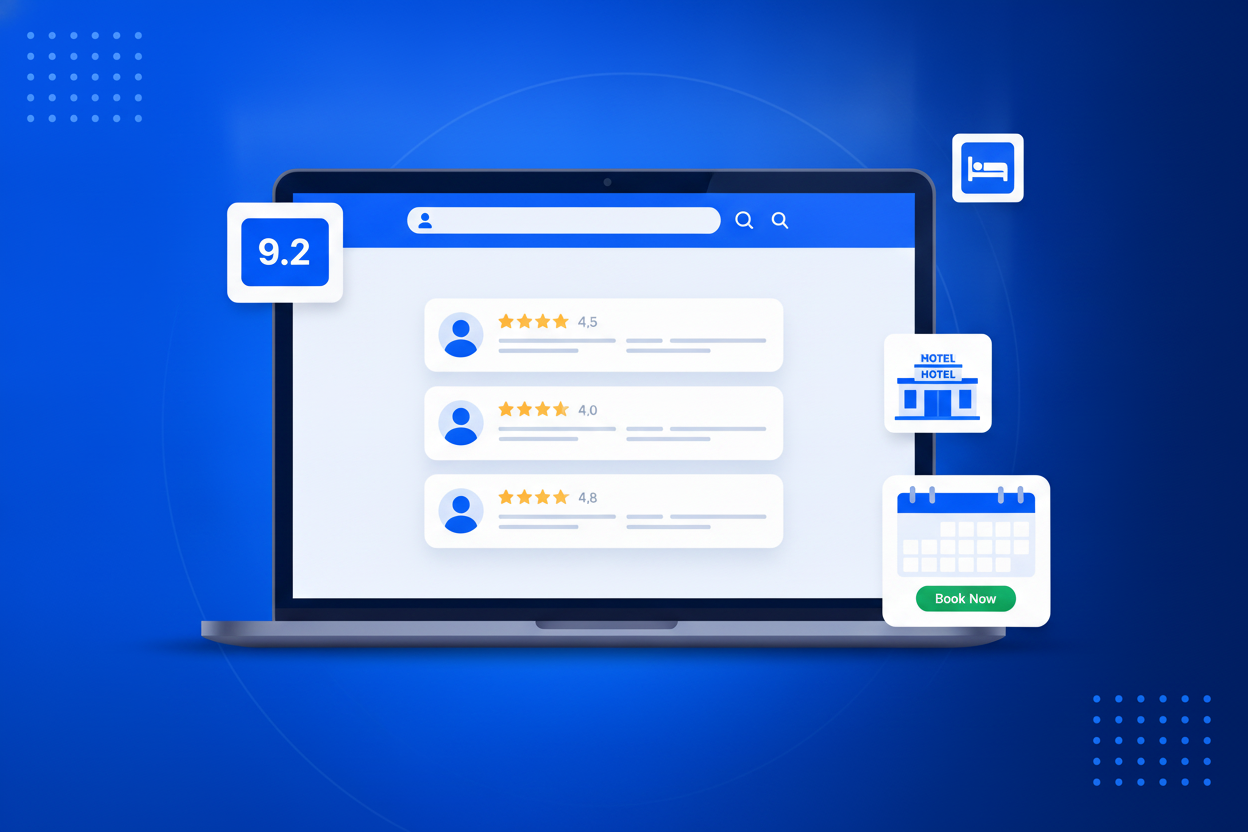
Hotels lose 15–25% of every OTA booking to commission — which is why every hotel website begs guests to “book direct for the best rate.” Guests still hesitate, because the OTA has something your site doesn’t: hundreds of verified guest reviews. A Booking.com reviews widget ends that trade-off. BrandBits shows your guest reviews on your own site as a review wall, carousel or a compact score badge, refreshed automatically. Now “book direct” comes with the same reassurance as the OTA listing — and the commission stays in your pocket.
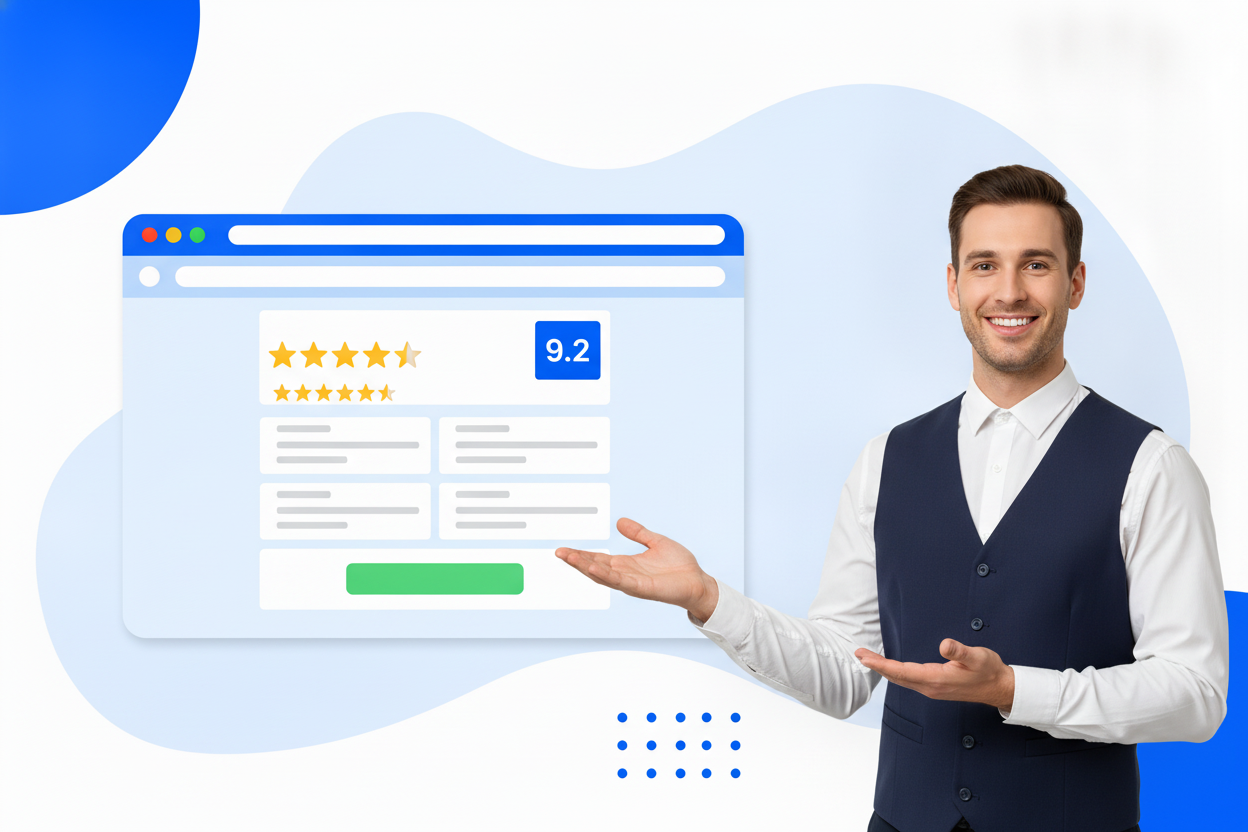
From review profile to live widget in three steps — no code beyond one copy-paste, nothing to maintain.
Paste the public links to your review profiles — Google, Trustpilot, Facebook, Yelp, Tripadvisor — or collect reviews right on your site.
Review wall, carousel or compact rating badge. Set rating filters, sorting, colors and fonts to match your site.
Copy one small snippet into your page. Reviews refresh automatically every day, so your proof stays fresh on its own.
Nothing persuades a hesitant visitor like other customers — here is what that means for you.
Travellers know and trust Booking.com scores. Showing yours on your site answers their first question instantly.
Reviews that convert even a handful of OTA bookings to direct pay for themselves many times over.
Automatic refreshes keep last week’s happy guests on your homepage without any manual updates.
A compact score badge fits beside your rate calendar and “Book now” button, right at the decision point.
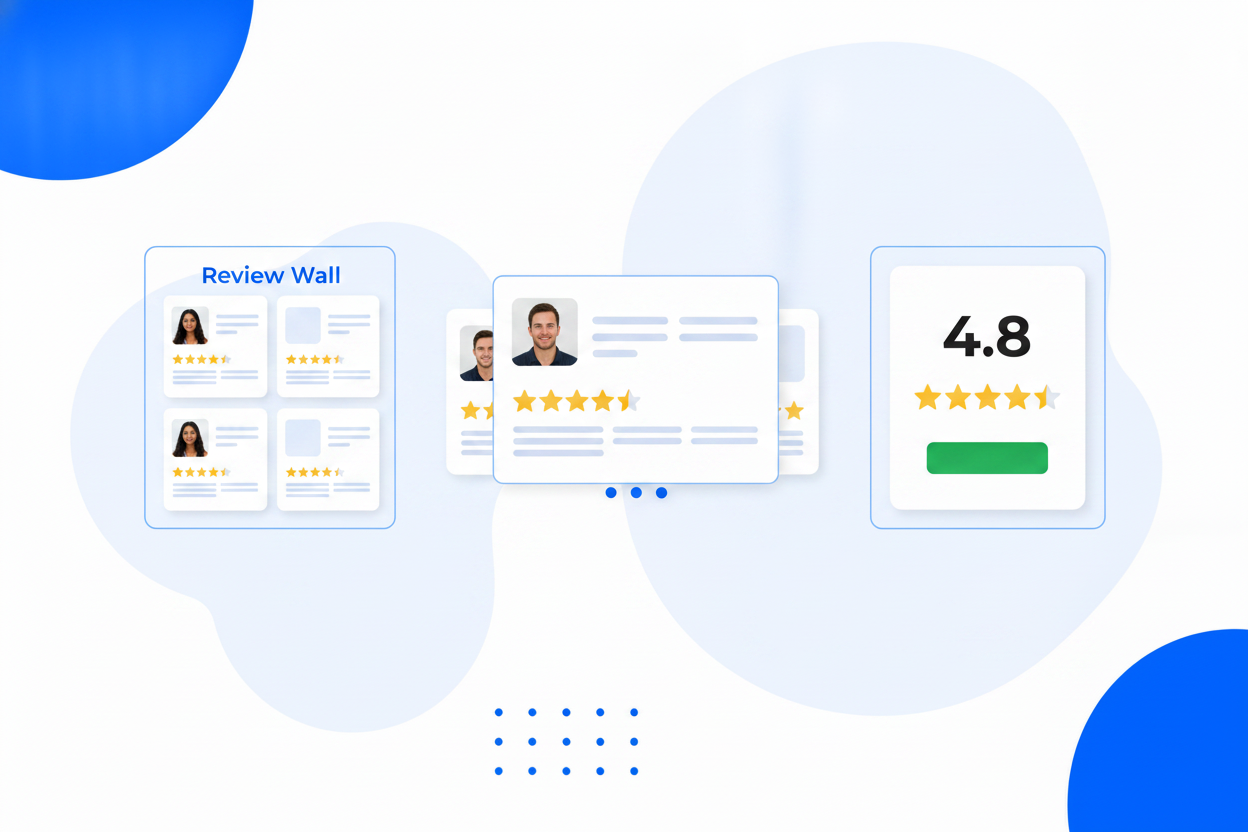
From your rooms pages to the rate calendar, your guest score can reassure travellers at every step to direct booking.
Reviews pulled from your public profiles — no manual entry.
Blend Google, Facebook, Trustpilot, Yelp & Tripadvisor.
Three layouts, switchable any time.
New reviews appear on their own.
Show 4-stars-and-up, sort by newest or highest.
Hide or lightly edit any review before it shows.
Send happy customers to your profiles, or collect on-site.
Fonts, sizes and colors to match your site.
Wherever your reviews live, there is a widget for them — and every layout is included. Pick your platform or style.
Show your Google rating and reviews on your website — fetched automatically, always fresh.
Google Reviews WidgetEmbed your Trustpilot reviews and TrustScore on any page — without the enterprise price tag.
Trustpilot WidgetTurn Facebook recommendations into on-site social proof with an auto-updating widget.
Facebook Reviews WidgetBring your Yelp stars to your own website — perfect for restaurants and local services.
Yelp Reviews WidgetShow your Tripadvisor reviews to travellers researching on your own website.
Tripadvisor WidgetShow your Zillow agent reviews on your own site and win listings with proof.
Zillow Reviews WidgetShow your Airbnb guest reviews on your direct-booking site and skip the fees.
Airbnb Reviews WidgetShow your Amazon product reviews on your own store or brand site.
Amazon Reviews WidgetShow your Etsy shop reviews on your own website and sell direct with confidence.
Etsy Reviews WidgetA sleek, auto-advancing slider of your best reviews — big proof, small space.
Review CarouselRotate customer testimonials with names, photos and stars — fed by real reviews.
Testimonial SliderA self-updating testimonial section powered by your real reviews.
Testimonial WidgetRatings, reviews and star badges that turn hesitation into confidence.
Social Proof WidgetLearn how to collect more reviews and turn them into social proof that converts.
Add your review source in BrandBits, choose a wall, carousel or badge, and paste the embed snippet into your site. Guest reviews appear with scores and text, kept fresh automatically.
That’s the point. Guests default to OTAs because of the reviews. Showing the same guest feedback on your own site removes the last reason not to book direct.
Yes. Add multiple sources to one widget and all your reviews blend into a single wall, carousel or badge with optional source labels.
Yes. Set a minimum rating and hide any individual review from the widget — your Booking.com page itself is unaffected.
Yes. The widget is a small HTML embed you can place on any page you control, including the pages around your booking engine.
Your subscription includes a full toolkit. Here are a few:
Turn PDFs into interactive, shareable flipbooks.
Create clean, engaging slide presentations online.
Shoppable, shareable photo galleries that sort themselves by interest.
Collect ratings and feedback with simple, embeddable widgets.
See traffic and conversions in one simple view.
Let visitors book appointments straight into your calendar.
Branded short links you can repoint anytime, with click stats.
Capture emails with popups, floating bars and slide-ins.
Show your Instagram, TikTok and Facebook posts on your site.
Answer visitor questions 24/7 and hand over real leads.
Run promotions where visitors act to win and spread the word.
Send newsletters and simple automations to your leads.
Publish articles with built‑in testing and engagement tracking.