
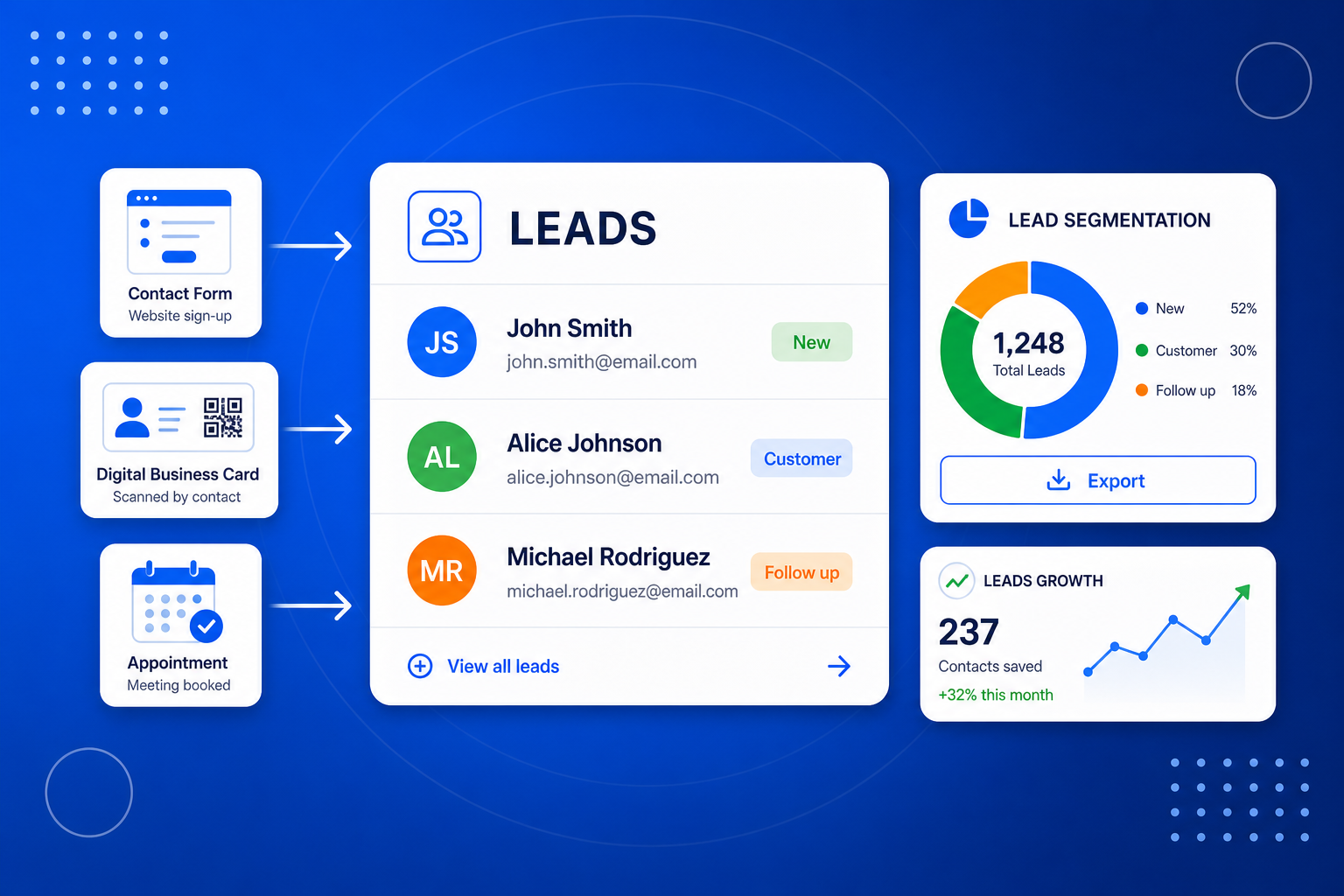
It is the shared lead inbox at the centre of BrandBits — lead management software that works like a simple CRM without the busywork. Every other tool you use — contact forms, your digital business card, your booking page, a flipbook download — quietly drops each new contact into the same place. Instead of chasing details across a dozen tools, inboxes and spreadsheets, you get one clean, searchable list of everyone who has reached out, with the answers they gave and where they came from.
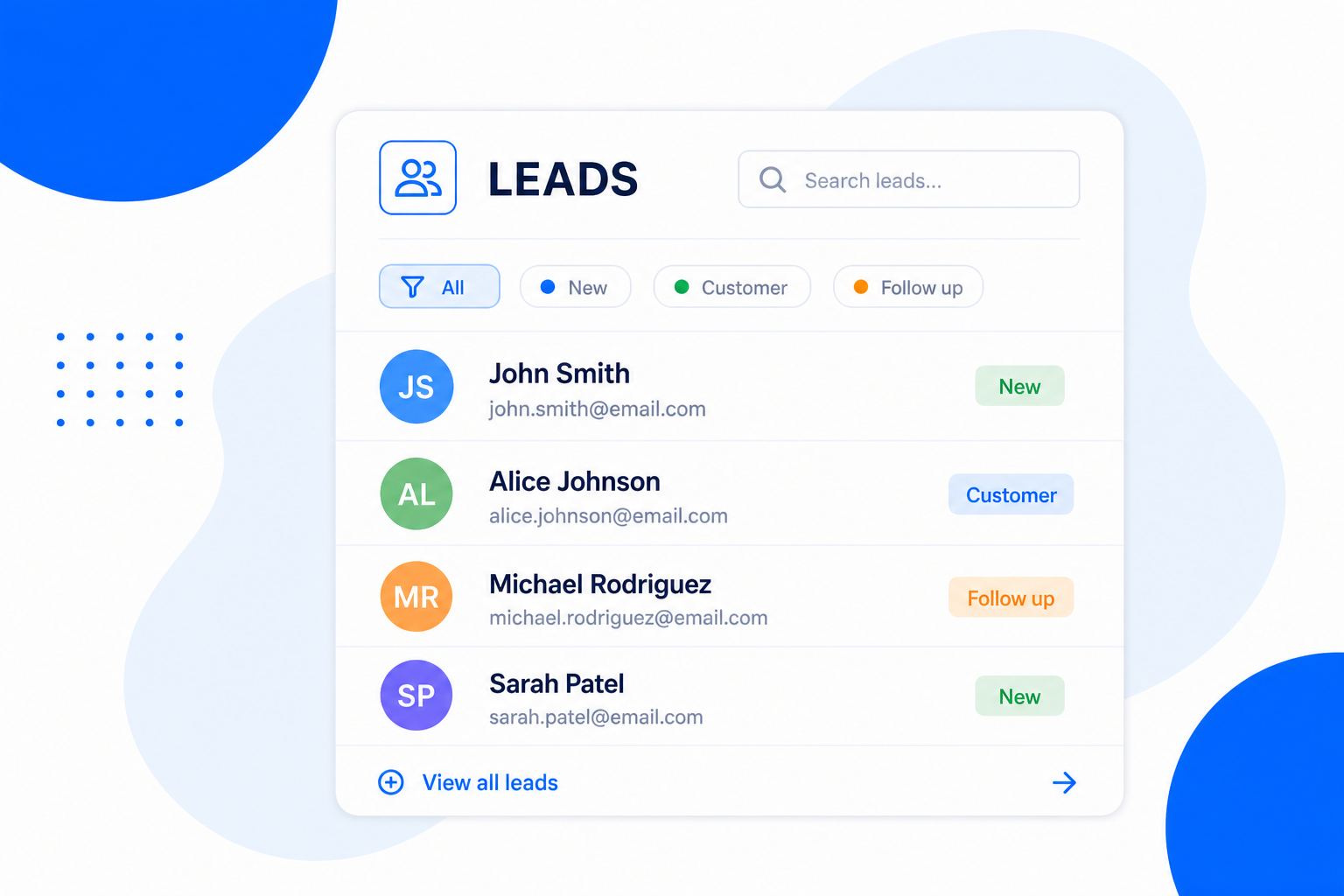
There is nothing to wire up. The moment a BrandBits tool captures a contact, it shows up in Leads.
Your tools collect contacts automatically — a form submission, a booked appointment, a business-card share or a gated download.
Every lead lands in one inbox, tagged with its source and the details that person gave, ready to search, filter and review.
Send a campaign with Email Marketing, segment by source, or export to CSV — so every lead turns into a next step.
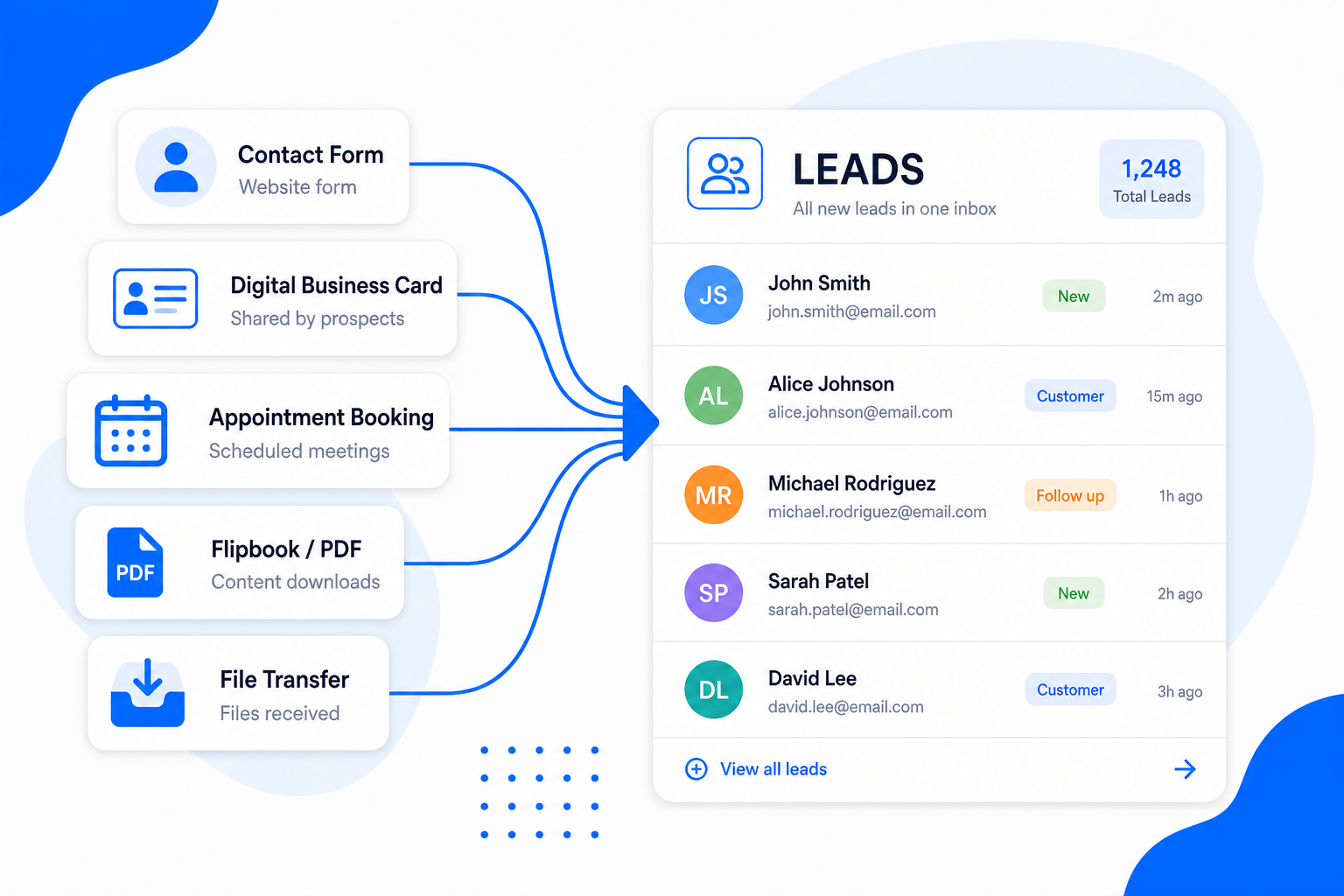
A lead is a lead, whether it arrived from a contact form, a tap of your business card or a booked meeting. BrandBits treats them all the same: each tool sends its contacts straight into one searchable lead database you actually own, stamped with where it came from, so you finally have the full picture in one place.
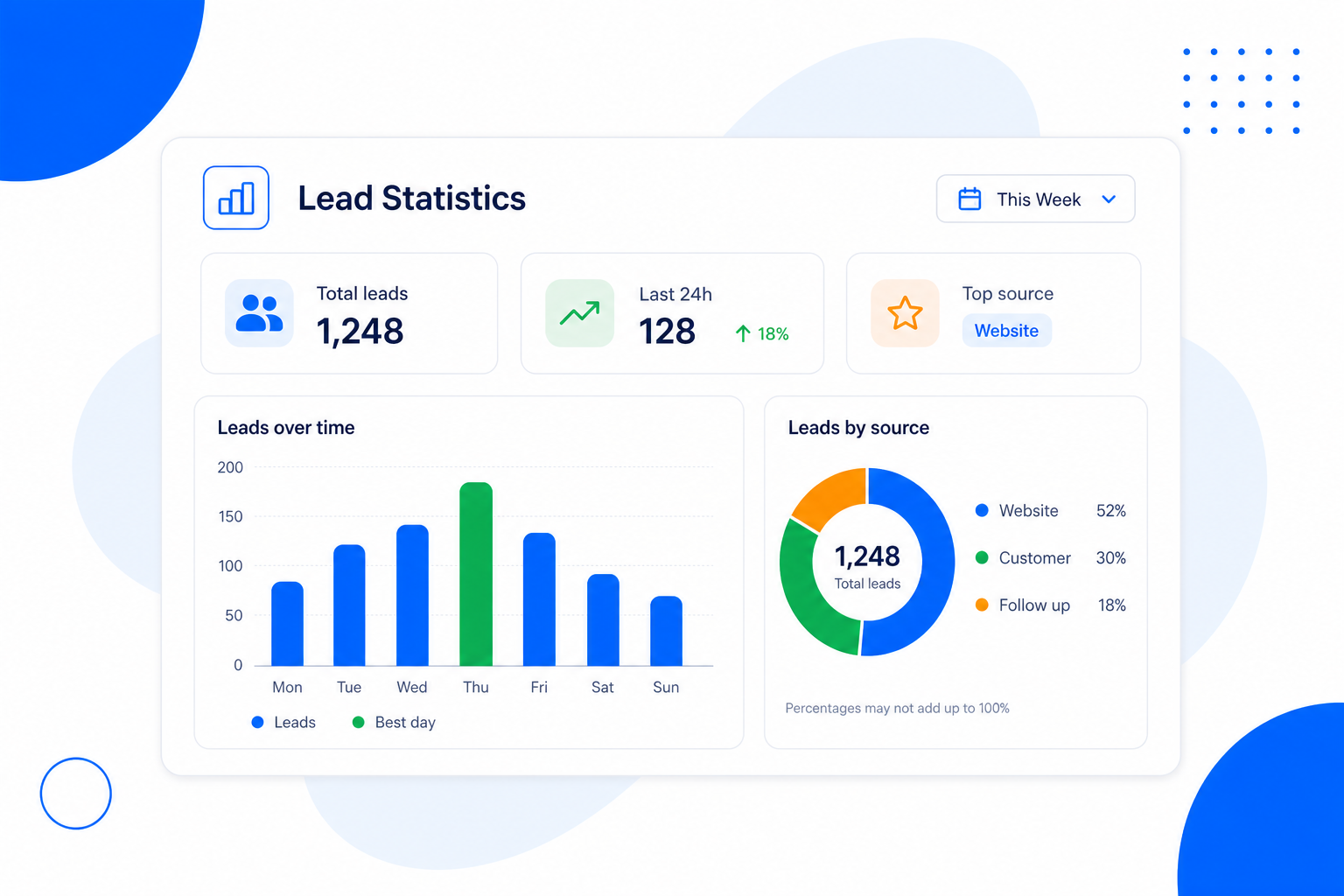
It is not just a list — it is lead tracking software with a quiet little analytics tool built in. See how many leads you have collected, how many arrived in the last 24 hours, and which source is bringing in the most. Spot your trend over time so you can double down on what works and stop wasting effort on what doesn’t.
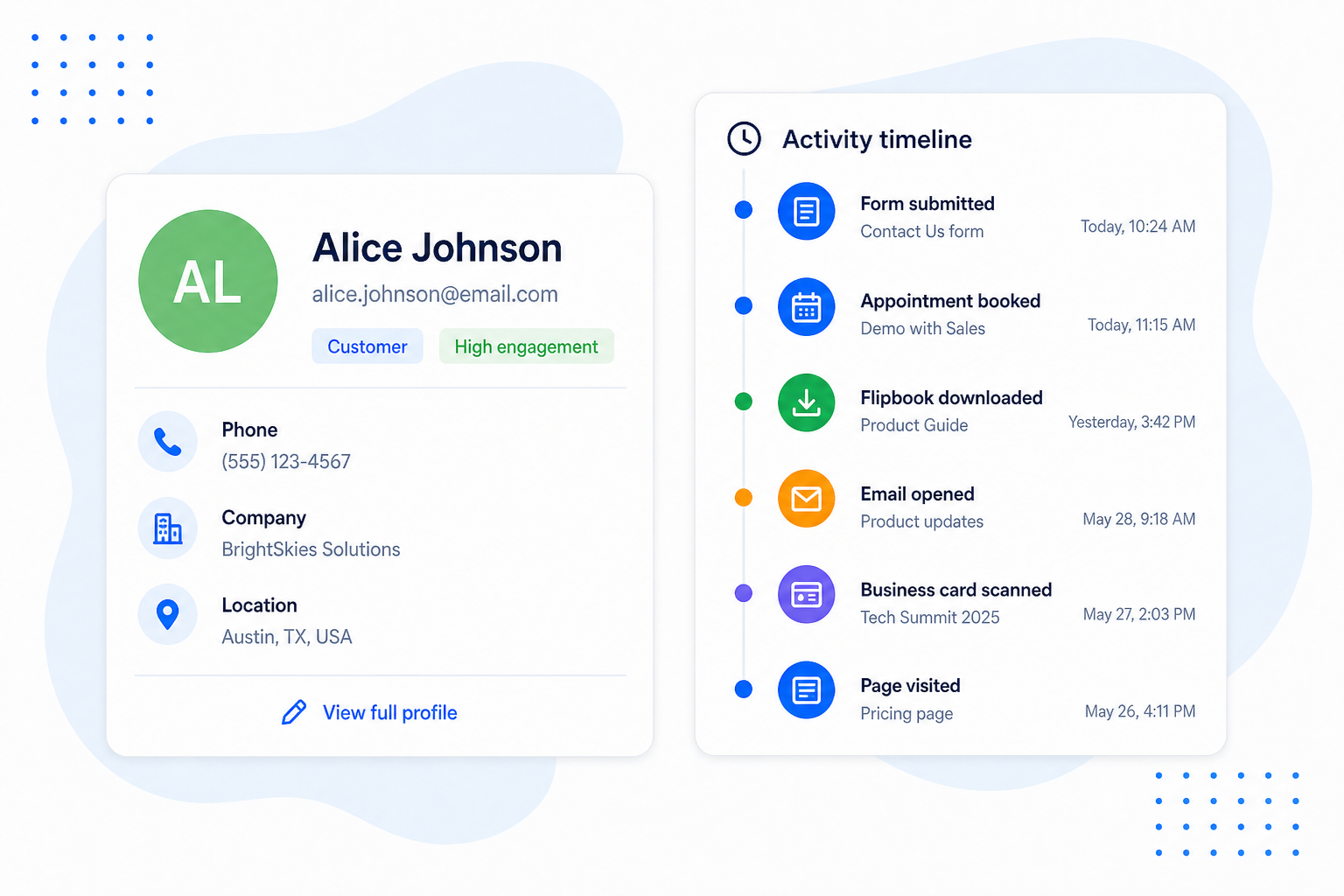
The same person often turns up more than once — they fill in a form today, book a call next week and download a brochure later. Like a lightweight contact management system, BrandBits recognises them by email and stitches it all into a single profile, so you see their whole story in one place instead of three disconnected entries.
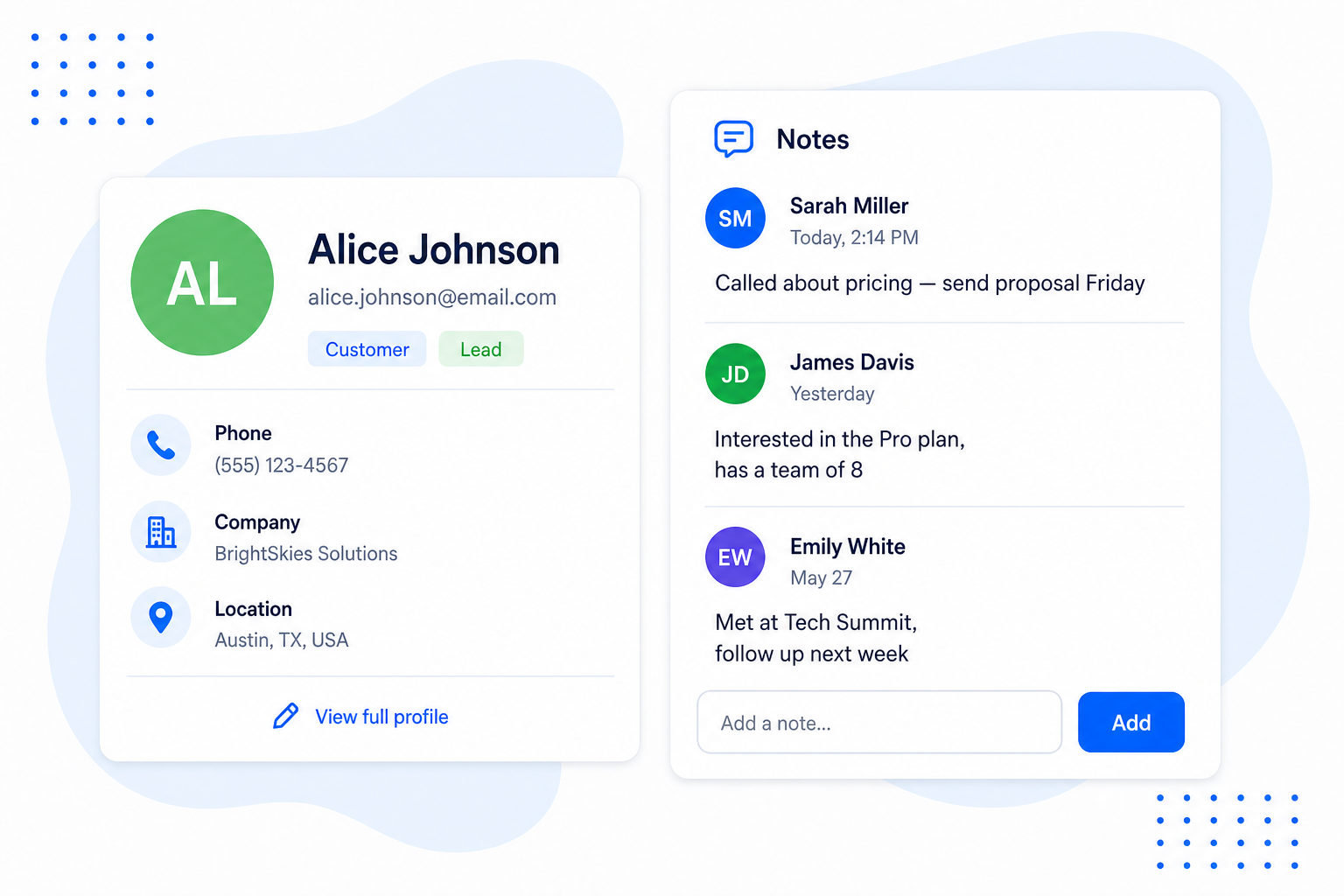
This is what turns your inbox into a proper little CRM. Jot a note on any contact and it stays with them over time — what you talked about, what they need next, what to do when they get back in touch. Because notes attach to the person (not a single form), everything you record shows up whenever that lead comes back, so your context never gets lost between submissions.
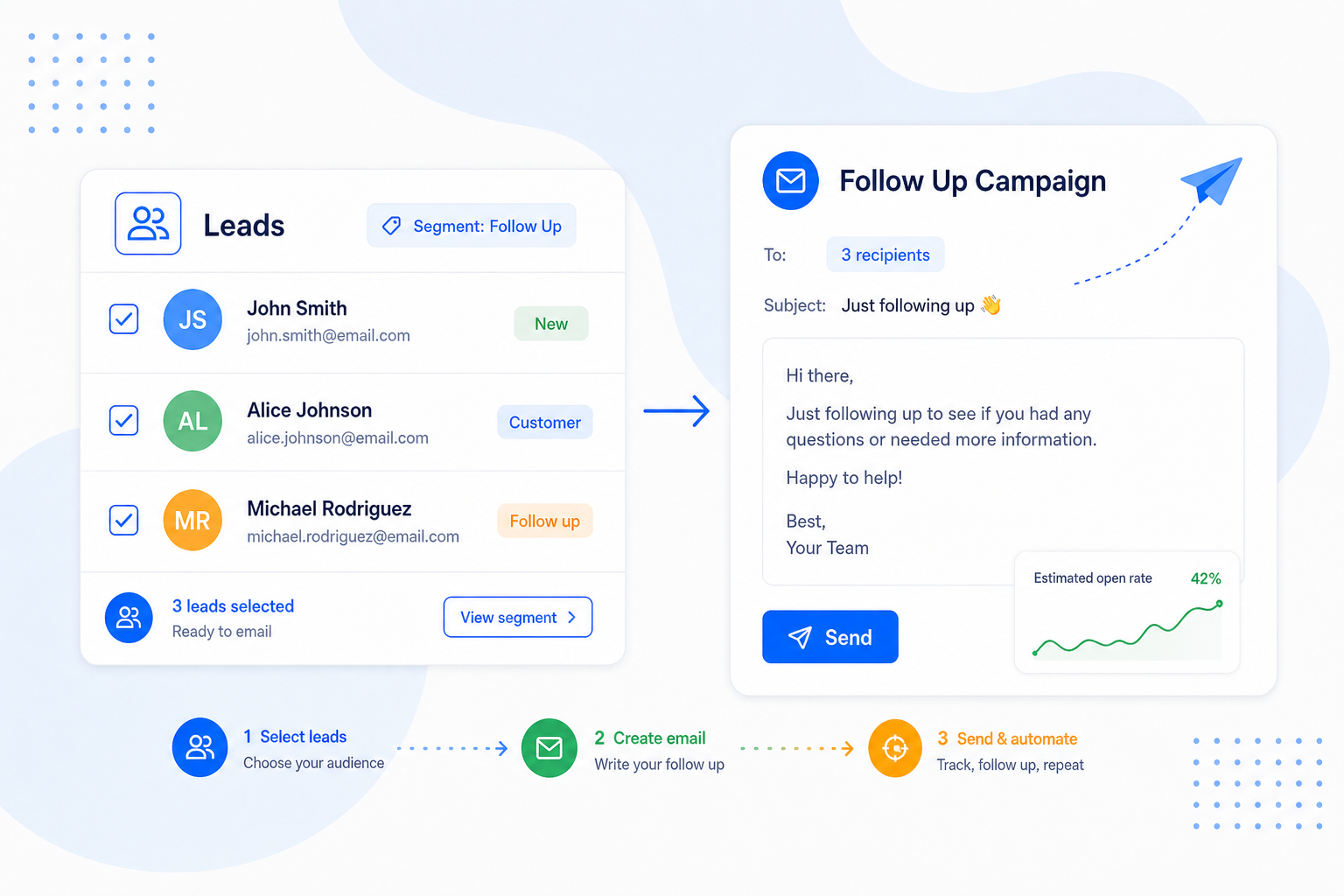
Collecting a lead is only half the job — the money is in the follow-up. Your leads flow straight into BrandBits Email Marketing, so you can welcome new contacts, send a newsletter or set up an automated sequence. Segment by source or tool to send the right message to the right people, and watch how each campaign performs.
No lock-in. It doubles as a lead organizer you can take anywhere: export your leads to a clean CSV whenever you like and use them in your CRM, a spreadsheet or another tool. BrandBits even tidies the file for you, merging repeat submissions from the same person into one row with their most recent details.
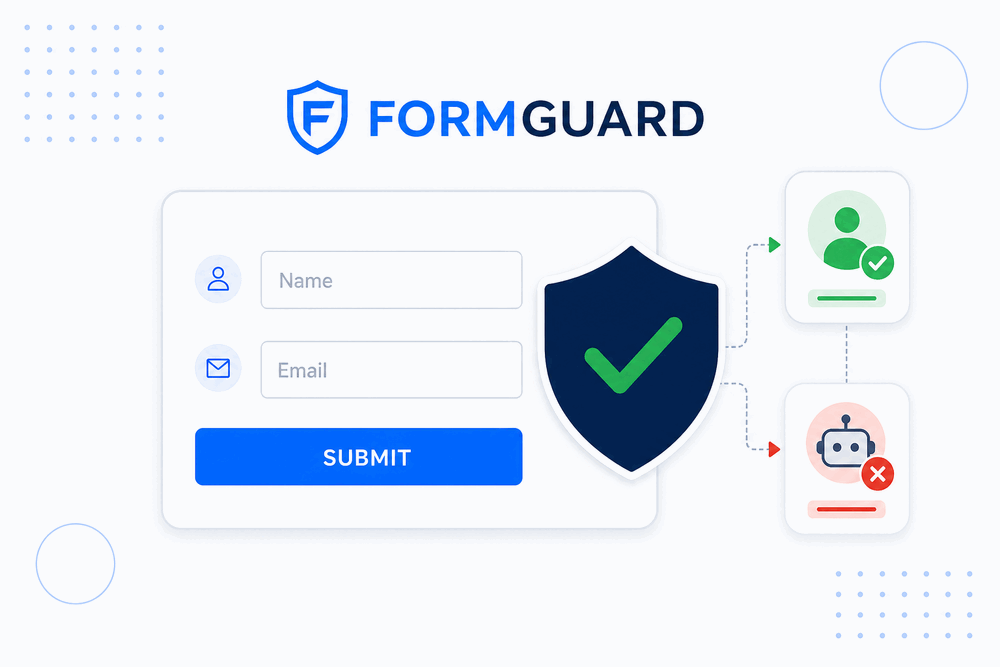
A leads list is only useful if it is clean. BrandBits forms are guarded by FormGuard, which checks submitters against known spam sources and blocks bots — with no annoying CAPTCHAs for your real visitors. So your inbox fills with genuine contacts you can actually follow up with.
Every lead from every tool in a single, searchable list.
See which tool captured each lead, automatically.
Find anyone by source, form or date in seconds.
Totals, last 24 hours, top source and trends over time.
Submissions from the same email merged into one contact.
A full history of everything a person did across your tools.
Add your own notes to any lead — calls, context and next steps.
Send newsletters and automations without leaving BrandBits.
Group leads by source or answers to target the right people.
Take your leads anywhere, tidied and de-duplicated.
FormGuard keeps bots out, so your list stays clean.
Fix details or remove a contact in a single click.
Leads comes with BrandBits — start collecting today.
You don’t collect leads in Leads — you collect them everywhere, and they all end up here. Here are the BrandBits tools quietly feeding your inbox while you get on with your work.
Spam-resistant contact and lead-capture forms that send every genuine enquiry straight to your inbox — no CAPTCHAs needed.
About FormGuardPopups, floating bars and slide-ins that catch visitors before they leave, with every sign-up tagged by the campaign that captured it.
About Popups & BarsEvery time someone shares their details back through your card, they become a new lead you can follow up with.
About Digital Business CardsEach booking is a person who wants to hear from you — saved as a lead with their answers to your custom questions.
About Appointment SchedulingGate a brochure or catalogue behind a quick sign-up and turn readers of your content into leads.
About FlipbookFollow-up questions on your feedback widgets can collect a contact along with the comment, so you can close the loop.
About FeedbackPoint a QR code at any of your lead-capturing tools, then track every scan that turns into a new contact.
About Dynamic QR CodesScattered contacts are forgotten contacts. A single inbox turns the leads you already collect into follow-ups, customers and repeat business.
Every contact your tools capture is saved automatically, so a busy day never means a missed opportunity again.
See which tools and channels bring in your best leads, and put your time where it actually pays off.
With everyone in one inbox you can reply, segment and send campaigns in minutes instead of digging through tools.
A clean, growing list is an asset. Nurture it with email and watch one-off enquiries become loyal customers.
Leads is one shared inbox that collects every contact your BrandBits tools capture — form submissions, business-card shares, appointment bookings, content downloads and more. Instead of details scattered across tools and spreadsheets, you get a single, searchable list of everyone who reached out, with where they came from and what they submitted.
It is a simple CRM in the ways that matter for most small businesses. If full sales-pipeline software feels like overkill, BrandBits works as a lightweight lead management system and contact management software in one: it captures contacts, keeps one profile per person with a full history, lets you add your own notes to track calls and next steps, shows where every lead came from, and helps you follow up — without the setup, jargon or monthly cost of a heavyweight CRM. As a lead tracking system it covers the essentials, and you can always export to a bigger CRM later if you outgrow it.
Any BrandBits tool that captures a contact feeds Leads automatically. That includes FormGuard contact and lead-capture forms, your digital business card, appointment scheduling bookings, Flipbook sign-ups and FileTransfer. Each lead is tagged with the tool and source it came from.
No. Leads fills itself. As soon as a BrandBits tool captures a contact, it appears in your inbox — there is no integration to configure or code to add.
Yes. Leads shows your total contacts, how many arrived in the last 24 hours and your top source, plus a trend over time and a breakdown by source and tool — so you can focus on the channels that bring in your best leads.
BrandBits recognises people by email and merges their submissions into a single profile with an activity timeline across every tool they used. Your CSV export is de-duplicated the same way, keeping each person to one row with their most recent details.
Yes — this is what makes Leads feel like a mini CRM. Open any contact and add as many notes as you like: a summary of a call, a follow-up reminder, or deal context like budget and timeline. Notes attach to the person, so they stay visible every time that lead comes back, no matter which tool they used. You can edit or delete a note at any time, and they are private to your account — never shown to the contact.
Your leads flow straight into BrandBits Email Marketing, where you can send newsletters and automated sequences, segment by source or tool, and track opens and clicks. Prefer another tool? Export to a clean CSV anytime — your leads are always yours.
BrandBits forms are protected by FormGuard, which blocks bots and known spammers without showing CAPTCHAs to your real visitors. That keeps your inbox full of genuine contacts and your stats accurate.
Leads is included with BrandBits, so you can start collecting and organising contacts straight away. Paid plans remove the “Powered by BrandBits” badge and unlock more across the wider BrandBits suite of tools.
Your subscription includes a full toolkit. Here are a few:
Turn PDFs into interactive, shareable flipbooks.
Create clean, engaging slide presentations online.
Shoppable, shareable photo galleries that sort themselves by interest.
Collect ratings and feedback with simple, embeddable widgets.
See traffic and conversions in one simple view.
Let visitors book appointments straight into your calendar.
Branded short links you can repoint anytime, with click stats.
Capture emails with popups, floating bars and slide-ins.
Show your Instagram, TikTok and Facebook posts on your site.
Answer visitor questions 24/7 and hand over real leads.
Run promotions where visitors act to win and spread the word.
Send newsletters and simple automations to your leads.
Publish articles with built‑in testing and engagement tracking.