
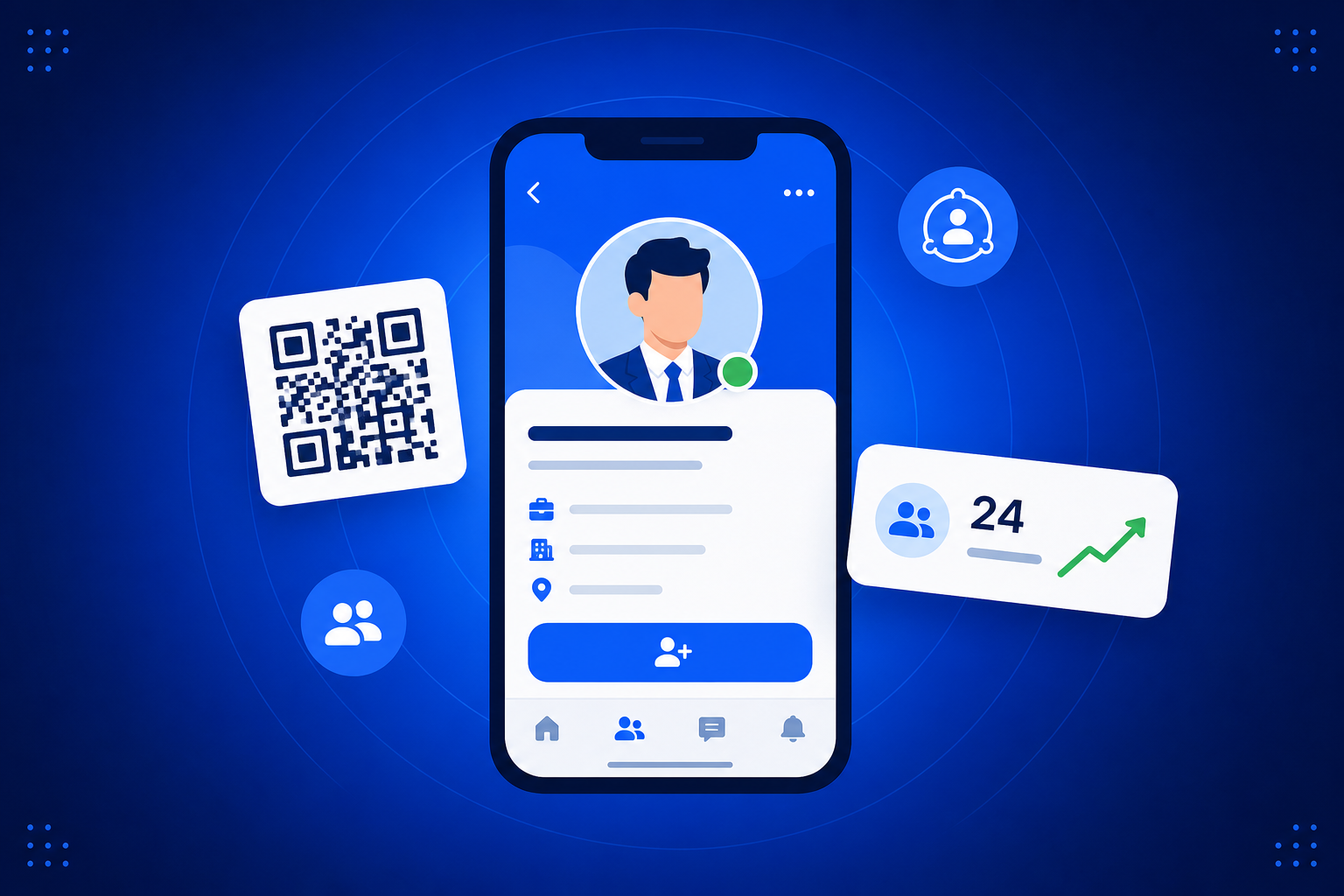
A QR code for LinkedIn turns any printed surface into a one-tap connection. Point a dynamic QR code at your LinkedIn profile and people can open and follow you straight from your business card, a conference slide or a booth banner — no typing your name into the search box. Because the code is dynamic, you can switch it to a different profile or a landing page later, and track how many people actually scanned it.
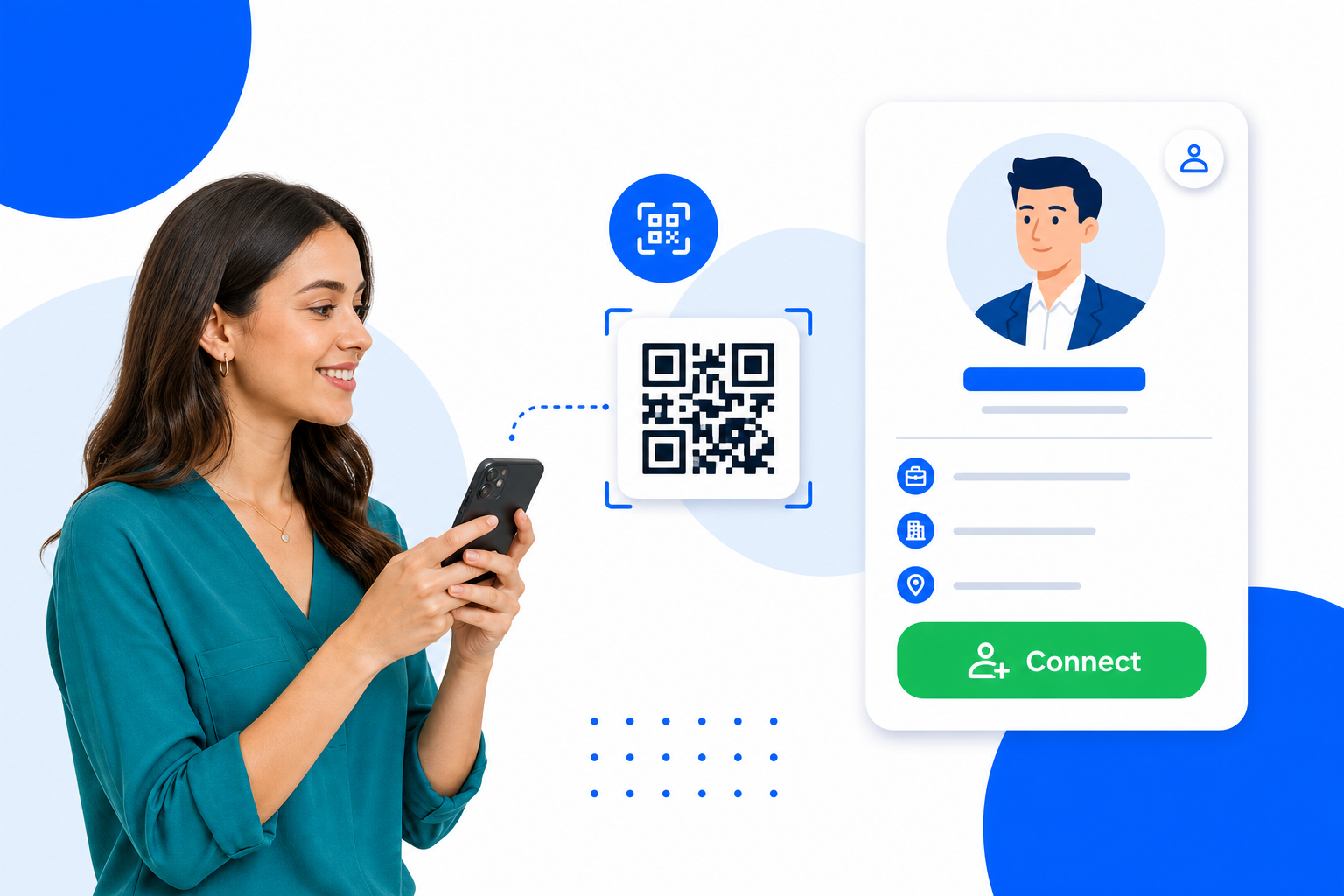
Create a trackable QR code in minutes — no design skills and no app to install.
Name your QR code and pick where it sends people — any link or one of your BrandBits tools.
Choose your colours and size, then download a crisp SVG or PNG ready to print anywhere.
Watch the scans roll in and change the destination anytime — the printed code keeps working.
A printed code is forever — so the smart move is to control where it goes after it is printed, and measure every scan.
Let people follow or connect with you the moment you meet, while you are top of mind.
Moved companies or want to send people to a campaign page instead? Repoint the same code in seconds.
See how many scans each event, card or slide produced.
Add it to cards, name badges, slides, booths and email signatures.
Wherever you network, make your LinkedIn one scan away.
Change where your code goes anytime — the printed code never changes.
Count every scan with totals, today and a 30-day trend.
Point at any web address — a page, video, menu or form.
Connect to your card, booking page or hub in one click.
Match your brand with your own foreground and background.
Download sharp vector files for print, or PNG for the web.
Stays crisp at any size, from a business card to a billboard.
Opens in any modern phone camera — nothing to install.
Create your first QR code for free and go live in minutes.
Copy your LinkedIn profile URL, create a dynamic QR code in BrandBits pointing at it, then download the SVG or PNG to print or share. You can change the destination later without making a new code.
Yes. It is a dynamic QR code, so you can repoint it to a new profile or page at any time and every printed copy keeps working.
Yes. BrandBits counts every scan so you can see how many people opened your profile and which events performed best.
On business cards, name badges, conference slides, booth banners and email signatures — anywhere you want people to connect instantly.
Your subscription includes a full toolkit. Here are a few:
Turn PDFs into interactive, shareable flipbooks.
Create clean, engaging slide presentations online.
Shoppable, shareable photo galleries that sort themselves by interest.
Collect ratings and feedback with simple, embeddable widgets.
See traffic and conversions in one simple view.
Let visitors book appointments straight into your calendar.
Branded short links you can repoint anytime, with click stats.
Capture emails with popups, floating bars and slide-ins.
Show your Instagram, TikTok and Facebook posts on your site.
Answer visitor questions 24/7 and hand over real leads.
Run promotions where visitors act to win and spread the word.
Send newsletters and simple automations to your leads.
Publish articles with built‑in testing and engagement tracking.