
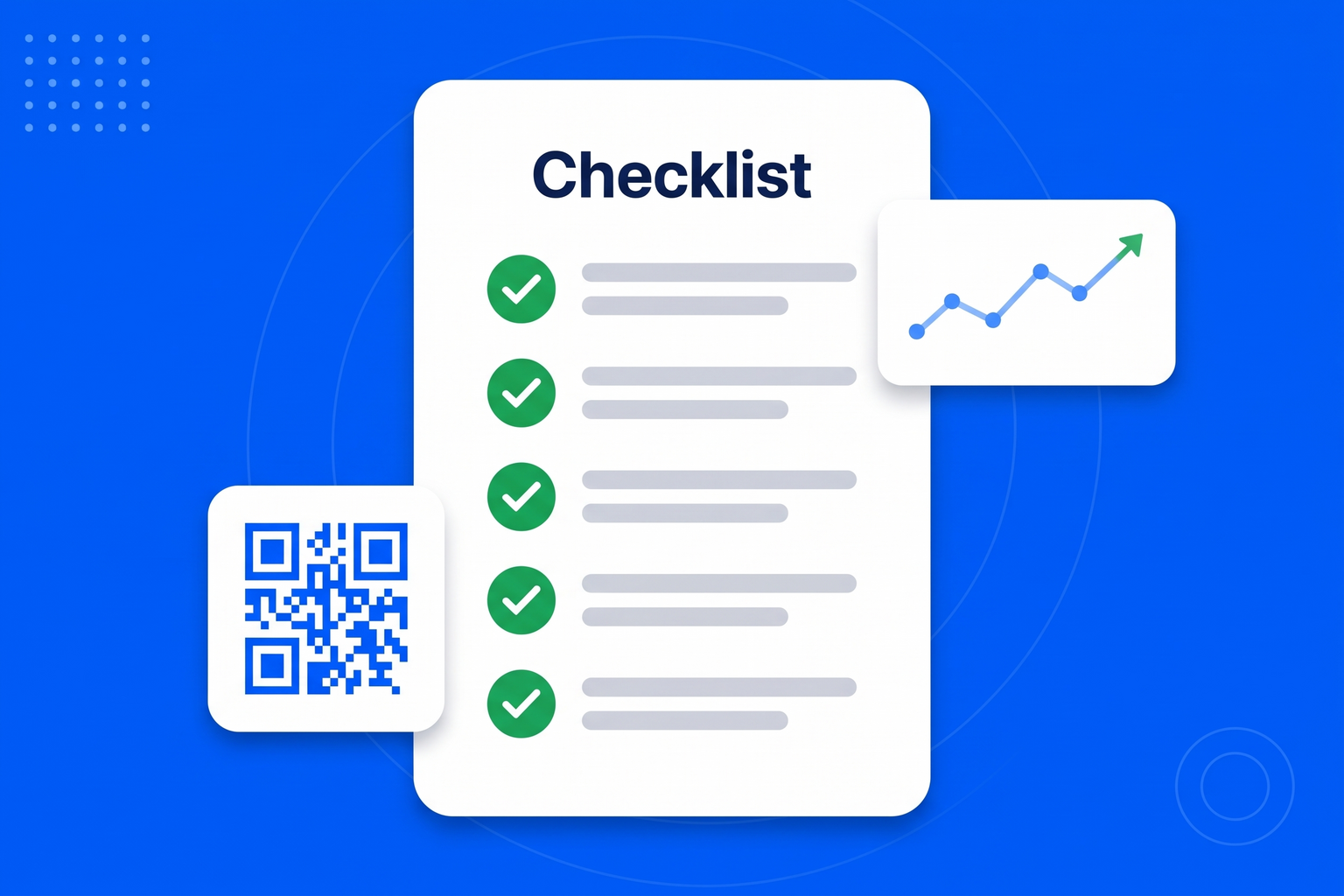
Round-ups of the best link in bio tools tend to compare the things that are the same everywhere. All of them give you an avatar, a bio and a stack of buttons; none of them will stop you doing that. What separates them in practice is narrower than it looks. First, measurement: can you see which individual button was pressed, or only that the page was viewed, and is that on the plan you will actually be on? Second, branding: can you set your own colours, type and domain, or does the page keep telling visitors which tool made it? Third, what happens after the tap - every button is a hand-off to another site, so the tools that let the next step happen on the page save the visitor a load they often will not wait for. Fourth, print: a bio page is useful on a window, a menu or a flyer, which needs a QR code you can download at print resolution. Fifth, ownership: a page that captures an email turns a follower into a contact you keep. And sixth, the bill, where a page of links billed on its own compares badly with the same page bundled into tools you already need. Our answers: per-button analytics on every plan including free, full styling on every plan with the badge shrinking then disappearing as you upgrade, booking, reviews, a flipbook, a form and an AI chatbot as blocks on the page, a downloadable SVG or PNG QR code, lead capture into a shared inbox, and no separate subscription - the bio page is part of BrandBits. The one thing we would tell you to check on any tool, including this one, is the free plan’s analytics, because that is what gets removed most often and it is the thing you will miss first.

Your bio page can be live before your next post goes out, and you will never have to touch your profile link again.
Drop in your photo or logo, your name and a short bio, then pick a look from the one-tap themes or set your own colours, font and button shape.
One button per destination, dragged into the order you want. Add anything else the page needs too: booking, reviews, a form, a flipbook.
Copy your address, or your page’s QR code, into every profile you run. From then on you change the page, not the profile.
Social platforms give you one clickable address and a feed that forgets your post within a day. A bio page is how you make that single address carry everything you sell.
Page views tell you nothing useful. Which of eight buttons was pressed tells you what your audience came for.
Colour, type, corners and domain. Check which of those are behind the paywall before you build the page.
Every link is a hand-off. The fewer hand-offs between arriving and buying, the more people finish.
A page of buttons as its own subscription is a hard sell when the same page can come with the tools it uses.
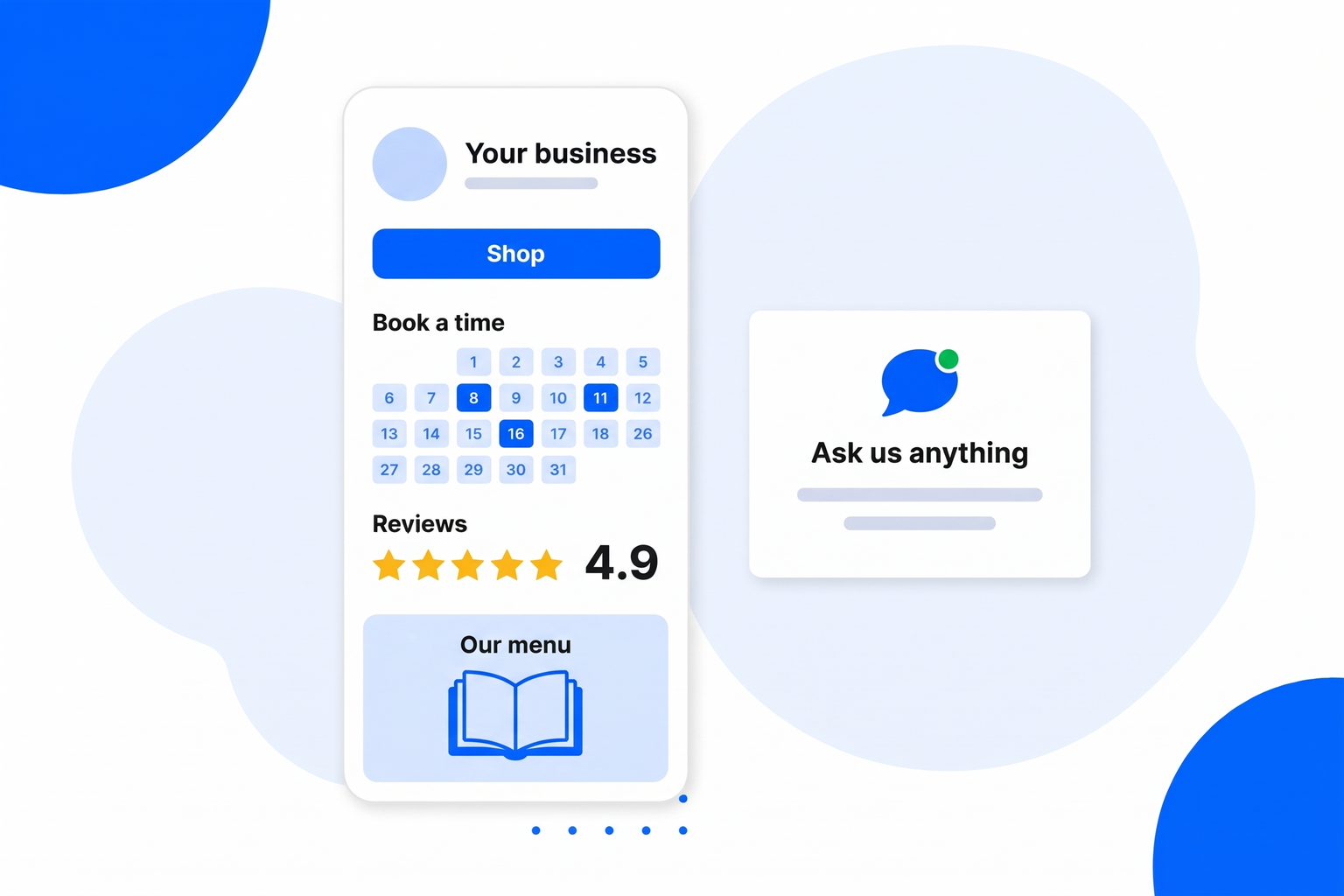
A short checklist to run against any tool you are weighing up, including ours.
As many as you need, dragged into order, with thumbnails, subtitles and icons.
Give a launch or a new release one big visual button at the top of the page.
Gate a link behind a passcode, an 18+ confirmation, or a form that collects their email first.
A link can appear on launch day and disappear on its own when the offer ends.
A gallery of finished looks, or your own colours, font, corners and avatar shape.
Every page gets one, downloadable as SVG or PNG, ready to print at any size.
Booking, reviews, social feed, flipbook, gallery, forms and an AI chatbot as page blocks.
Views, QR scans and a ranked list of which buttons people actually press.
Every page below is about the same tool, included in every plan.
One link in your Instagram bio that leads to everything you post about.
Link in Bio for InstagramTurn TikTok views into somewhere to go, with one link and a QR code.
Link in Bio for TikTokWhat you actually get on a free bio page, and where the limits really sit.
Free Link in BioWhy people go looking for an alternative, and what to check before switching.
Linktree AlternativeBuild the page block by block, with no code and nothing to host.
Link in Bio Page BuilderPer-button click analytics on the plan you will be on, full control of your own branding, something useful the visitor can do on the page itself, a print-quality QR code, a way to capture an email, and a price that makes sense next to the tools you already pay for.
Only for what they remove or add: the other tool’s badge, a page limit, your own domain. If a paid plan is mostly selling you analytics that should have been standard, that is worth noticing.
The one whose free plan keeps the measurement and the styling. Ours includes views, scans and per-button clicks, your own colours and fonts, and a QR code, with a small badge on the page. See what the free plan includes.
Usually yes, because a homepage is built for a desktop visitor who already knows you, not for someone arriving one-handed from a video. The bio page is the short route between the two.
A bio page is a handful of links and some styling, so rebuilding it elsewhere takes minutes. What does not move is the click history and any list you captured, which is a good reason to pick a tool that keeps both for you.
Your subscription includes a full toolkit. Here are a few:
Turn PDFs into interactive, shareable flipbooks.
Create clean, engaging slide presentations online.
Shoppable, shareable photo galleries that sort themselves by interest.
Collect ratings and feedback with simple, embeddable widgets.
See traffic and conversions in one simple view.
Let visitors book appointments straight into your calendar.
Branded short links you can repoint anytime, with click stats.
Capture emails with popups, floating bars and slide-ins.
Show your Instagram, TikTok and Facebook posts on your site.
Answer visitor questions 24/7 and hand over real leads.
Run promotions where visitors act to win and spread the word.
Send newsletters and simple automations to your leads.
Publish articles with built‑in testing and engagement tracking.