
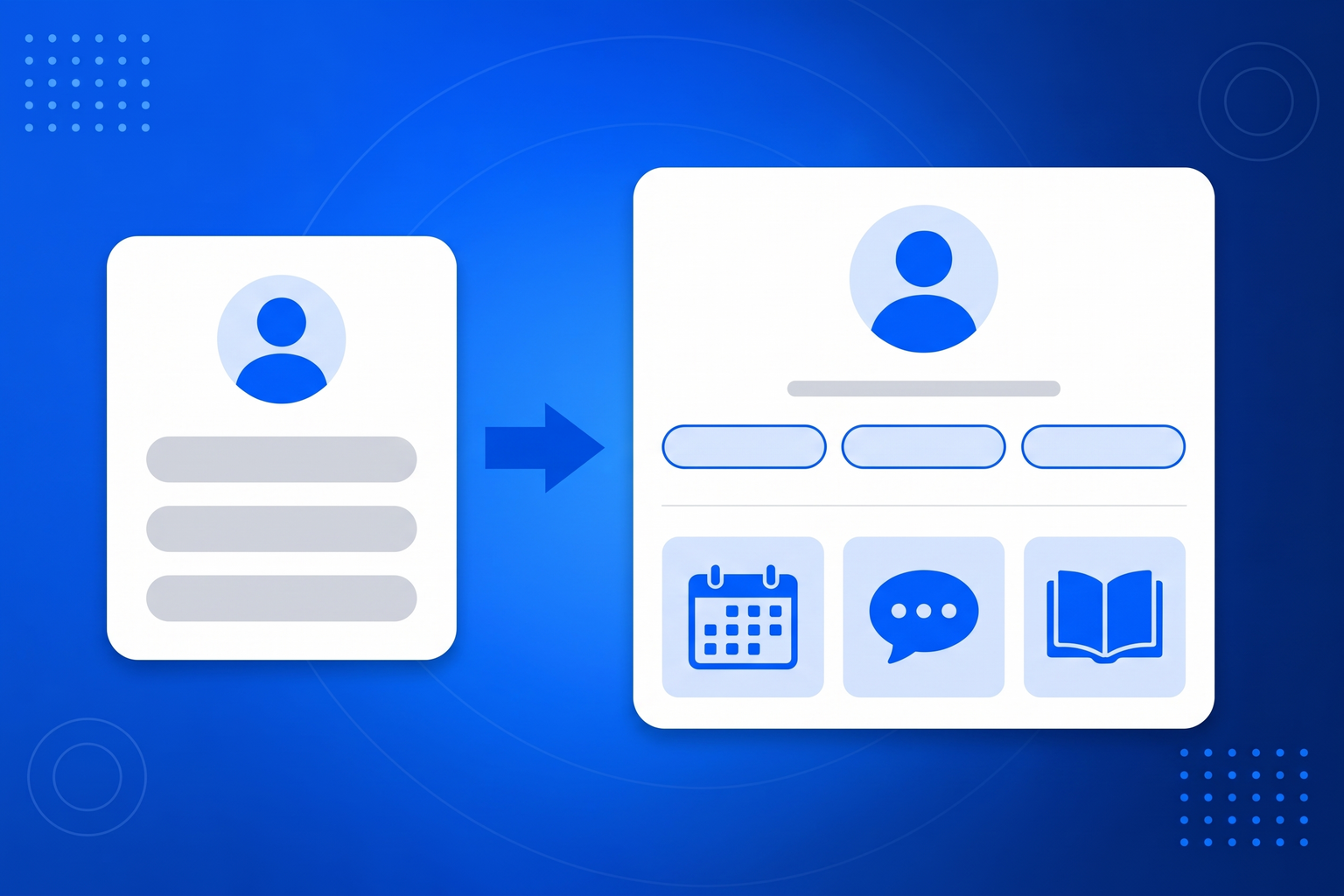
Linktree created this category and it is a perfectly good list of buttons. People search for an alternative for three reasons, and it is worth being honest about which one is yours. The first is money: paying a monthly fee for a page of links feels thin, especially when you already pay for a website, an email tool and a booking system. The second is branding, because a bio page that announces which tool built it is doing your competitor’s marketing on your profile. The third is the one we built for: a list of links is a dead end. Every button hands the visitor to another site, another load, another chance to give up. A BrandBits bio page is made of the same blocks as the rest of the suite, so the next step happens on the page. Somebody who arrives from a post can read your real reviews, flip through your price list, book a time or ask the AI chatbot a question without a second tap out. And because it is part of BrandBits rather than a separate subscription, the page comes with the booking, reviews, email and lead tools it is drawing on. Before you switch anything, check three things on whatever you are using now: can you measure each button, can you make the page look like yours, and can a visitor finish what they came for without leaving it.
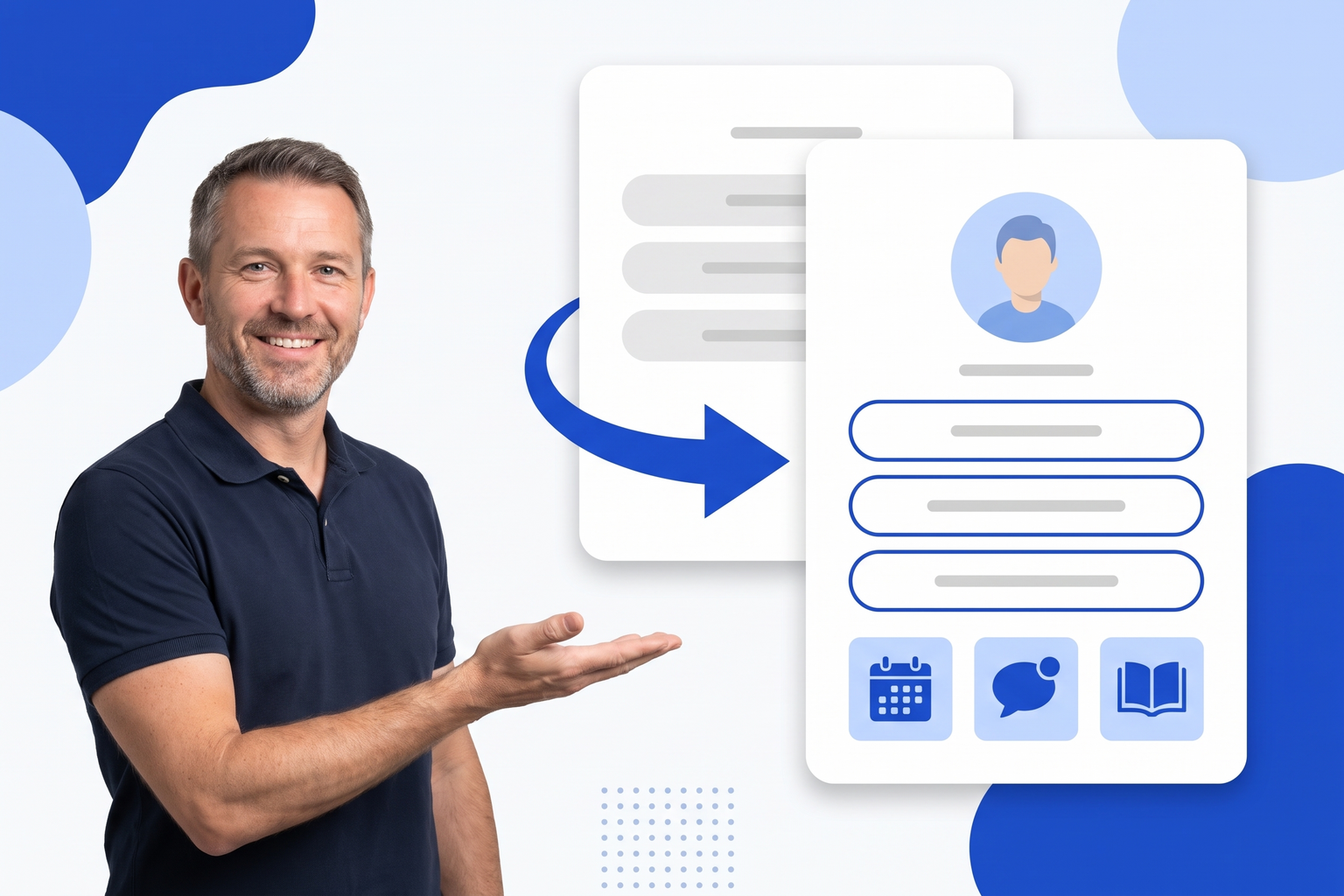
Your bio page can be live before your next post goes out, and you will never have to touch your profile link again.
Drop in your photo or logo, your name and a short bio, then pick a look from the one-tap themes or set your own colours, font and button shape.
One button per destination, dragged into the order you want. Add anything else the page needs too: booking, reviews, a form, a flipbook.
Copy your address, or your page’s QR code, into every profile you run. From then on you change the page, not the profile.
Social platforms give you one clickable address and a feed that forgets your post within a day. A bio page is how you make that single address carry everything you sell.
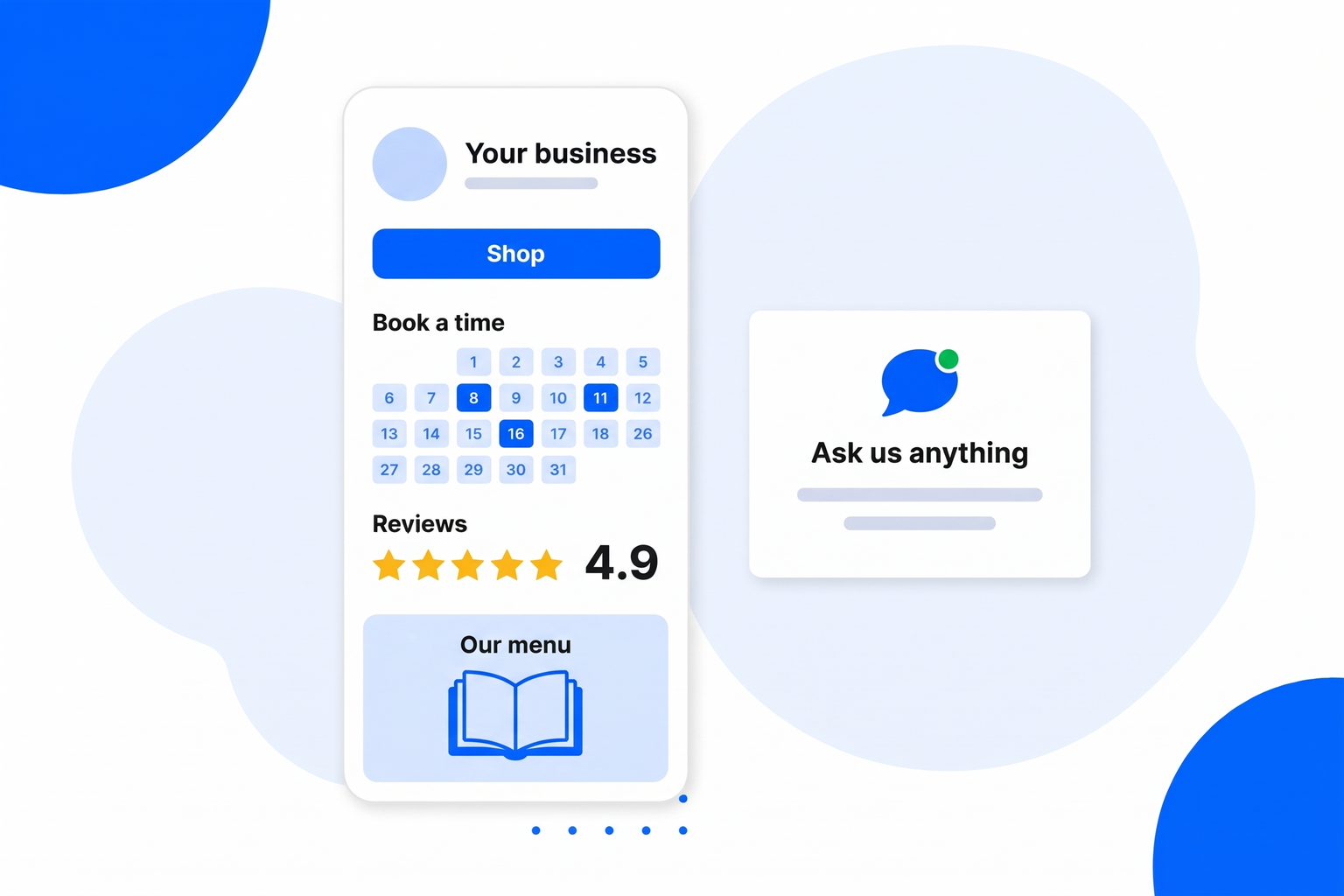
Booking, reviews, a flipbook, a gallery, a form and an AI chatbot are blocks on the page, not links away from it.
Your bio page sits in the same account as the tools it uses, so it is not a separate line on the card.
Your colours, fonts and domain. On the Business plan there is no badge on the page at all.
Views, QR scans and per-button clicks on every plan, including free.
Switching is mostly a copy-and-paste job, and worth doing properly while you are there.
As many as you need, dragged into order, with thumbnails, subtitles and icons.
Give a launch or a new release one big visual button at the top of the page.
Gate a link behind a passcode, an 18+ confirmation, or a form that collects their email first.
A link can appear on launch day and disappear on its own when the offer ends.
A gallery of finished looks, or your own colours, font, corners and avatar shape.
Every page gets one, downloadable as SVG or PNG, ready to print at any size.
Booking, reviews, social feed, flipbook, gallery, forms and an AI chatbot as page blocks.
Views, QR scans and a ranked list of which buttons people actually press.
Every page below is about the same tool, included in every plan.
One link in your Instagram bio that leads to everything you post about.
Link in Bio for InstagramTurn TikTok views into somewhere to go, with one link and a QR code.
Link in Bio for TikTokWhat you actually get on a free bio page, and where the limits really sit.
Free Link in BioBuild the page block by block, with no code and nothing to host.
Link in Bio Page BuilderSix things worth checking before you commit your one allowed link.
Best Link in Bio ToolsIt depends which limit you hit. If it is the look, pick a tool with full styling on the plan you will actually be on. If it is the price, pick one bundled with tools you already need. If it is that a list of links is a dead end, pick a page that can hold booking, reviews and a brochure in it - which is what BrandBits does.
Yes. BrandBits includes one bio page on its free plan with your own styling, a QR code and full click analytics, with a small badge on the page and no credit card required.
Recreate your buttons on a new BrandBits page, then paste the new address into your profiles. Nothing has to be exported, and you can leave the old page up until you are happy.
Yes, on the Small Business and Business plans. Tell us the domain and we connect it for you.
It is built from the same blocks as the rest of the suite, so your booking, reviews, social feed, flipbook and AI chatbot can sit on the page. Most alternatives can only link to those things.
Your subscription includes a full toolkit. Here are a few:
Turn PDFs into interactive, shareable flipbooks.
Create clean, engaging slide presentations online.
Shoppable, shareable photo galleries that sort themselves by interest.
Collect ratings and feedback with simple, embeddable widgets.
See traffic and conversions in one simple view.
Let visitors book appointments straight into your calendar.
Branded short links you can repoint anytime, with click stats.
Capture emails with popups, floating bars and slide-ins.
Show your Instagram, TikTok and Facebook posts on your site.
Answer visitor questions 24/7 and hand over real leads.
Run promotions where visitors act to win and spread the word.
Send newsletters and simple automations to your leads.
Publish articles with built‑in testing and engagement tracking.