
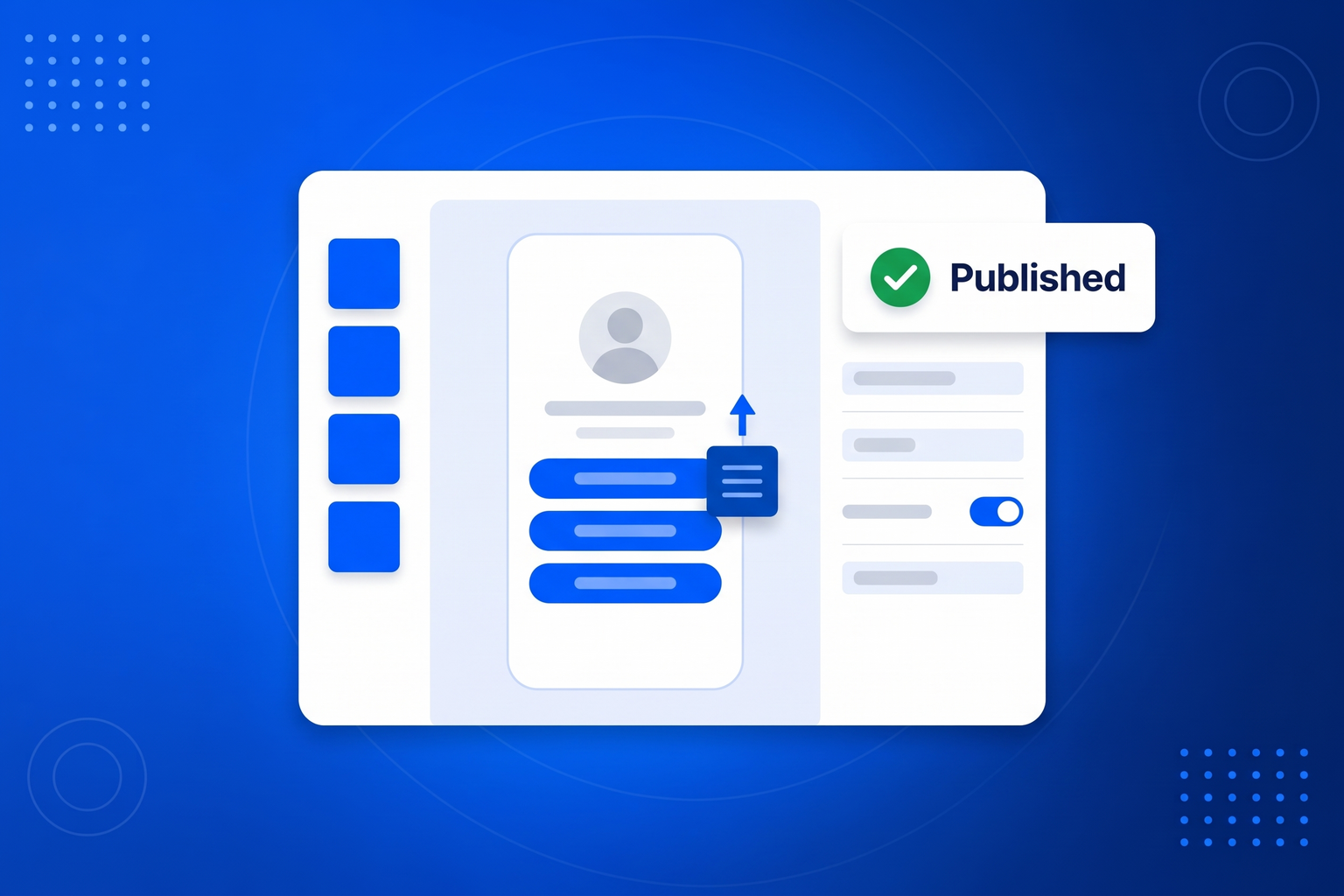
A bio page builder has to clear two bars at once: finished in ten minutes for someone who has never built a page, and not a straitjacket for someone who has. This one starts you with a profile block, a link list and a row of social icons already in place, which is a publishable page before you have made a single decision. From there you add blocks from a palette and drag them into the order you want, editing whatever is selected in a panel beside the page. The palette is the interesting part, because it is the same one the rest of BrandBits uses: as well as text, images and video you can drop in a booking calendar, your review wall, your social feed, a flipbook of your price list, a spam-protected form, an AI chatbot or any embed code you have been given. Styling works the same way. Tap a theme for a complete look in one go, or set the background, button colour, font, corner rounding and avatar shape yourself; the set-up steps show your page live on a phone as you type, so you see each choice before you commit to it. Publishing writes a real static page, cached across a worldwide network, so it opens instantly on a phone on mobile data. There is no theme to buy, no plugin to update and no hosting to arrange.
Your bio page can be live before your next post goes out, and you will never have to touch your profile link again.
Drop in your photo or logo, your name and a short bio, then pick a look from the one-tap themes or set your own colours, font and button shape.
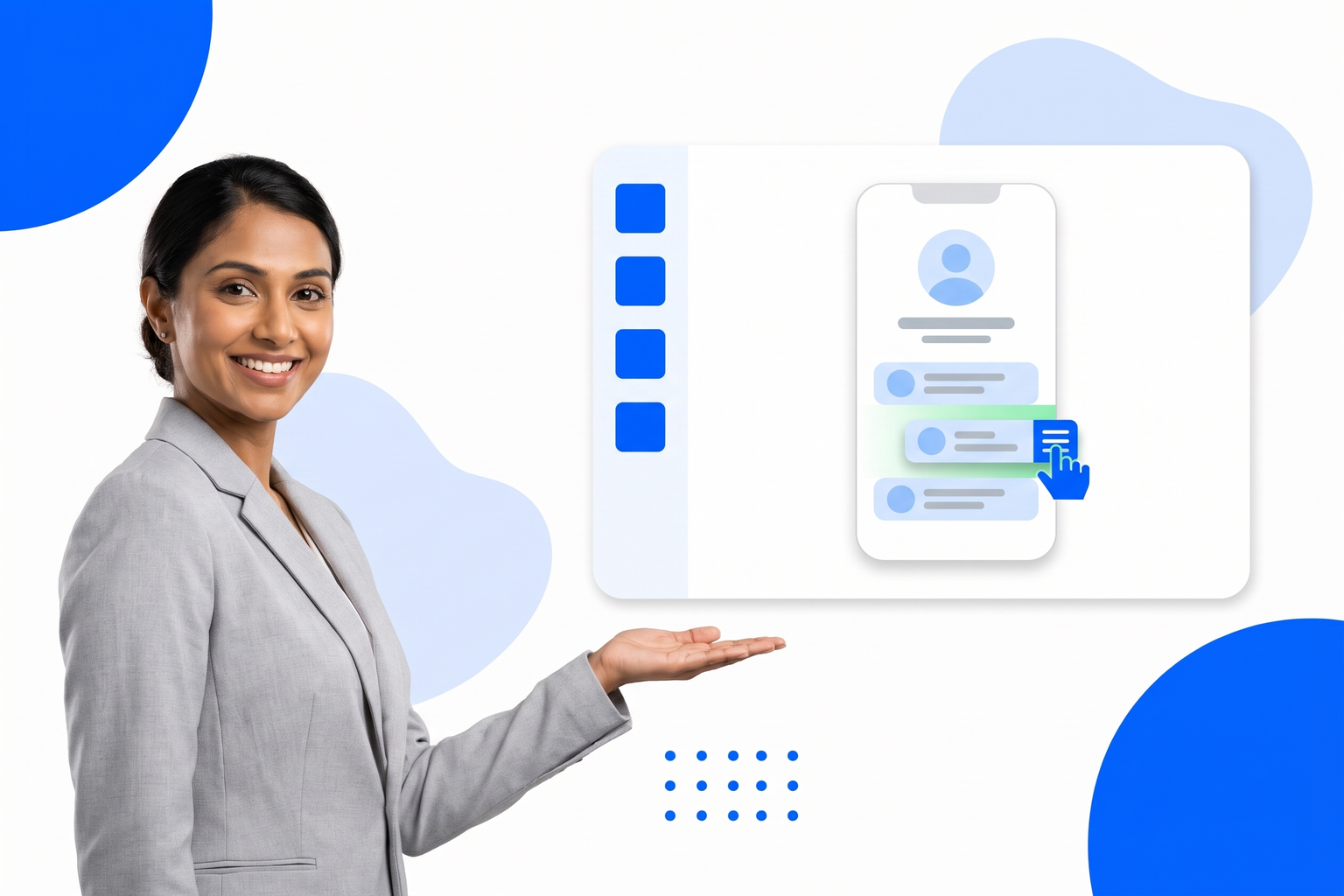
One button per destination, dragged into the order you want. Add anything else the page needs too: booking, reviews, a form, a flipbook.
Copy your address, or your page’s QR code, into every profile you run. From then on you change the page, not the profile.
Social platforms give you one clickable address and a feed that forgets your post within a day. A bio page is how you make that single address carry everything you sell.
Start from a page that already works and rearrange it, instead of staring at an empty screen.
A theme gallery for speed, and full control of colour, type and shape when you want it.
Static, cached worldwide and mobile-first, so it opens instantly rather than booting an app.
Nothing to install, nothing to update, nothing to pay a host for.
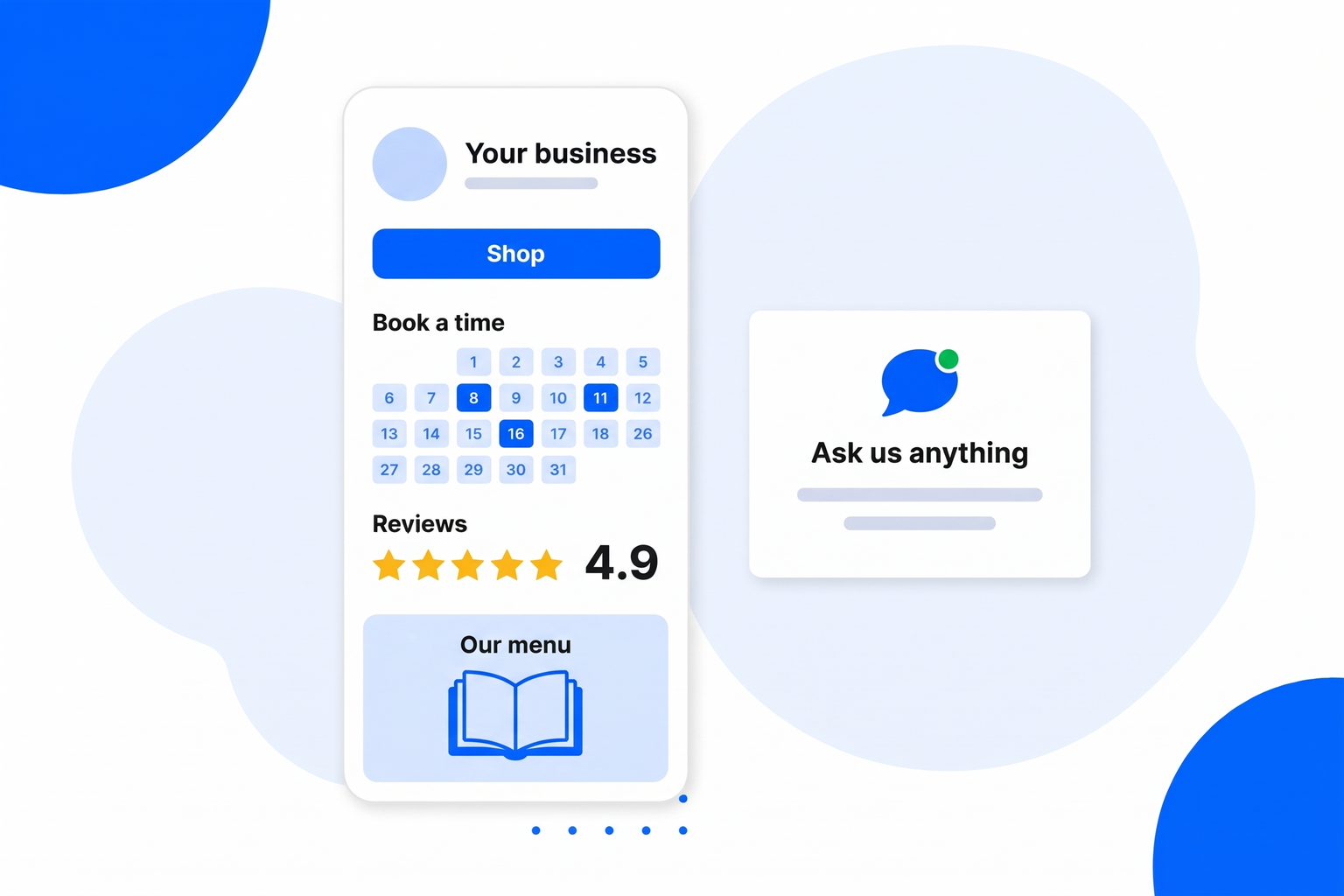
Anything you would normally need a small website for, the builder puts on one page.
As many as you need, dragged into order, with thumbnails, subtitles and icons.
Give a launch or a new release one big visual button at the top of the page.
Gate a link behind a passcode, an 18+ confirmation, or a form that collects their email first.
A link can appear on launch day and disappear on its own when the offer ends.
A gallery of finished looks, or your own colours, font, corners and avatar shape.
Every page gets one, downloadable as SVG or PNG, ready to print at any size.
Booking, reviews, social feed, flipbook, gallery, forms and an AI chatbot as page blocks.
Views, QR scans and a ranked list of which buttons people actually press.
Every page below is about the same tool, included in every plan.
One link in your Instagram bio that leads to everything you post about.
Link in Bio for InstagramTurn TikTok views into somewhere to go, with one link and a QR code.
Link in Bio for TikTokWhat you actually get on a free bio page, and where the limits really sit.
Free Link in BioWhy people go looking for an alternative, and what to check before switching.
Linktree AlternativeSix things worth checking before you commit your one allowed link.
Best Link in Bio ToolsNo. You start from a working page and change it: drag a block, type in the panel, tap a theme. If you can fill in a form you can build the page.
With us. It is published as a fast static page on your own BrandBits address and cached worldwide, so there is nothing for you to host or maintain.
Yes, on the Small Business and Business plans. Tell us the domain you want and we connect it for you.
Yes. An embed block takes the code a third party gave you, so anything that offers an embed can sit on the page.
One on the free plan, and more on the paid plans. Other page types - business cards, galleries and microsites - are counted separately.
Your subscription includes a full toolkit. Here are a few:
Turn PDFs into interactive, shareable flipbooks.
Create clean, engaging slide presentations online.
Shoppable, shareable photo galleries that sort themselves by interest.
Collect ratings and feedback with simple, embeddable widgets.
See traffic and conversions in one simple view.
Let visitors book appointments straight into your calendar.
Branded short links you can repoint anytime, with click stats.
Capture emails with popups, floating bars and slide-ins.
Show your Instagram, TikTok and Facebook posts on your site.
Answer visitor questions 24/7 and hand over real leads.
Run promotions where visitors act to win and spread the word.
Send newsletters and simple automations to your leads.
Publish articles with built‑in testing and engagement tracking.