
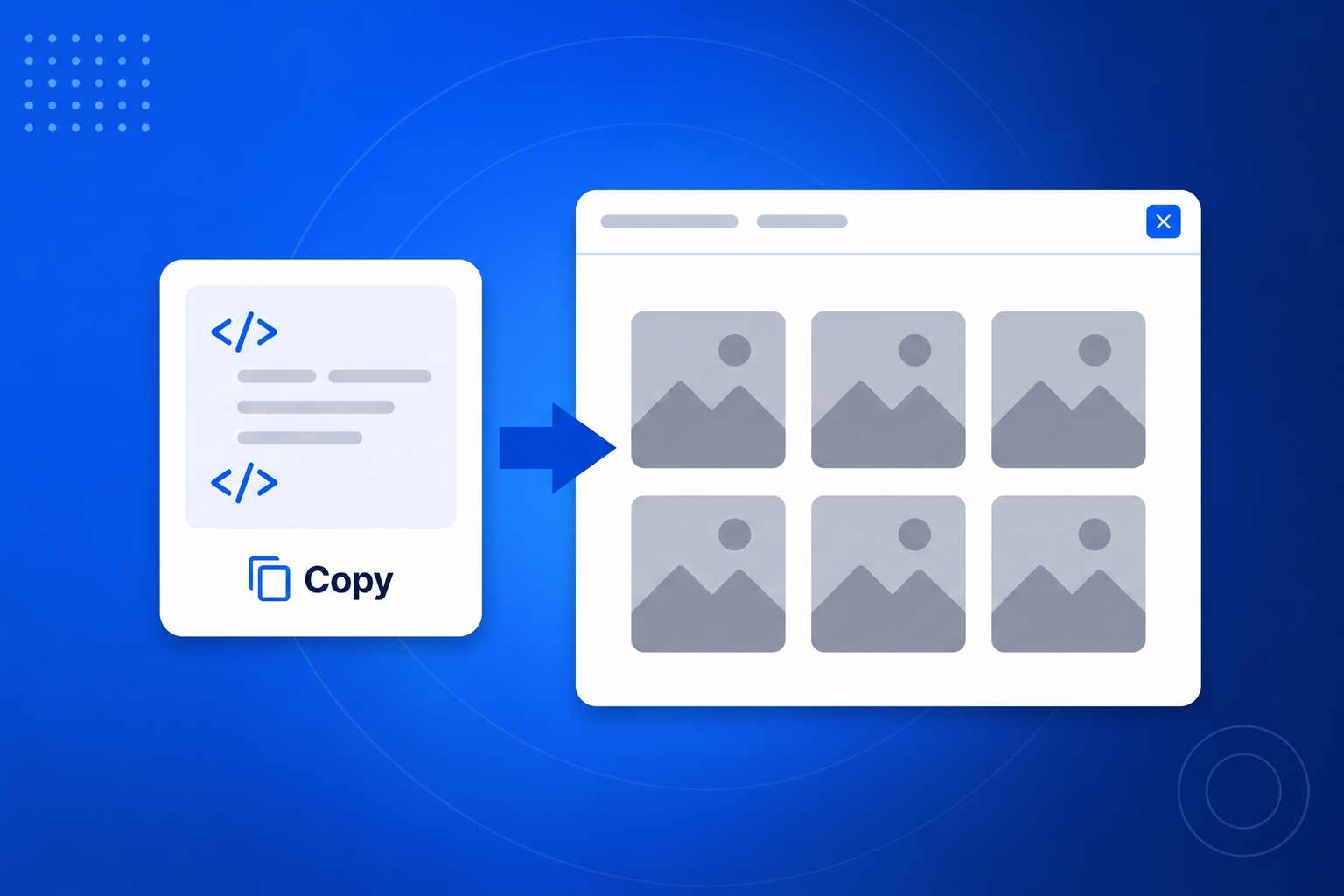
Embedding a single Instagram post is easy, and embedding your whole feed has traditionally been miserable. The official route involves a developer account, an app, an access token and the certainty that the token will expire while you are on holiday. The plugin route means a plugin for your particular platform, a plugin to keep updated, and a plugin that stops working the day you move your site. BrandBits takes the boring path instead. You paste the address of your public profile, we fetch the posts and publish them as a static file to your own web address, and you paste one small snippet where you want the feed to appear. There is nothing to authorise and nothing to renew. Because the published feed is a plain cached file rather than a live API call, the page loads at full speed and the feed keeps rendering even when the platform is having a bad day.
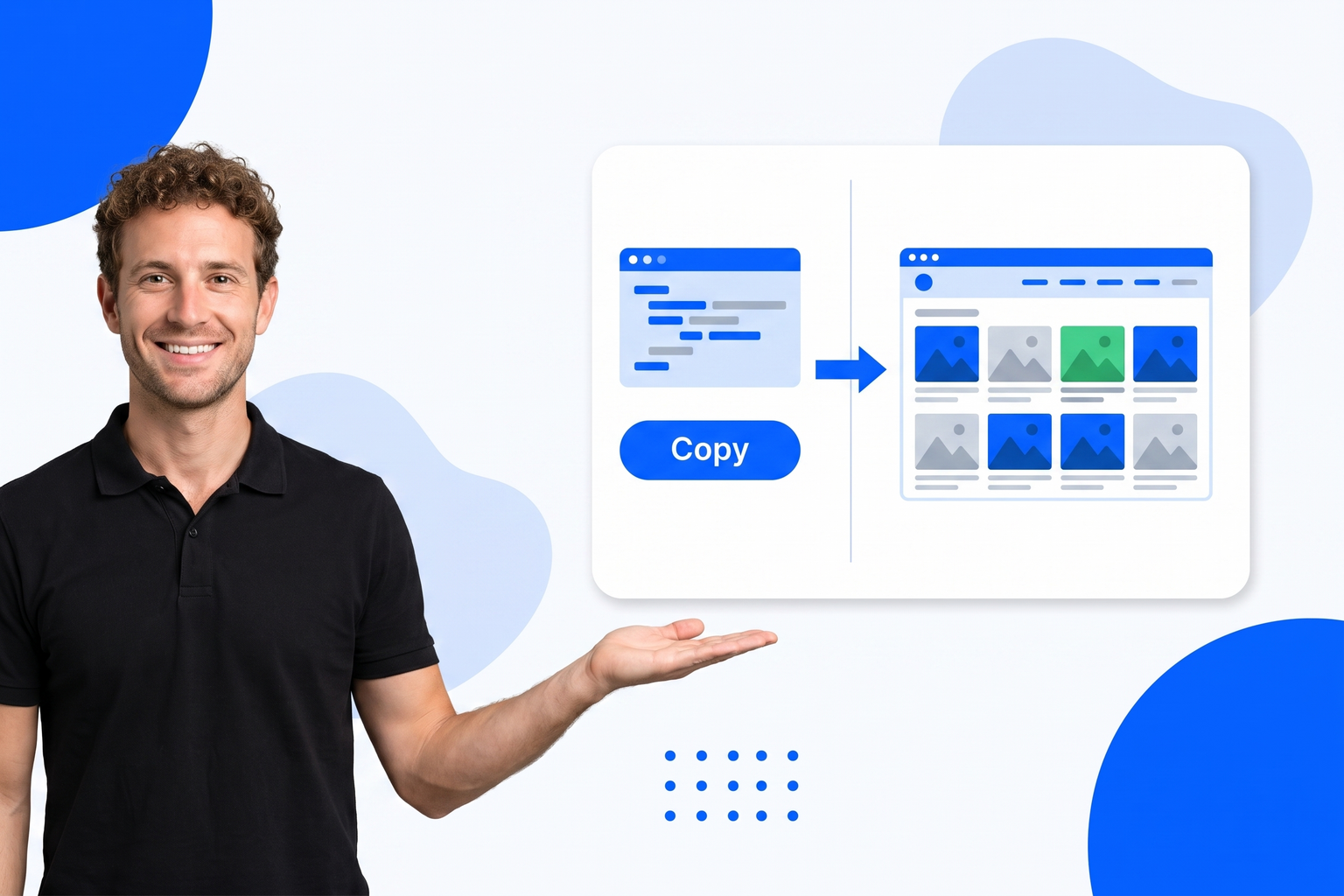
Point it at your profiles once and the widget looks after itself from then on.
Paste the public profile addresses you want to pull from. Add as many as you like across Instagram, TikTok, YouTube and Facebook.
Choose a grid, masonry or carousel layout, set how many posts to show, hide anything off message and tidy a caption if you want to.
Drop the embed into your page. The feed is served as a static, globally cached file, so it loads fast and keeps working on its own.
You already make the content. This is about making it work twice, on the one page where people actually decide to buy.
Nothing to authorise and nothing that expires quietly and breaks your homepage.
One snippet works on WordPress, Wix, Squarespace, Shopify, Webflow and hand-built sites alike.
The feed is published as a cached file, so your page never waits on a social platform to answer.
Post thumbnails are copied and served by us, so a wall of broken tiles is not in your future.
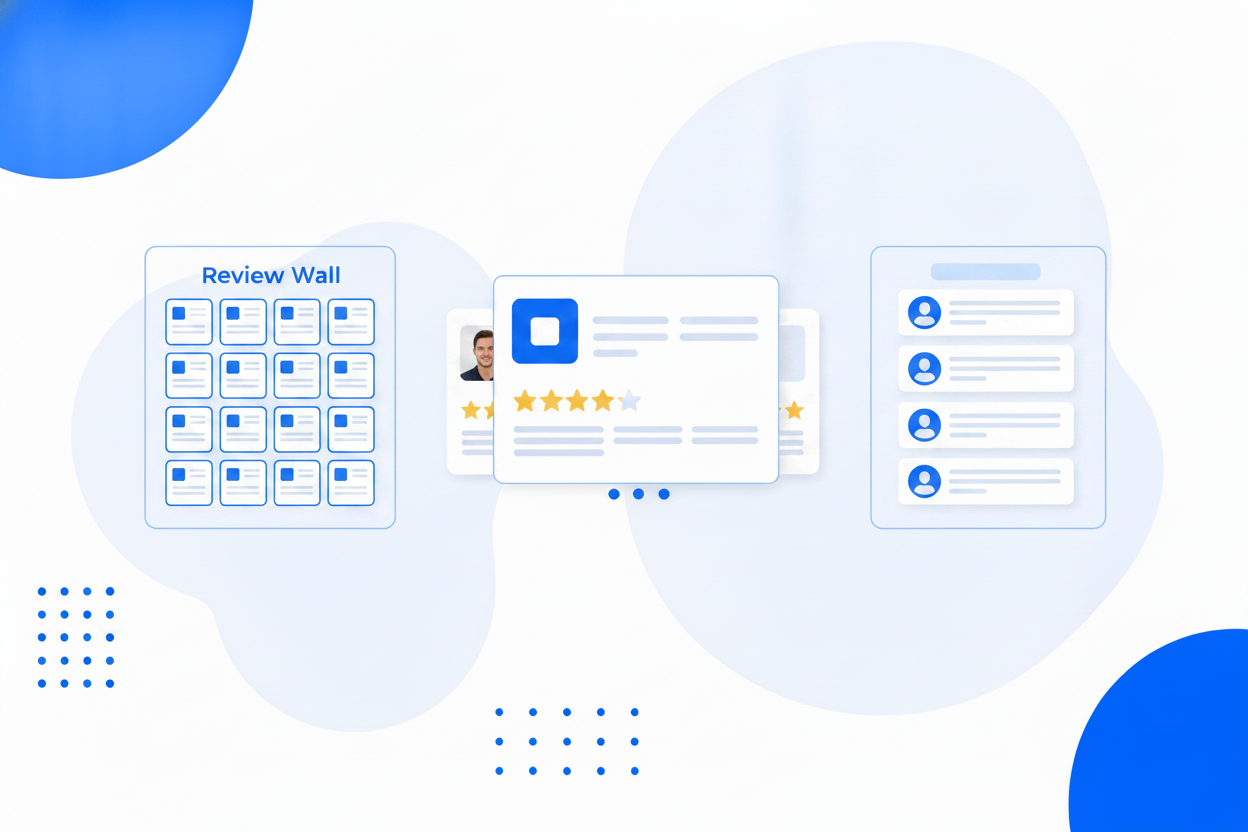
If you can paste a line of HTML, you can have your Instagram posts on your site in a few minutes.
Instagram, TikTok, YouTube and Facebook posts in a single widget.
A square grid, a masonry wall or a swipeable carousel.
Keep the wall on brand. Hidden posts stay hidden through every refresh.
Reword a caption for your website audience without touching the original post.
Thumbnails are copied and served by us, so expiring platform links never break your wall.
New posts are pulled in automatically, and you can refresh on demand any time.
Captions on or off, post count, and a look that matches the rest of your page.
Published as a static file cached across 100+ datacentres, with no API calls at page load.
Same widget, same embed snippet. Pick the one that matches what you are trying to show.
Show visitors that your business is alive, with fresh posts on the page.
Instagram Feed on WebsiteOne wall of everything you post, across every platform, on your own page.
Social WallShow your Facebook page posts on your website, without an app or a page plugin.
Facebook Feed WidgetBring your short-form video onto your website, where it can actually sell something.
TikTok Feed WidgetAdd your public profile in BrandBits, choose a layout, then paste the embed snippet where you want the feed to appear. It works on any site that allows custom HTML.
No. You add your public profile address and nothing else. There is no app to register and no token that can expire.
Yes. The feed is a small HTML embed, so any builder or CMS that allows custom HTML can display it.
No. Platform image links are signed and expire, so BrandBits copies each thumbnail when the feed is published and serves it from your own address instead.
New posts are pulled in automatically on a schedule, and you can trigger a refresh yourself at any time, for example right after posting something you want on the site immediately.
Your subscription includes a full toolkit. Here are a few:
Turn PDFs into interactive, shareable flipbooks.
Create clean, engaging slide presentations online.
Shoppable, shareable photo galleries that sort themselves by interest.
Collect ratings and feedback with simple, embeddable widgets.
See traffic and conversions in one simple view.
Let visitors book appointments straight into your calendar.
Branded short links you can repoint anytime, with click stats.
Capture emails with popups, floating bars and slide-ins.
Show your Instagram, TikTok and Facebook posts on your site.
Answer visitor questions 24/7 and hand over real leads.
Run promotions where visitors act to win and spread the word.
Send newsletters and simple automations to your leads.
Publish articles with built‑in testing and engagement tracking.