
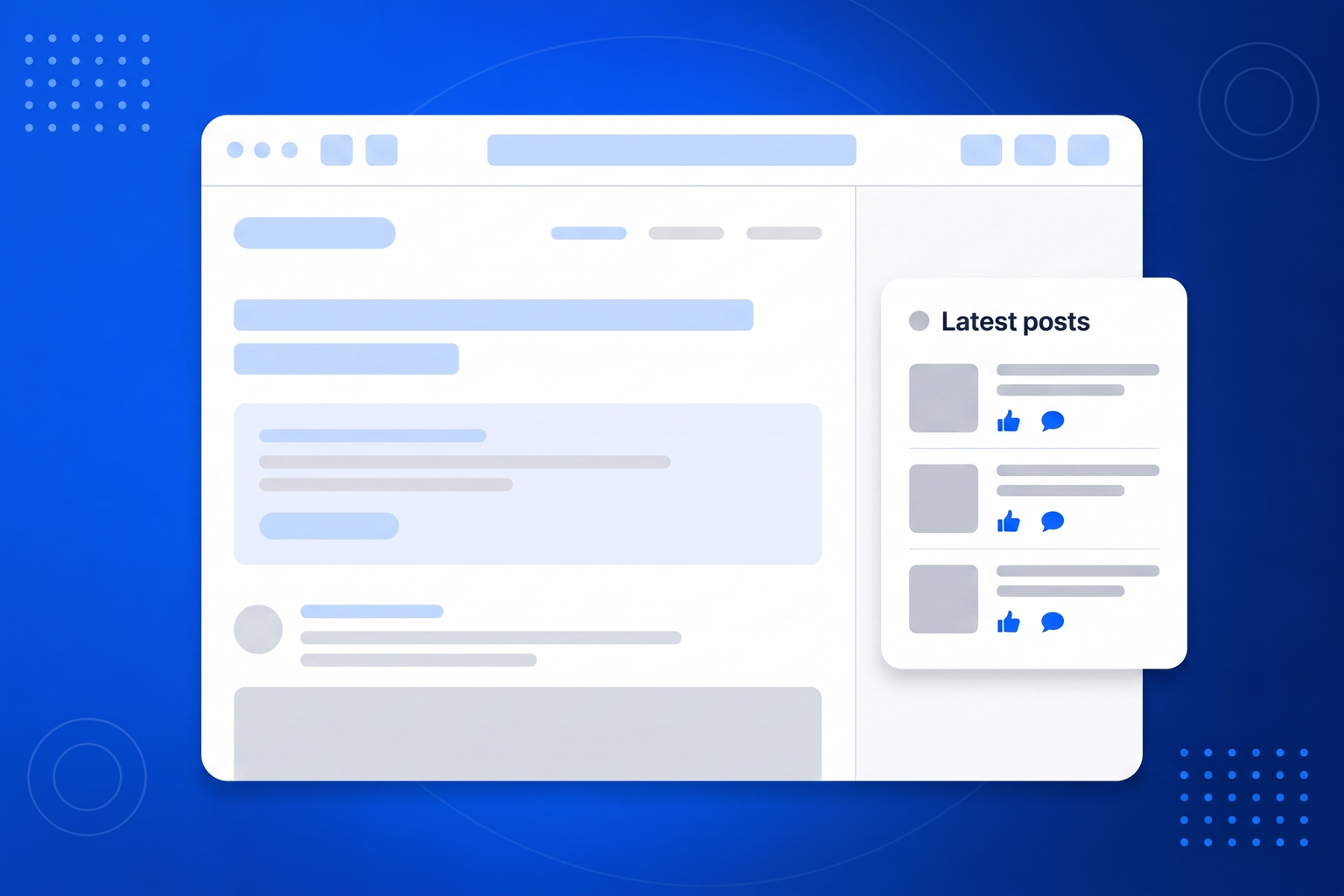
For a great many local businesses, community groups and venues, the Facebook page is where the real communication happens. Opening hours changes, event announcements, photos from last weekend, replies to questions. The website, meanwhile, says the same eight sentences it has said since it was built. Anyone who did not think to check Facebook sees a business that appears static, when in fact it is busy. A Facebook feed widget closes that gap by putting your page posts directly onto your site. Nobody has to be logged in, nobody has to follow you, and nobody has to know your page exists. It also outlasts the platform’s own tooling. Official page plugins have been narrowed repeatedly over the years and depend on app setup that changes without much notice. BrandBits reads your public page and publishes the result as a static file on your own address, so what your visitors see does not depend on a plugin surviving the next policy update.
Point it at your profiles once and the widget looks after itself from then on.
Paste the public profile addresses you want to pull from. Add as many as you like across Instagram, TikTok, YouTube and Facebook.
Choose a grid, masonry or carousel layout, set how many posts to show, hide anything off message and tidy a caption if you want to.
Drop the embed into your page. The feed is served as a static, globally cached file, so it loads fast and keeps working on its own.
You already make the content. This is about making it work twice, on the one page where people actually decide to buy.
For many businesses the page is the actual news feed, while the website is a brochure written years ago.
Website visitors see the activity without needing an account or ever having found your page.
Your feed is published as a static file on your own address rather than depending on the platform’s own embed.
Facebook posts can sit in the same wall as Instagram, TikTok and YouTube content.
Everything you already announce on your page can be announced on your website at the same time.
Instagram, TikTok, YouTube and Facebook posts in a single widget.
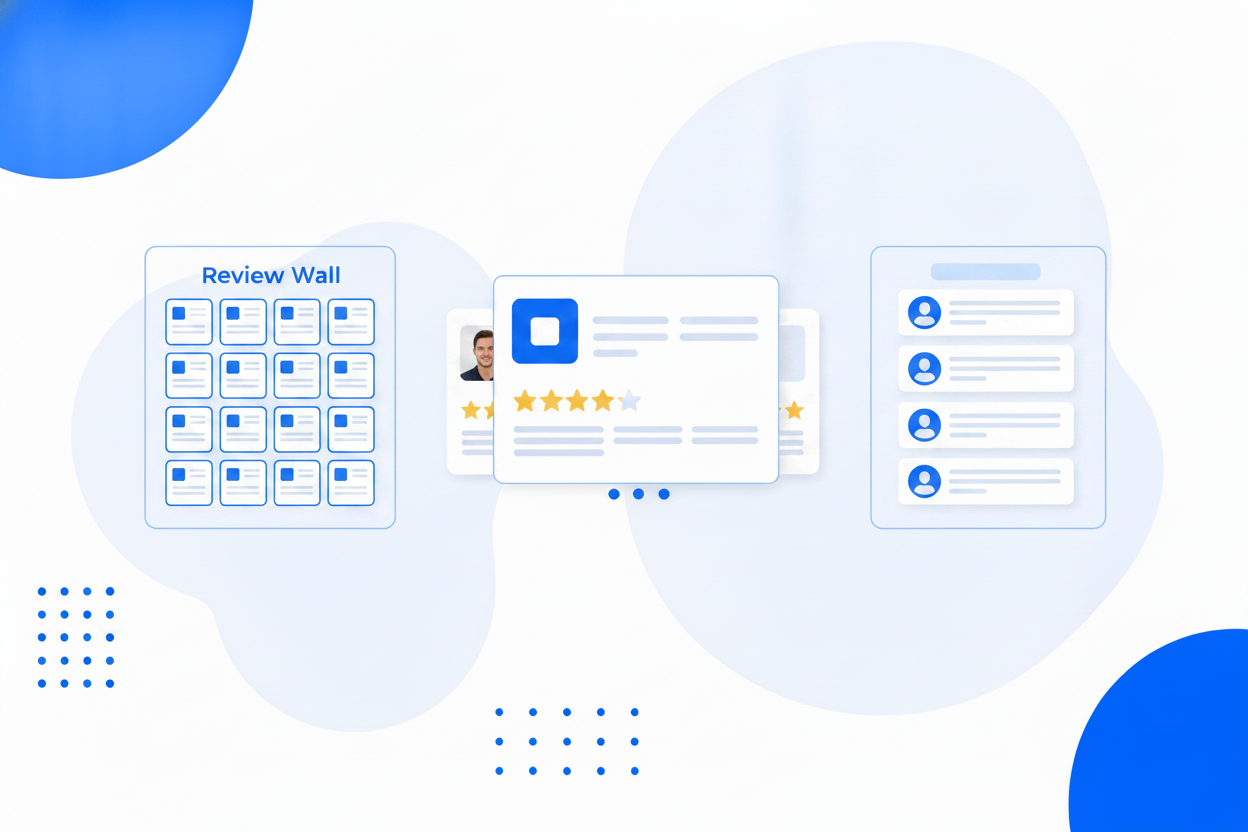
A square grid, a masonry wall or a swipeable carousel.
Keep the wall on brand. Hidden posts stay hidden through every refresh.
Reword a caption for your website audience without touching the original post.
Thumbnails are copied and served by us, so expiring platform links never break your wall.
New posts are pulled in automatically, and you can refresh on demand any time.
Captions on or off, post count, and a look that matches the rest of your page.
Published as a static file cached across 100+ datacentres, with no API calls at page load.
Same widget, same embed snippet. Pick the one that matches what you are trying to show.
Put your Instagram posts on your website with one snippet, no plugin required.
Embed Instagram FeedShow visitors that your business is alive, with fresh posts on the page.
Instagram Feed on WebsiteOne wall of everything you post, across every platform, on your own page.
Social WallBring your short-form video onto your website, where it can actually sell something.
TikTok Feed WidgetAdd your public Facebook page in BrandBits, choose a layout and paste the embed snippet into your site. Posts appear on the page and are refreshed automatically.
No. You provide the public page address and nothing else. There is no app to register and no token to keep alive.
No. The posts are published to your own website address, so anyone can see them whether or not they use Facebook at all.
Yes. Add Instagram, TikTok and YouTube profiles and blend everything into a single wall, grid or carousel.
Yes, and the hidden state persists through every refresh, so a post you excluded never reappears later.
Your subscription includes a full toolkit. Here are a few:
Turn PDFs into interactive, shareable flipbooks.
Create clean, engaging slide presentations online.
Shoppable, shareable photo galleries that sort themselves by interest.
Collect ratings and feedback with simple, embeddable widgets.
See traffic and conversions in one simple view.
Let visitors book appointments straight into your calendar.
Branded short links you can repoint anytime, with click stats.
Capture emails with popups, floating bars and slide-ins.
Show your Instagram, TikTok and Facebook posts on your site.
Answer visitor questions 24/7 and hand over real leads.
Run promotions where visitors act to win and spread the word.
Send newsletters and simple automations to your leads.
Publish articles with built‑in testing and engagement tracking.