
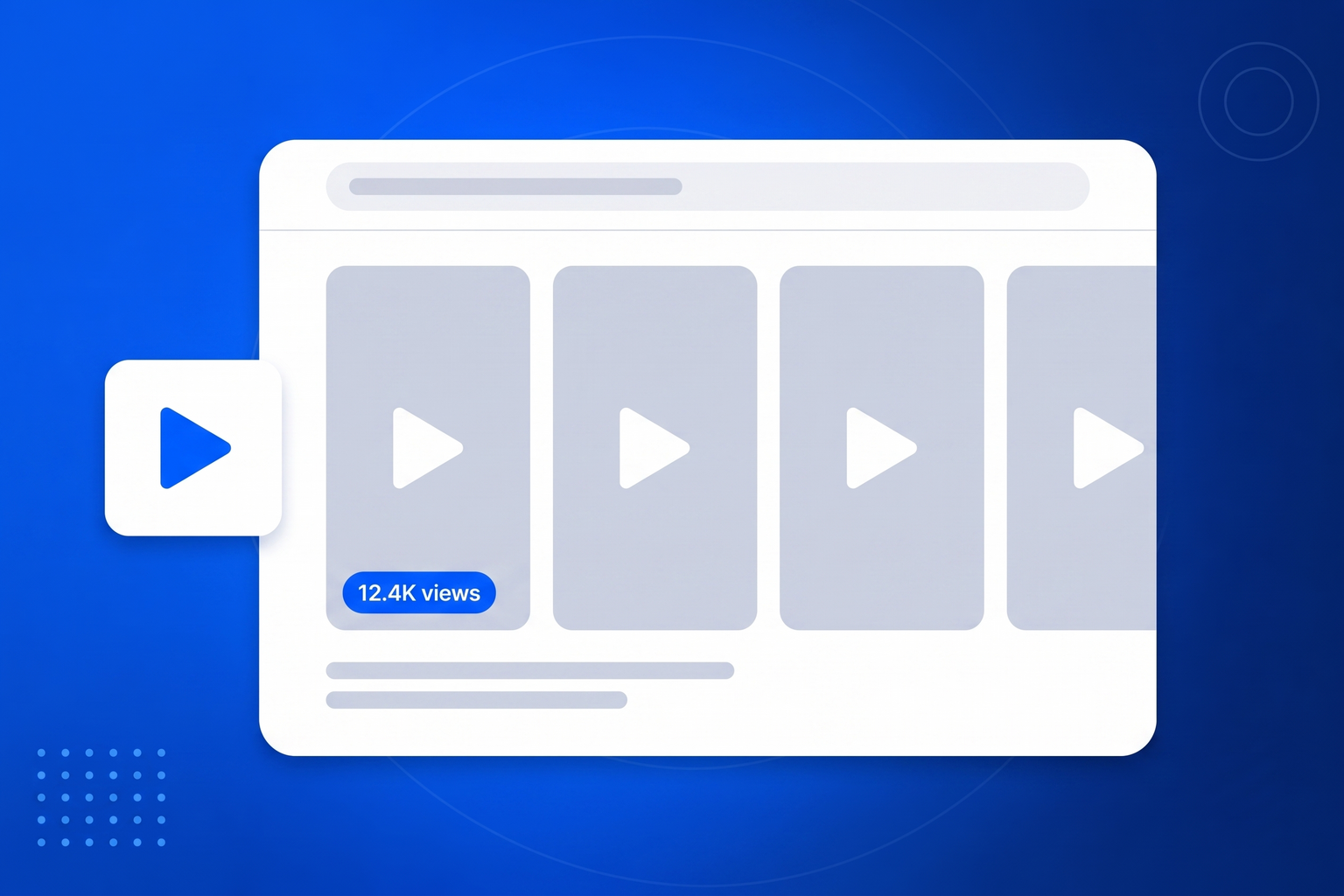
A short video is expensive to make and cheap to lose. It gets its audience in the first day or two, and then it is effectively gone, buried under everything posted since. Meanwhile your website, the place where people actually make a decision about you, has no video at all. A TikTok feed widget fixes an obvious mismatch: it gives your best short-form work a permanent, visible home on the pages where it can influence a purchase, rather than only on the platform where it competes for attention with everything else in the world. Video is also disproportionately persuasive on a website. A visitor scanning a page will watch a moving thumbnail before reading a paragraph, and short-form video communicates atmosphere, personality and craft in a way that still photography and copy cannot. In BrandBits your videos sit as tiles with a play marker, blended with your other platforms if you want, curated by you, and refreshed automatically as you post more.

Point it at your profiles once and the widget looks after itself from then on.
Paste the public profile addresses you want to pull from. Add as many as you like across Instagram, TikTok, YouTube and Facebook.
Choose a grid, masonry or carousel layout, set how many posts to show, hide anything off message and tidy a caption if you want to.
Drop the embed into your page. The feed is served as a static, globally cached file, so it loads fast and keeps working on its own.
You already make the content. This is about making it work twice, on the one page where people actually decide to buy.
A post that had two days of attention on the platform can sell for years on your own site.
Visitors scanning a page notice video first, which makes it a powerful thing to place near a decision.
Short video conveys who you actually are far faster than a paragraph about your values.
Your videos can sit in the same wall as photos from your other accounts.
The work is already made. This simply puts it where the buying decision happens.
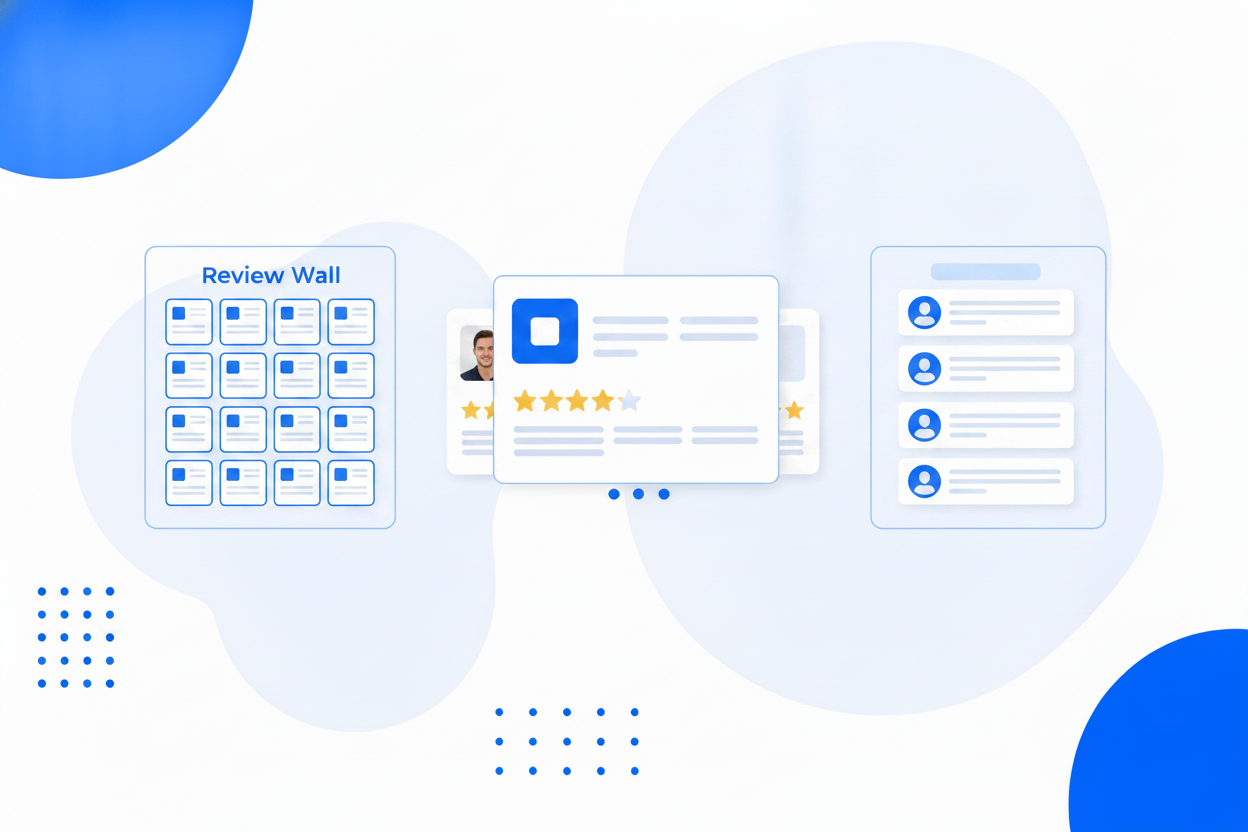
Instagram, TikTok, YouTube and Facebook posts in a single widget.
A square grid, a masonry wall or a swipeable carousel.
Keep the wall on brand. Hidden posts stay hidden through every refresh.
Reword a caption for your website audience without touching the original post.
Thumbnails are copied and served by us, so expiring platform links never break your wall.
New posts are pulled in automatically, and you can refresh on demand any time.
Captions on or off, post count, and a look that matches the rest of your page.
Published as a static file cached across 100+ datacentres, with no API calls at page load.
Same widget, same embed snippet. Pick the one that matches what you are trying to show.
Put your Instagram posts on your website with one snippet, no plugin required.
Embed Instagram FeedShow visitors that your business is alive, with fresh posts on the page.
Instagram Feed on WebsiteOne wall of everything you post, across every platform, on your own page.
Social WallShow your Facebook page posts on your website, without an app or a page plugin.
Facebook Feed WidgetAdd your public TikTok profile in BrandBits, choose a layout and paste the embed snippet into your page. Your videos appear as tiles with a play marker.
No. You provide the public profile address, and there is nothing to register or authorise.
Each tile shows the video thumbnail with a play marker and opens the post when clicked, so playback happens on the platform where the view still counts for you.
Yes. Platform thumbnail links are signed and expire, so BrandBits copies each image when the feed is published and serves it from your own address.
Yes. Add Instagram, YouTube and Facebook profiles too and combine them into one wall, grid or carousel.
Your subscription includes a full toolkit. Here are a few:
Turn PDFs into interactive, shareable flipbooks.
Create clean, engaging slide presentations online.
Shoppable, shareable photo galleries that sort themselves by interest.
Collect ratings and feedback with simple, embeddable widgets.
See traffic and conversions in one simple view.
Let visitors book appointments straight into your calendar.
Branded short links you can repoint anytime, with click stats.
Capture emails with popups, floating bars and slide-ins.
Show your Instagram, TikTok and Facebook posts on your site.
Answer visitor questions 24/7 and hand over real leads.
Run promotions where visitors act to win and spread the word.
Send newsletters and simple automations to your leads.
Publish articles with built‑in testing and engagement tracking.