
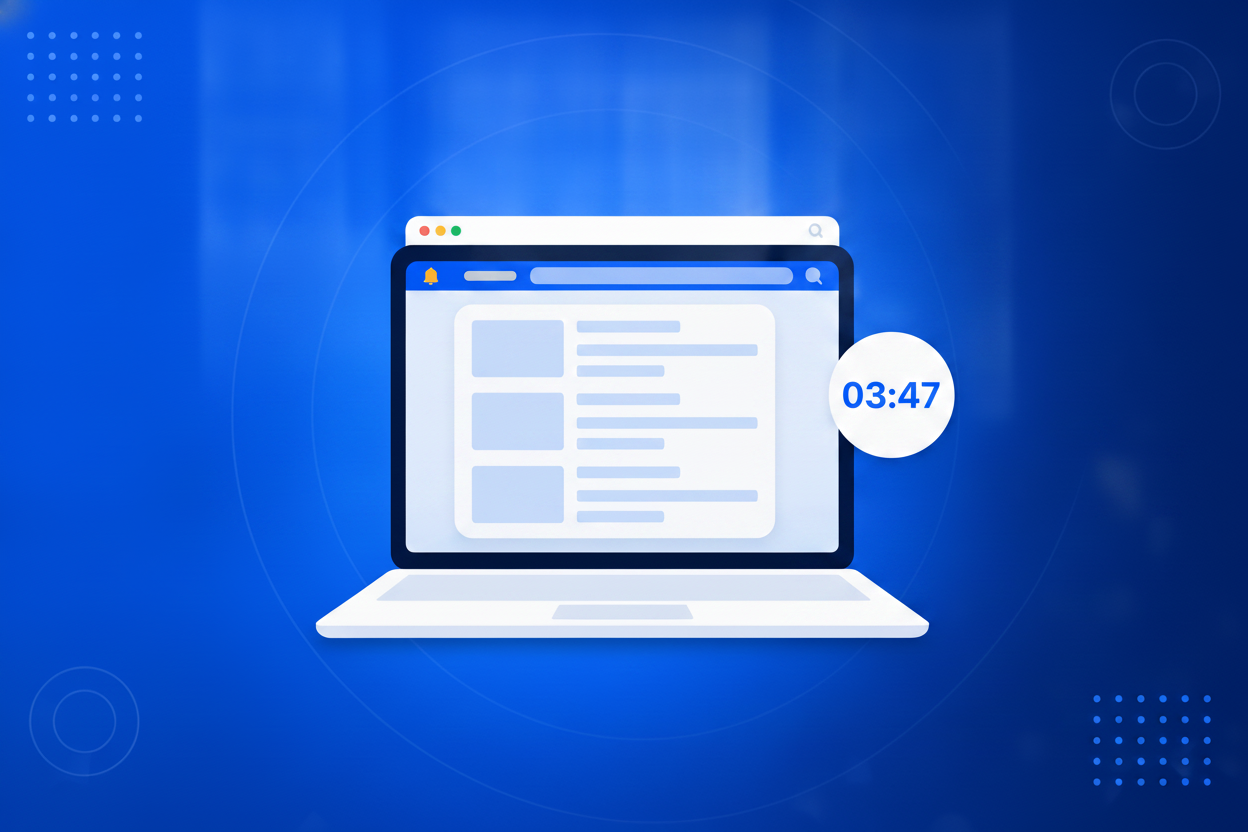
When something changes that every visitor needs to know, the usual options are bad. Editing the homepage means the news is only seen by people who land there, and it means editing it back later. Adding a paragraph to a template means involving whoever maintains the site. Posting on social media reaches the people who already follow you, which is not the same as the people currently on your website. A notification bar solves the problem at the right level: it sits above the whole site, appears on the pages you choose, and can be switched on and off in under a minute without touching any page content. Being temporary is a feature, not a limitation. Reduced hours over a holiday, a delivery delay, a venue change, a maintenance window, a newly opened location. Write it, publish it, and remove it when it stops being true, without leaving a stale paragraph behind on a page nobody remembers to clean up.

One builder, one snippet, and nothing to install or maintain afterwards.
Start from a template or from scratch: popup, floating bar, slide-in or prize wheel. Upload an image or generate one with AI, add a countdown or a two-step question, and match the design to your site.
Show it on exit intent, after a delay, at a scroll depth, on page load or when a visitor clicks a link. Limit it to certain pages, devices or first-time visitors.
Add the embed to your site once and every campaign you create afterwards appears through the same snippet. Leads flow straight into your inbox.
Most of the people on your website today will leave without a trace. A well timed message is the cheapest way to keep some of them.
No page edits, no developer, no leftover text to clean up when the news is old.
Everyone sees it wherever they landed, not only the people who happened to visit the homepage.
One visible notice answers the thing your inbox and phone would otherwise be asked all week.
Restrict a notice to certain pages, to mobile visitors, or to people who have not seen it before.
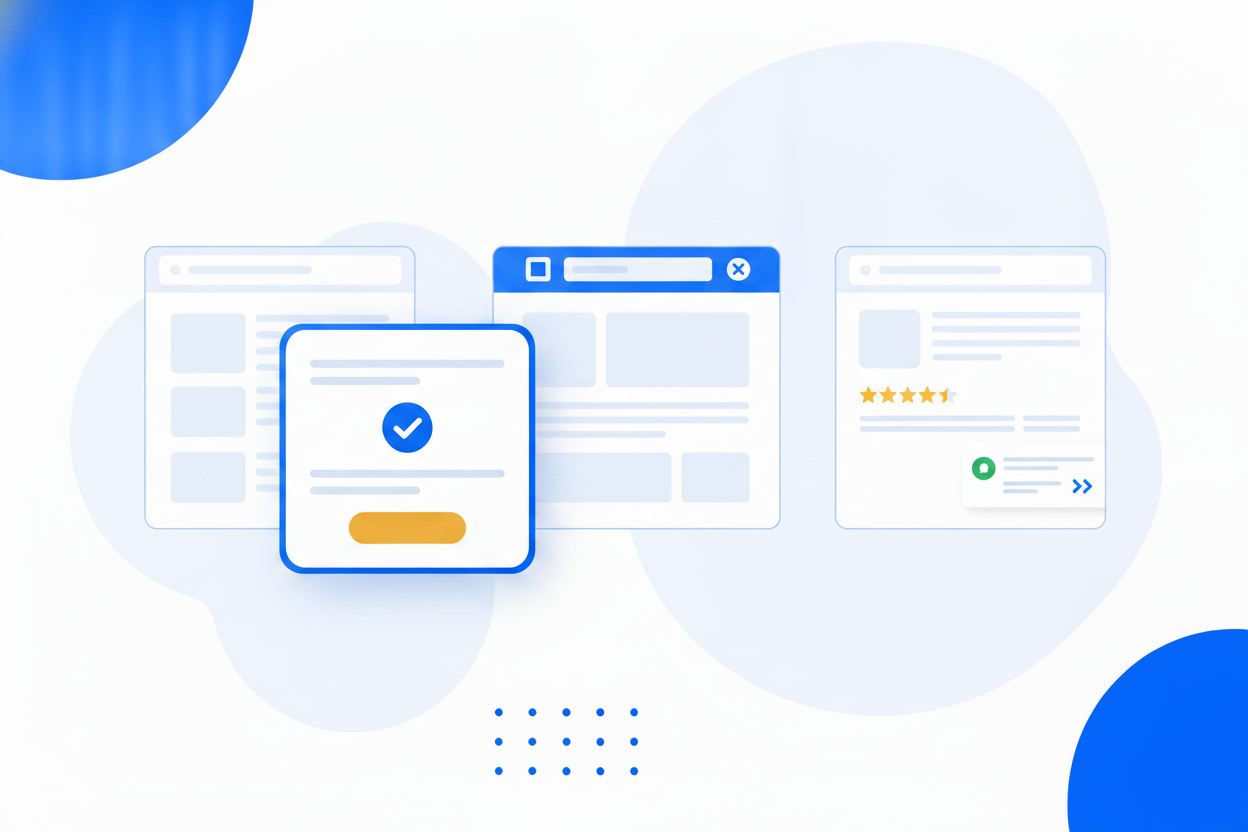
Anything true this week and untrue next week belongs in a notification bar rather than in your page copy.
Modal popups, floating bars, corner slide-ins and a spin-to-win prize wheel from the same builder.
Start from a ready-made template, add your own pictures, choose layouts, animations and placements.
No photo at hand? Describe the image you want and it is generated, hosted and dropped into your campaign in seconds.
Catch visitors on the way out, or open a campaign the moment they click one of your links.
Ask a yes/no question first. People who click yes convert far more often.
Fixed deadlines or a per-visitor timer that starts when they first see the offer.
Show a live signup count under the form, and leave a small reopen tab behind when someone closes the campaign.
Run two versions of a campaign against each other and promote the winner in one click.
Bottom sheets and slim banners on phones keep you within Google's popup guidelines.
Submissions land in Lead Management and are ready for Email Marketing, with impressions, conversions and dismissals all measured.
Every format below is part of the same tool, included in every plan.
A slim sticky bar that stays visible while people scroll, without ever blocking the page.
Floating BarLaunches, sales and deadlines announced across your whole site in one line.
Announcement BarA centred dialog that focuses the whole page on one message and one action.
Modal PopupCatch visitors in the second before they leave, when you have nothing left to lose.
Exit-Intent PopupA clean, consent-friendly signup form you can place anywhere on your site.
Opt-In FormAdd popups to any website with one snippet, no plugin and no developer.
Website PopupTurn anonymous traffic into a mailing list you own and can email whenever you like.
Email PopupCollect enquiries from visitors who would otherwise have left without a word.
Lead Capture PopupTrade a discount code for an email address, and hand it over instantly.
Discount PopupA prize wheel that trades a spin for an email address, and makes signing up feel like winning.
Spin-to-Win PopupRun two versions of a campaign against each other and let the numbers pick the winner.
Popup A/B TestingA notification bar is a slim strip at the top or bottom of your website that carries a short, temporary message every visitor sees, such as opening hours, a delay or an important announcement.
A minute or so. Write the message, choose where it appears and publish. Taking it down again is just as quick, with no page content to undo.
Yes. Target the bar by page address, by device and by whether the visitor is new or returning.
If you allow it. You can also control how long it stays hidden before someone sees it again.
No. The embed snippet goes onto your site once, and after that every campaign is created and published from BrandBits.
Your subscription includes a full toolkit. Here are a few:
Turn PDFs into interactive, shareable flipbooks.
Create clean, engaging slide presentations online.
Shoppable, shareable photo galleries that sort themselves by interest.
Collect ratings and feedback with simple, embeddable widgets.
See traffic and conversions in one simple view.
Let visitors book appointments straight into your calendar.
Branded short links you can repoint anytime, with click stats.
Capture emails with popups, floating bars and slide-ins.
Show your Instagram, TikTok and Facebook posts on your site.
Answer visitor questions 24/7 and hand over real leads.
Run promotions where visitors act to win and spread the word.
Send newsletters and simple automations to your leads.
Publish articles with built‑in testing and engagement tracking.