
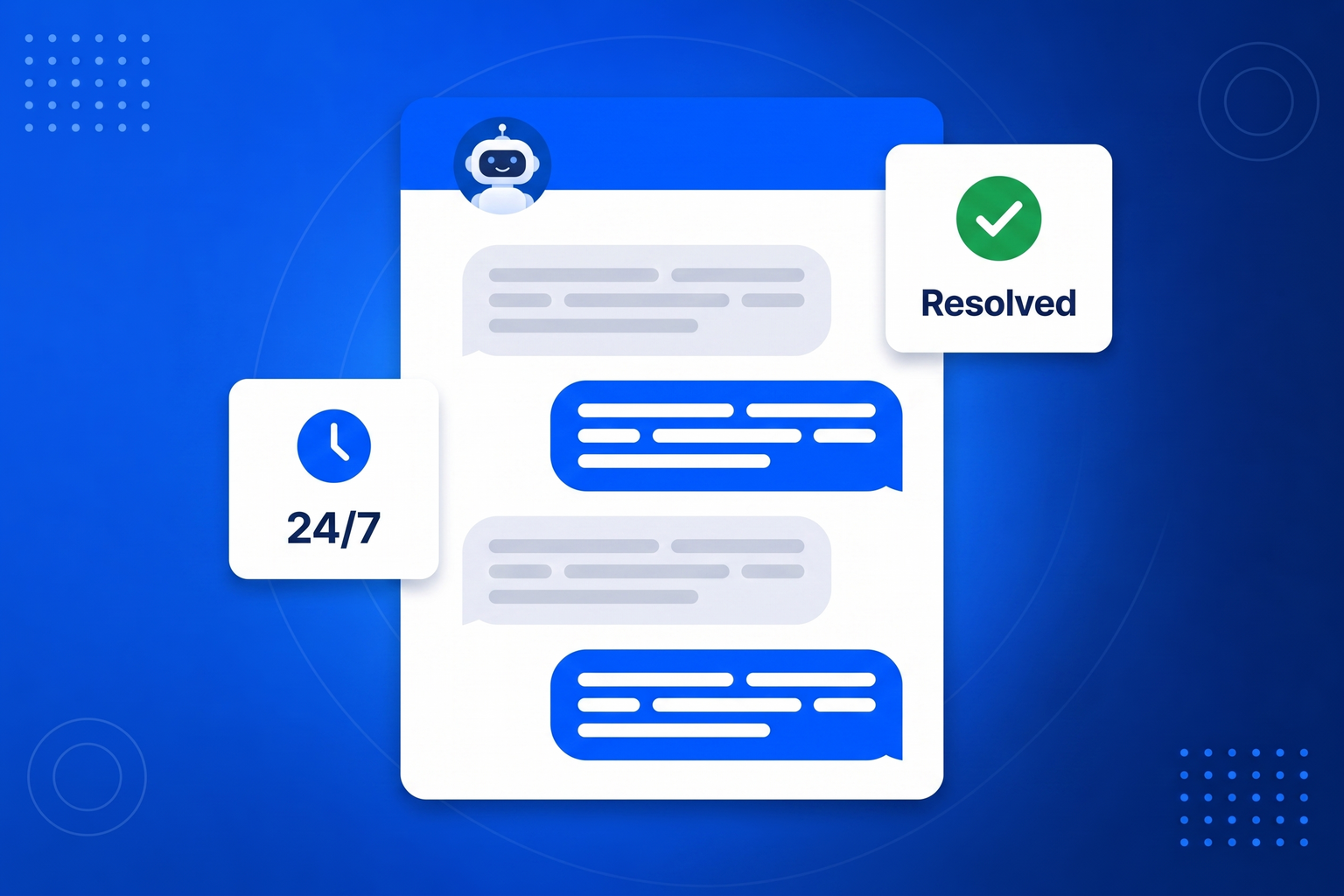
Look honestly at your support inbox and a pattern appears: a small number of questions account for most of the volume. Where are you, what are your hours, do you deliver to my area, how do I return this, what does it cost, is it compatible with the thing I already own. None of it is difficult, all of it is repetitive, and every one of those messages costs somebody a few minutes and the customer a wait. A customer service chatbot removes that layer. It answers from the knowledge you gave it, instantly, at any hour, and it does so in the language the visitor wrote in. What is left in your inbox is the work that actually needs a person. The design detail that matters most is what happens at the edge of its knowledge. This bot is explicitly instructed not to guess: when it does not know, it says so and offers to pass the question on, collecting the visitor’s name and email and emailing you a summary along with the full transcript. A support bot that invents an answer is worse than no bot at all, so this one is built to hand over rather than improvise.
Most people have a bot answering real questions on the same afternoon they start.
Generate a starting knowledge base from your website, then edit it. Add your FAQ, your useful links and anything else the bot should know.
Choose the greeting, the tone and the person conversations should be handed to. The bot is instructed never to guess at anything you have not told it.
Drop one snippet into your site. The chat widget appears, answers around the clock, and emails you whenever a conversation needs a human.
Most questions asked on a website are the same twenty questions. Answering them instantly, at three in the morning, is worth more than it sounds.
An answer in two seconds instead of two hours changes how competent your business feels.
The twenty questions you answer every week get answered without anybody being interrupted.
Most website visits happen outside office hours, which is exactly when nobody is at the desk.
Told plainly to say it does not know and hand over, rather than inventing a policy that costs you later.
Take the repetitive half of your support off the desk, and answer it better while you are at it.
Knowledge base, FAQ and links you control, generated from your site to start.
Evenings, weekends and holidays, when your competitors reply on Monday.
When it cannot answer, it takes contact details and emails you a summary.
It is instructed to say it does not know rather than guess at a price or a feature.
Visitors get answers in the language they wrote in.
A separate bot, knowledge and embed code for each website or client.
Read every chat, see what people actually ask, spot the gaps.
Correct a bad answer once and that bot takes the correction on board.
Same chatbot, same setup. These pages cover the jobs businesses hire it for most.
A tireless first responder that qualifies interest and hands you the good ones.
AI Sales AgentTurn the help articles nobody reads into answers people actually get.
Support ChatbotTurn anonymous browsers into named conversations you can follow up.
Lead Generation ChatbotAnswer the questions that stand between a browser and a decision.
Sales ChatbotA FAQ page nobody reads, turned into answers people actually receive.
FAQ ChatbotAnswer sizing, stock and delivery questions before the basket is abandoned.
Chatbot for EcommerceAnswer property questions and capture viewing interest while you are at a showing.
Chatbot for Real EstateThe always-available colleague a small business could never afford to hire.
Chatbot for Small BusinessIt is a chat widget on your website that answers customer questions automatically using knowledge you have given it, and passes anything it cannot answer to a human.
It is explicitly instructed not to. When something falls outside what you told it, the bot says it does not have that answer and offers to send the question to you instead of guessing.
It asks for the visitor’s name and email, then emails you their details, the page they were on, a summary of the conversation and a link to the full transcript.
Yes. It replies in whatever language the visitor writes in, which quietly widens who you can serve.
Usually an afternoon. You generate a starting knowledge base from your website, edit it, add your FAQ, then paste one embed snippet into your site.
Your subscription includes a full toolkit. Here are a few:
Turn PDFs into interactive, shareable flipbooks.
Create clean, engaging slide presentations online.
Shoppable, shareable photo galleries that sort themselves by interest.
Collect ratings and feedback with simple, embeddable widgets.
See traffic and conversions in one simple view.
Let visitors book appointments straight into your calendar.
Branded short links you can repoint anytime, with click stats.
Capture emails with popups, floating bars and slide-ins.
Show your Instagram, TikTok and Facebook posts on your site.
Answer visitor questions 24/7 and hand over real leads.
Run promotions where visitors act to win and spread the word.
Send newsletters and simple automations to your leads.
Publish articles with built‑in testing and engagement tracking.