
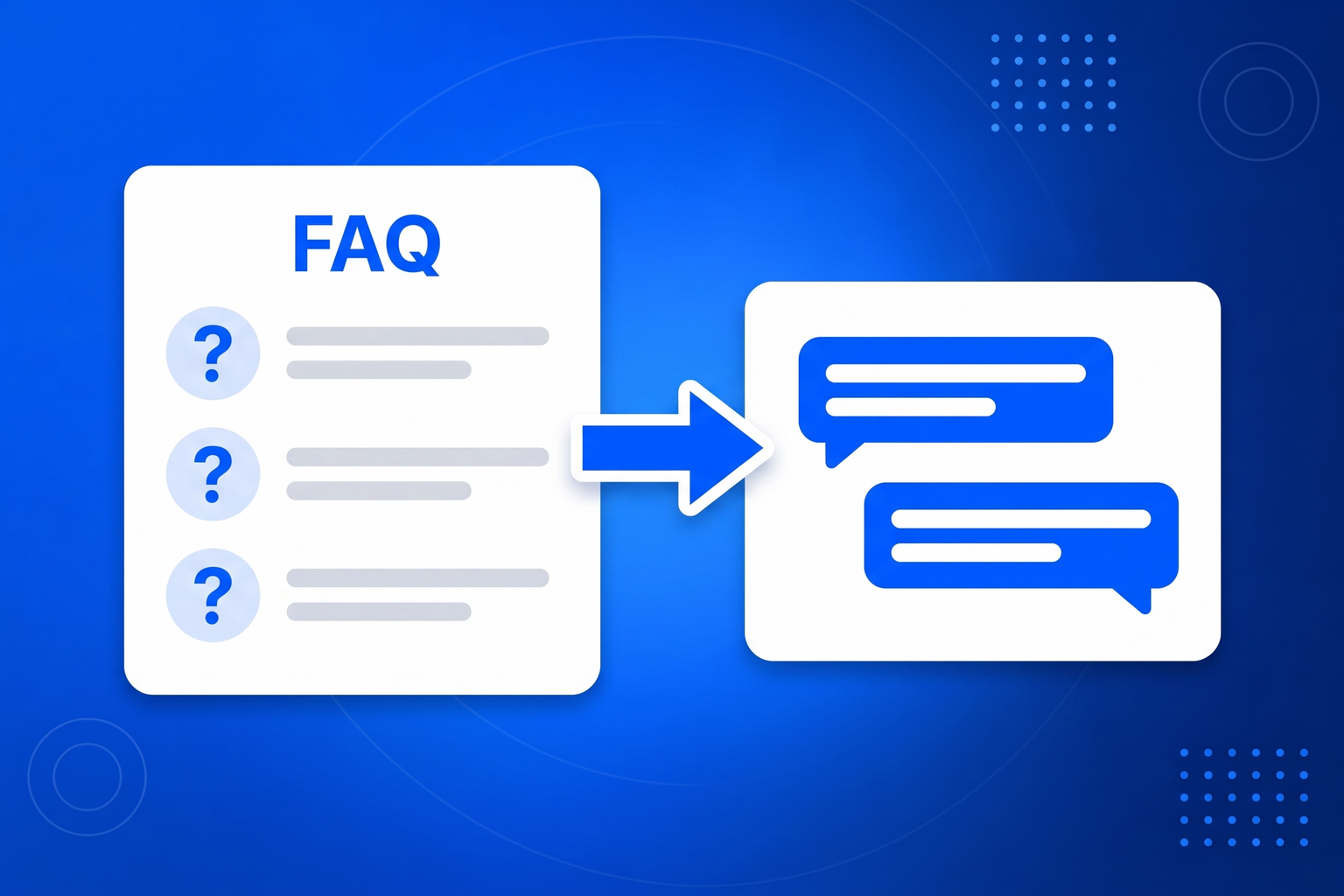
A FAQ page is a reasonable idea implemented in the least convenient possible way. It asks the reader to scan a list of questions written in your phrasing, find the one nearest to their own, and expand it. If their question is worded differently, which it usually is, they conclude it is not covered and leave or email you. A FAQ chatbot keeps the content and throws away the interface. You paste the questions and answers you already wrote, and the bot matches on meaning rather than wording, so someone asking whether you can come out on a Saturday gets your weekend availability answer even though the word Saturday appears nowhere in it. Setup is about as fast as this tool gets, since most businesses already have the material sitting in a page or a document. There is a useful side effect too: the conversation log becomes a list of the questions people ask that your FAQ never answered, which is a far better guide to what to write next than guessing.
Most people have a bot answering real questions on the same afternoon they start.
Generate a starting knowledge base from your website, then edit it. Add your FAQ, your useful links and anything else the bot should know.
Choose the greeting, the tone and the person conversations should be handed to. The bot is instructed never to guess at anything you have not told it.
Drop one snippet into your site. The chat widget appears, answers around the clock, and emails you whenever a conversation needs a human.
Most questions asked on a website are the same twenty questions. Answering them instantly, at three in the morning, is worth more than it sounds.
Visitors phrase things their own way, and the bot still finds the answer you wrote.
If you already have a FAQ, you already have most of the configuration.
The transcripts show exactly what your FAQ never covered.
The questions that filled your inbox get answered before they reach it.
The answers already exist. This is about making sure they reach the person asking.
Knowledge base, FAQ and links you control, generated from your site to start.
Evenings, weekends and holidays, when your competitors reply on Monday.
When it cannot answer, it takes contact details and emails you a summary.
It is instructed to say it does not know rather than guess at a price or a feature.
Visitors get answers in the language they wrote in.
A separate bot, knowledge and embed code for each website or client.
Read every chat, see what people actually ask, spot the gaps.
Correct a bad answer once and that bot takes the correction on board.
Same chatbot, same setup. These pages cover the jobs businesses hire it for most.
Answer the same twenty questions instantly, at any hour, without hiring anyone.
Customer Service ChatbotA tireless first responder that qualifies interest and hands you the good ones.
AI Sales AgentTurn the help articles nobody reads into answers people actually get.
Support ChatbotTurn anonymous browsers into named conversations you can follow up.
Lead Generation ChatbotAnswer the questions that stand between a browser and a decision.
Sales ChatbotAnswer sizing, stock and delivery questions before the basket is abandoned.
Chatbot for EcommerceAnswer property questions and capture viewing interest while you are at a showing.
Chatbot for Real EstateThe always-available colleague a small business could never afford to hire.
Chatbot for Small BusinessA chat widget that answers visitor questions using your existing frequently asked questions, matching on what the person means rather than the exact wording you used.
No. Paste what you already have. The bot works from your answers as written, and you can refine them later.
It says it does not have that answer and offers to pass the question to you, collecting their name and email so you can reply.
A page requires the visitor to find their question among yours. A bot receives the question in the visitor’s own words and returns the relevant answer directly.
Yes. It replies in the language the visitor writes in, even when your FAQ is written in one language only.
Your subscription includes a full toolkit. Here are a few:
Turn PDFs into interactive, shareable flipbooks.
Create clean, engaging slide presentations online.
Shoppable, shareable photo galleries that sort themselves by interest.
Collect ratings and feedback with simple, embeddable widgets.
See traffic and conversions in one simple view.
Let visitors book appointments straight into your calendar.
Branded short links you can repoint anytime, with click stats.
Capture emails with popups, floating bars and slide-ins.
Show your Instagram, TikTok and Facebook posts on your site.
Answer visitor questions 24/7 and hand over real leads.
Run promotions where visitors act to win and spread the word.
Send newsletters and simple automations to your leads.
Publish articles with built‑in testing and engagement tracking.