
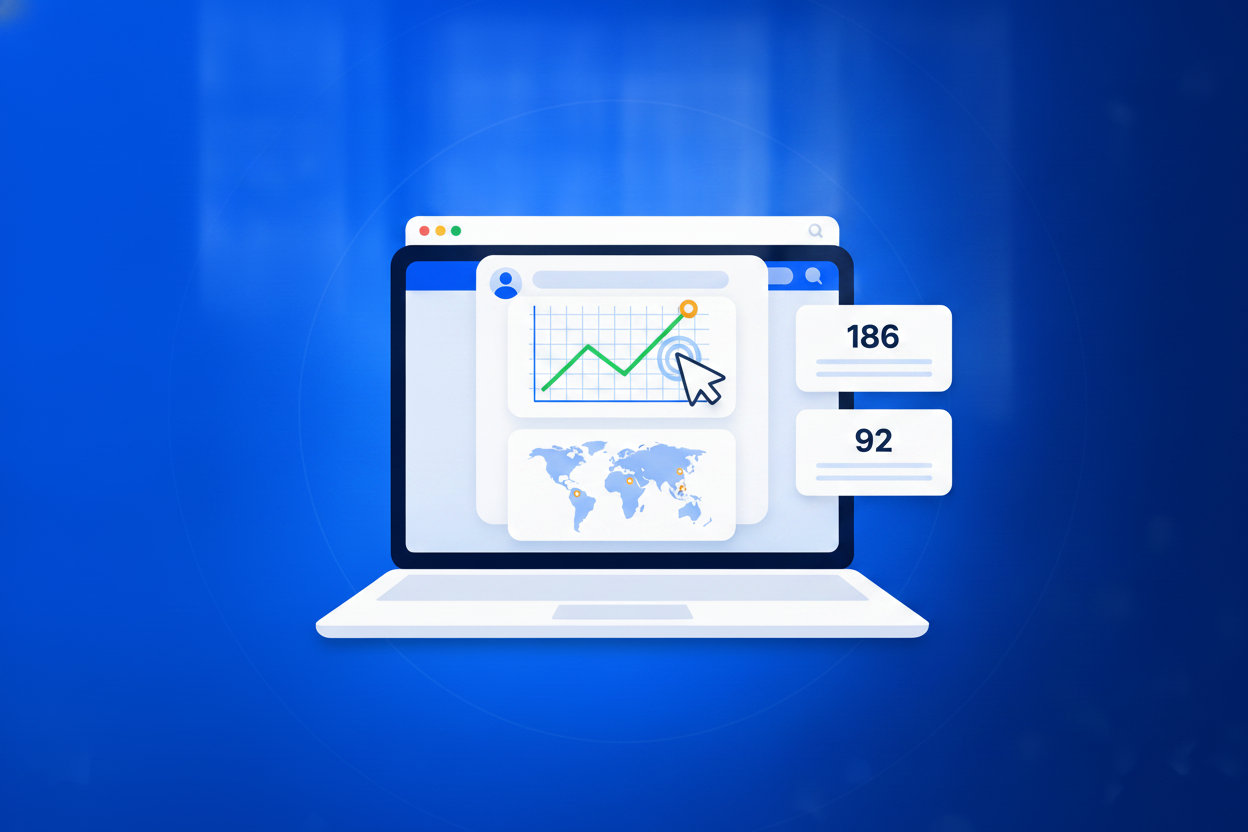
Most businesses know roughly how many people visited their website and almost nothing about how those people were persuaded to come. Link tracking closes that gap in the simplest possible way. Because every click passes through your smart link before it reaches your website, the link can count it, which means the measurement happens whether or not the destination is a page you control. That is the part ordinary website analytics cannot do. You can measure a link on someone else’s newsletter, a link on a printed poster, a link you read out on a podcast, a link in a private WhatsApp message. Create a separate link for each place you are about to share something, and within a week the click counts tell you which channels are worth your time and which ones you have been maintaining out of habit. It is honest, it is cheap, and it needs no tracking scripts on your website at all.

A working short link takes about thirty seconds, and you never have to touch it again.
Drop in the long web address you want to shorten. Anything with a link works: a landing page, a booking form, a PDF, a video, another BrandBits tool.
Type the ending you want, like /spring or /menu. The link lives on your own BrandBits web address, so it carries your brand instead of a stranger’s.
Copy the link into an email, a post, a flyer or a QR code. Clicks start counting immediately, and you can repoint the link whenever you like.
A short link looks like a small thing. What it really does is make the things you print, post and send permanently editable.
One link per channel turns a vague sense of what is working into a ranked list you can act on.
Counting happens at the redirect, so you add nothing to your pages and slow nothing down.
A poster, a business card or a spoken address can be measured the same way as a social post.
Link clicks sit alongside the rest of your BrandBits analytics rather than in yet another tool.
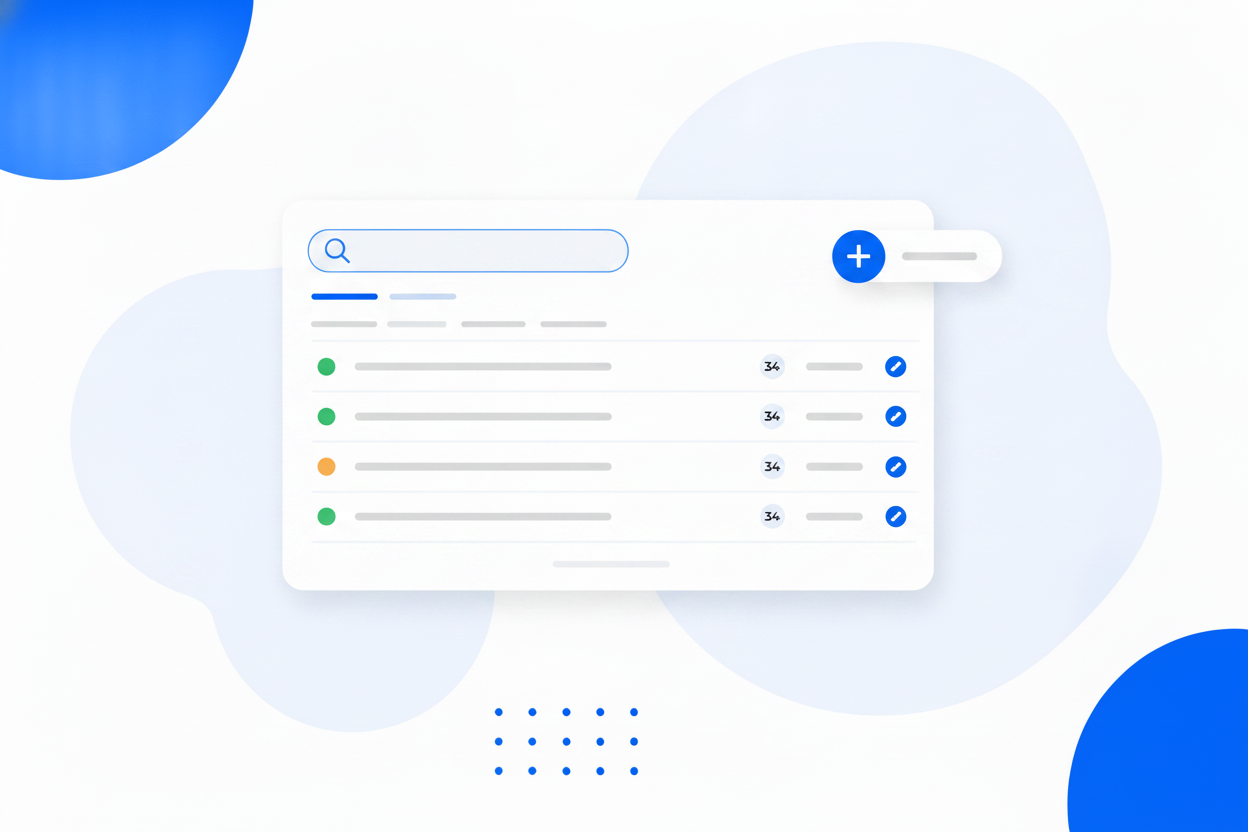
Once every link counts itself, questions you used to argue about start answering themselves.
Choose the ending yourself so the link reads like your brand, not random characters.
Change the destination whenever you want. The short address never changes.
See how many people clicked, and when, in your BrandBits analytics.
Put a password on a link so only the people you tell can reach the destination.
Set a date after which the link politely stops working.
Cap a link at a number of clicks, ideal for limited offers and private files.
Redirects are cached across 100+ datacentres, so they resolve almost instantly anywhere.
Point a dynamic QR code at a smart link and you can change the destination twice over.
Every capability below is part of the same tool and included in every plan.
A short, memorable web address people can actually read out loud and type in.
Vanity URLOne fixed address, a destination you can change whenever the campaign changes.
Dynamic LinksShort links that carry your name instead of a shortening service nobody trusts.
Branded Short LinksShare something with the people who should see it and nobody else.
Password-Protected LinksEvery link your business shares, in one place, still under your control.
Link Management SoftwareWhen someone clicks your smart link they briefly pass through BrandBits before continuing to the destination. That moment is what gets counted, which is why the click is measured even when the destination is a page you do not control.
No. Link tracking needs no script, no plugin and no tag on your site. Creating the link is the whole setup.
Yes. Put a short link or a QR code pointing at one on a flyer, poster, receipt or business card, and every scan or typed visit is counted like any other click.
In your BrandBits analytics, alongside the rest of your tools, so link performance sits in the same place as everything else you measure.
No. Redirects are served from a cache spread across more than 100 datacentres, so the hop is effectively invisible to the person clicking.
Your subscription includes a full toolkit. Here are a few:
Turn PDFs into interactive, shareable flipbooks.
Create clean, engaging slide presentations online.
Shoppable, shareable photo galleries that sort themselves by interest.
Collect ratings and feedback with simple, embeddable widgets.
See traffic and conversions in one simple view.
Let visitors book appointments straight into your calendar.
Branded short links you can repoint anytime, with click stats.
Capture emails with popups, floating bars and slide-ins.
Show your Instagram, TikTok and Facebook posts on your site.
Answer visitor questions 24/7 and hand over real leads.
Run promotions where visitors act to win and spread the word.
Send newsletters and simple automations to your leads.
Publish articles with built‑in testing and engagement tracking.